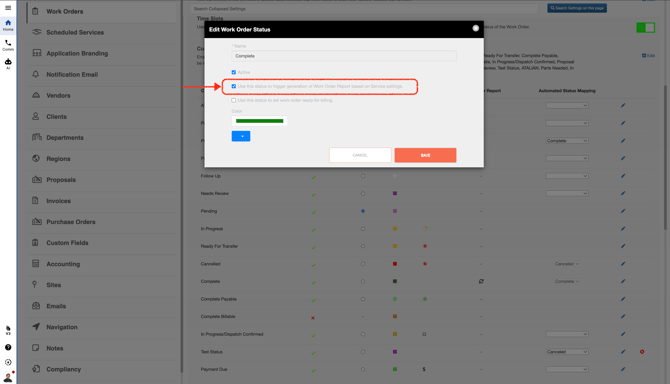
- Go to **Company Settings**, and when you add or update a **Custom Status**, be sure to check this box.
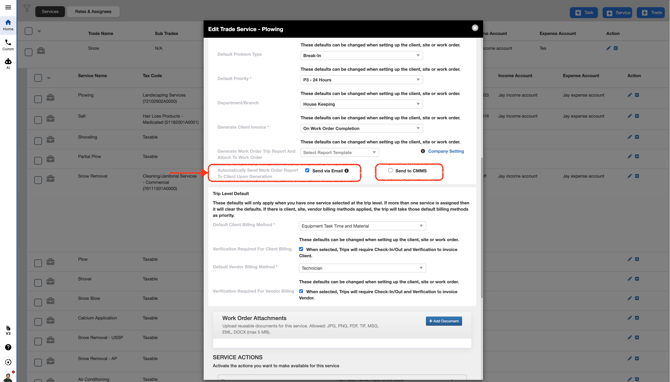
- Open the **Service** and make your edits. Then scroll down and be sure to check this box.
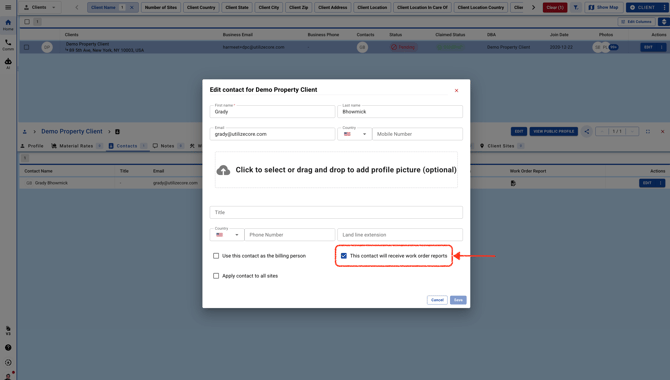
- When adding a **Client Contact**, be sure to check this box.
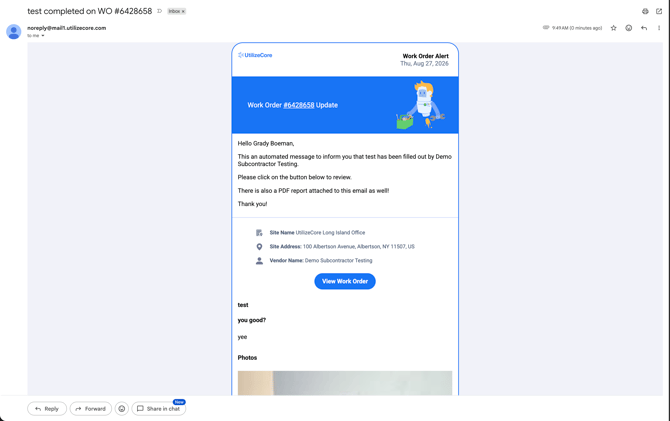
- Once the **Work Order Custom Status** is updated, and if the **Work Order report** option is selected for that status, the **Work Order report** will automatically be sent to the **Client Contact**. From the email, the **Client Contact** can scroll down to view the pictures and any **Custom Forms**.