
Once you log in to your UtilizeCore account, click the menu icon in the top-left corner. This will open the menu panel on the left, where you can expand or collapse sections and scroll through the options to find what you need.
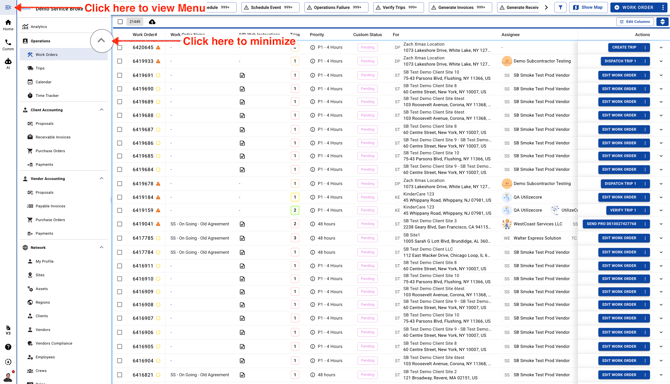
Once you log in to your UtilizeCore account, click the menu icon in the top-left corner. This will open the menu panel on the left, where you can expand or collapse sections and scroll through the options to find what you need.