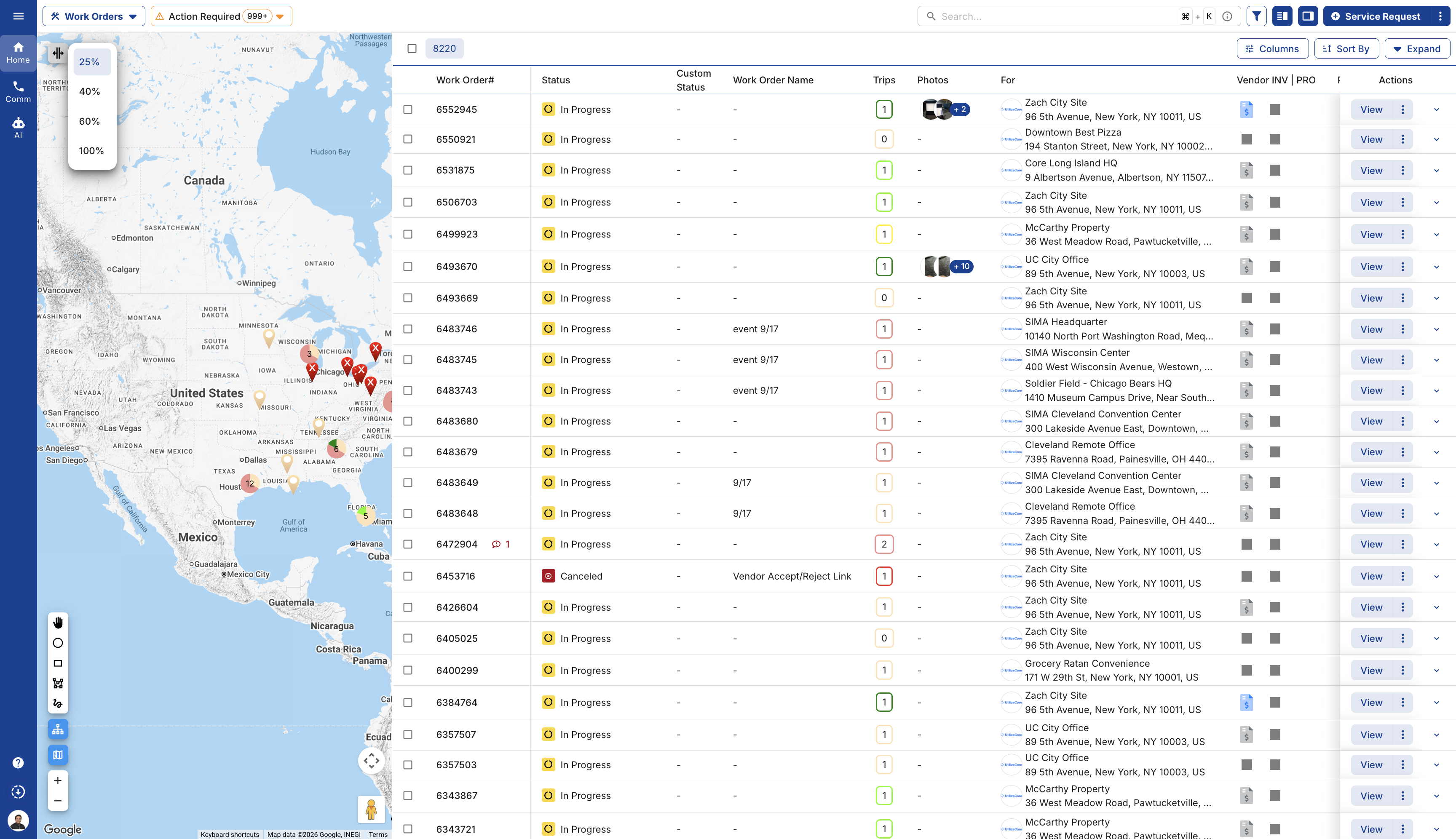
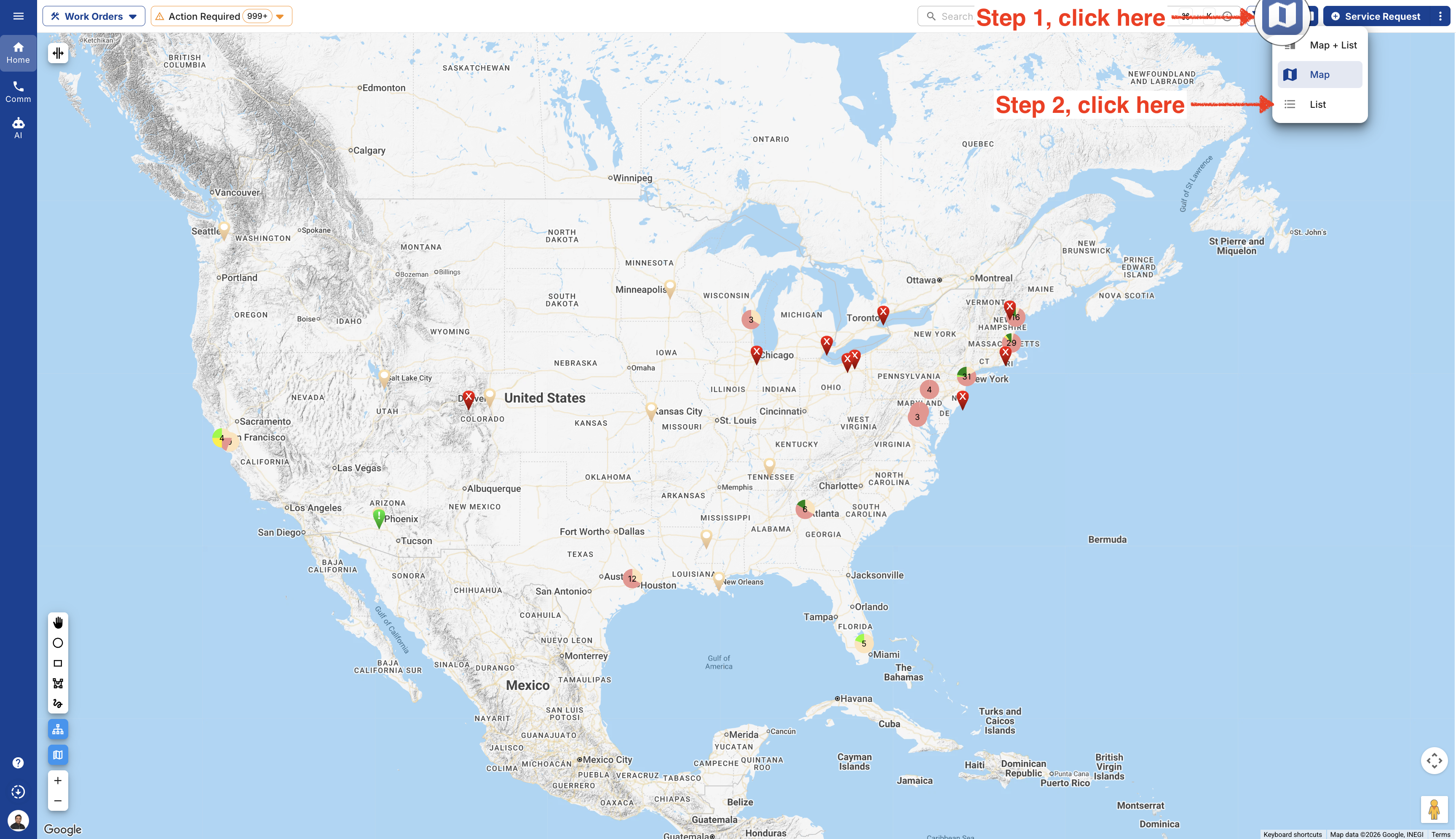
- If you don’t see a map on the page, just click the "List" button in the top-right corner and select Map.
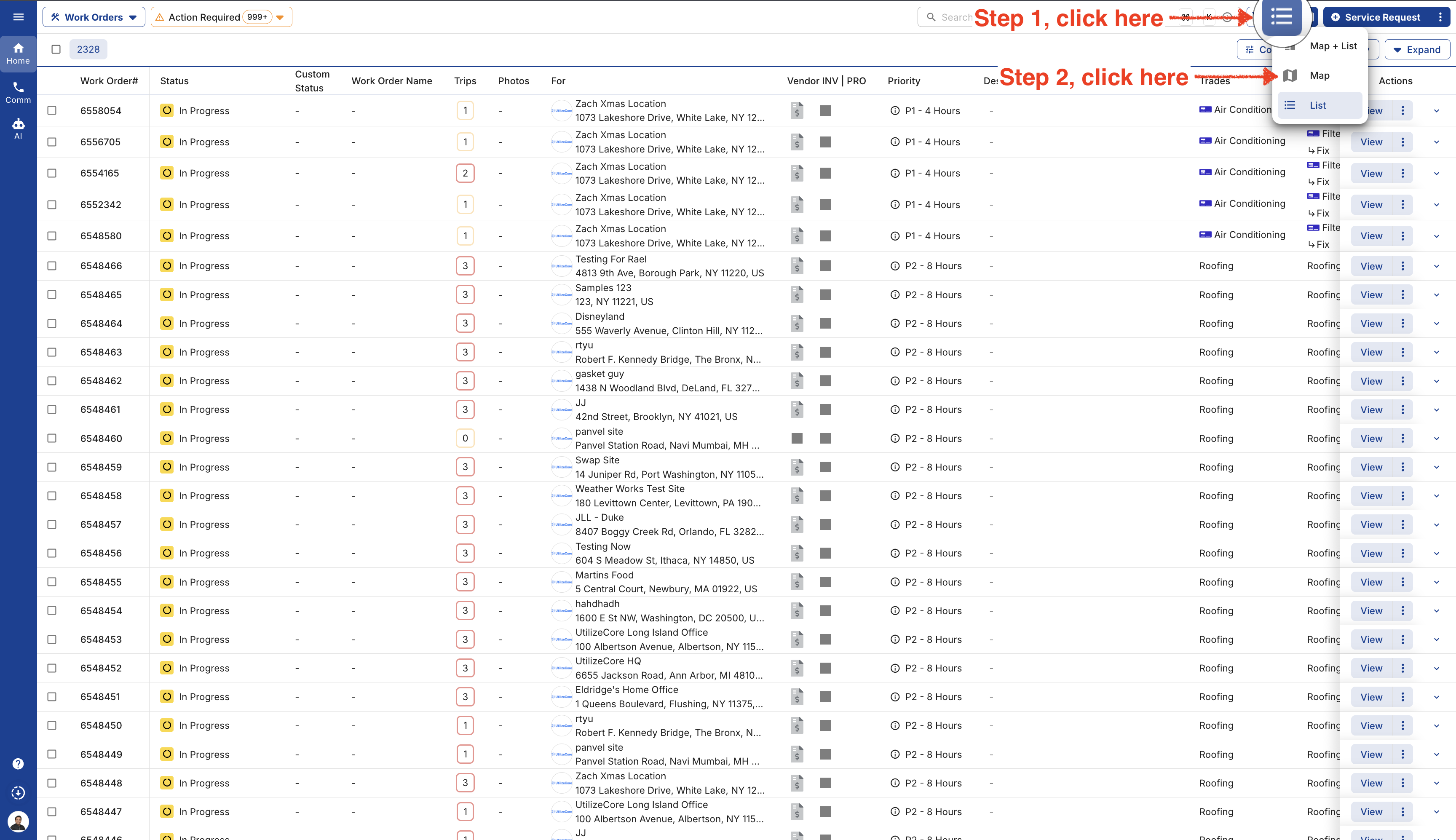
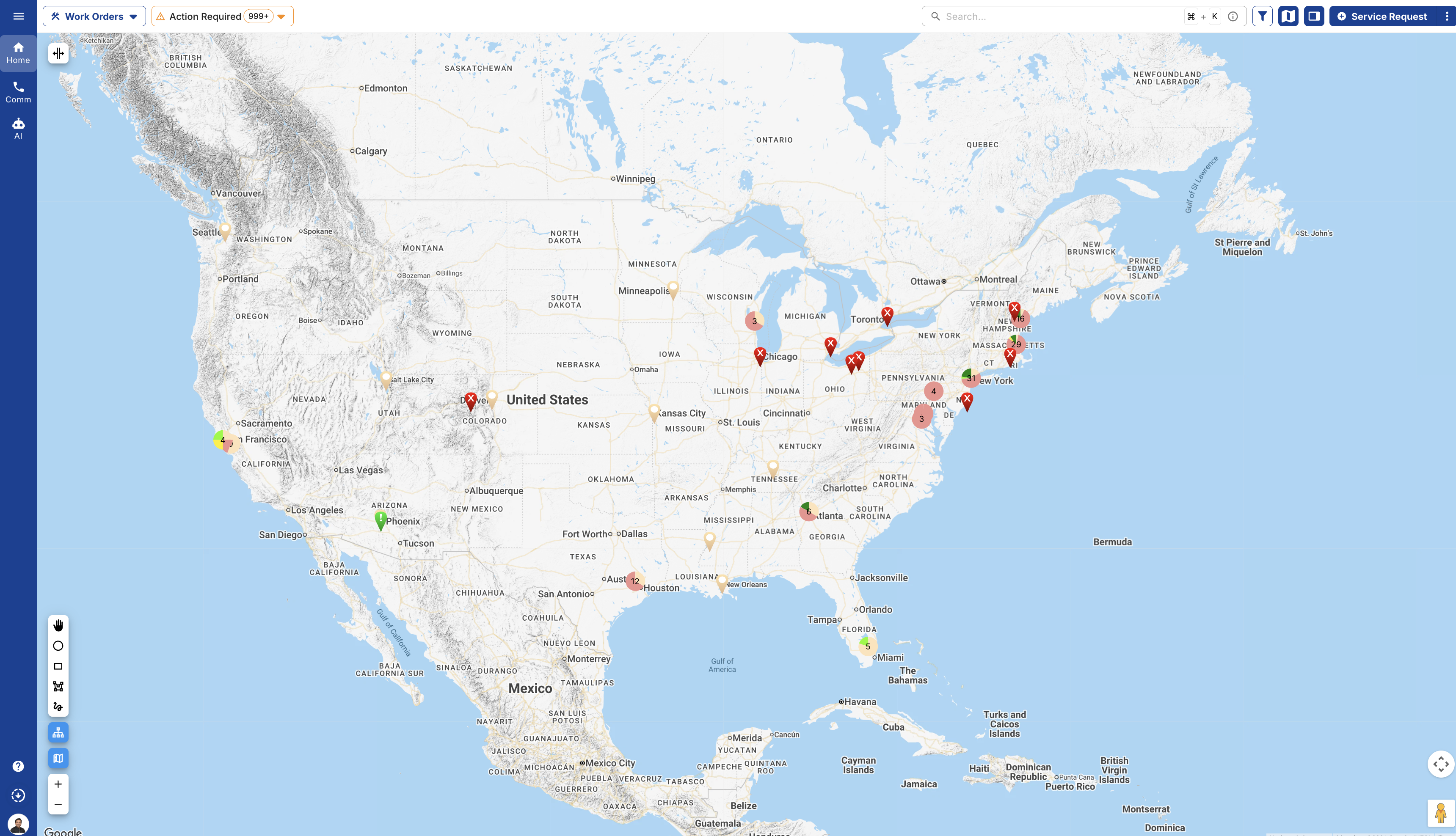
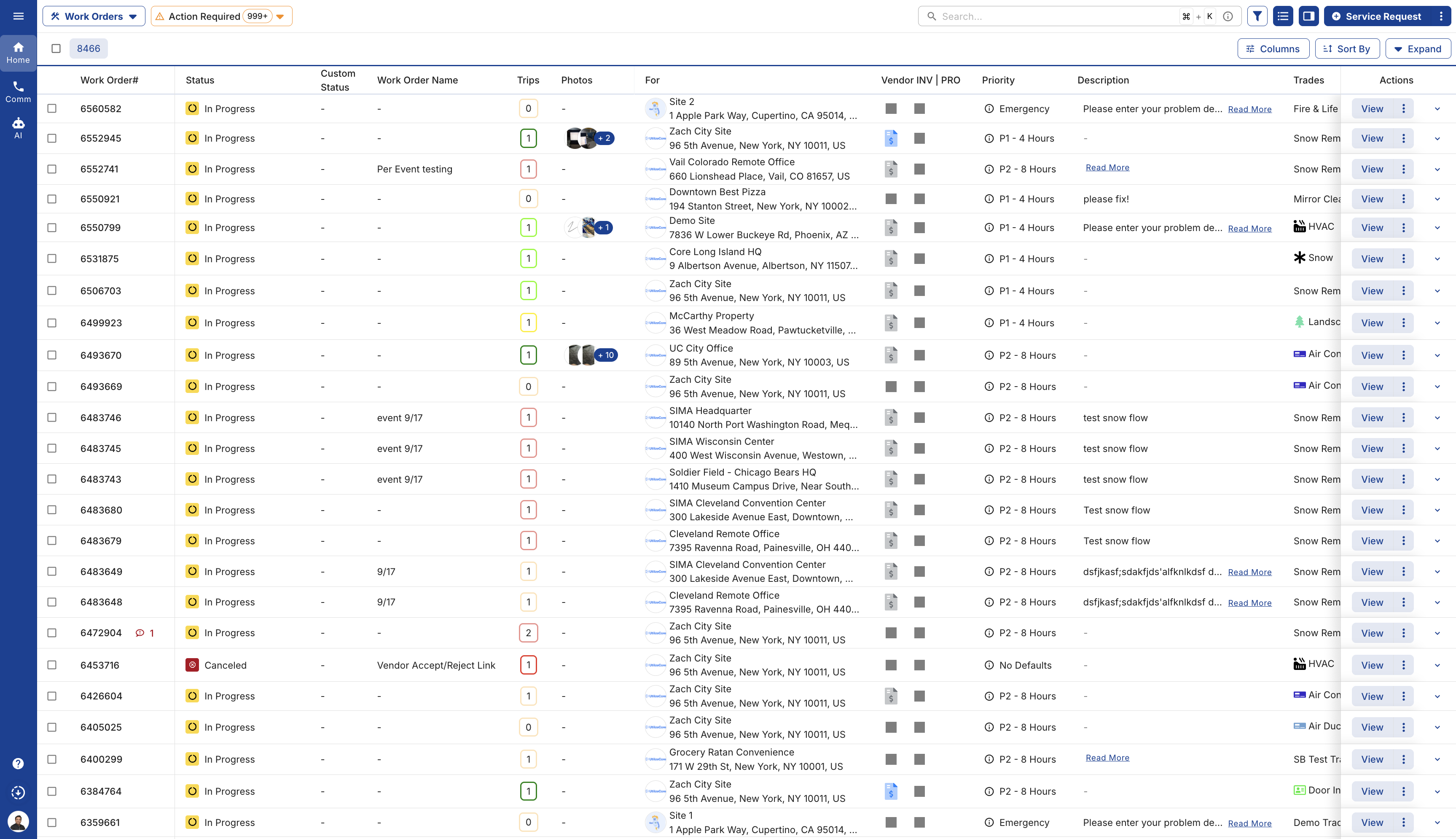
- If you’d like to hide the map on the page, just click the "List" icon in the top-right corner and select List.
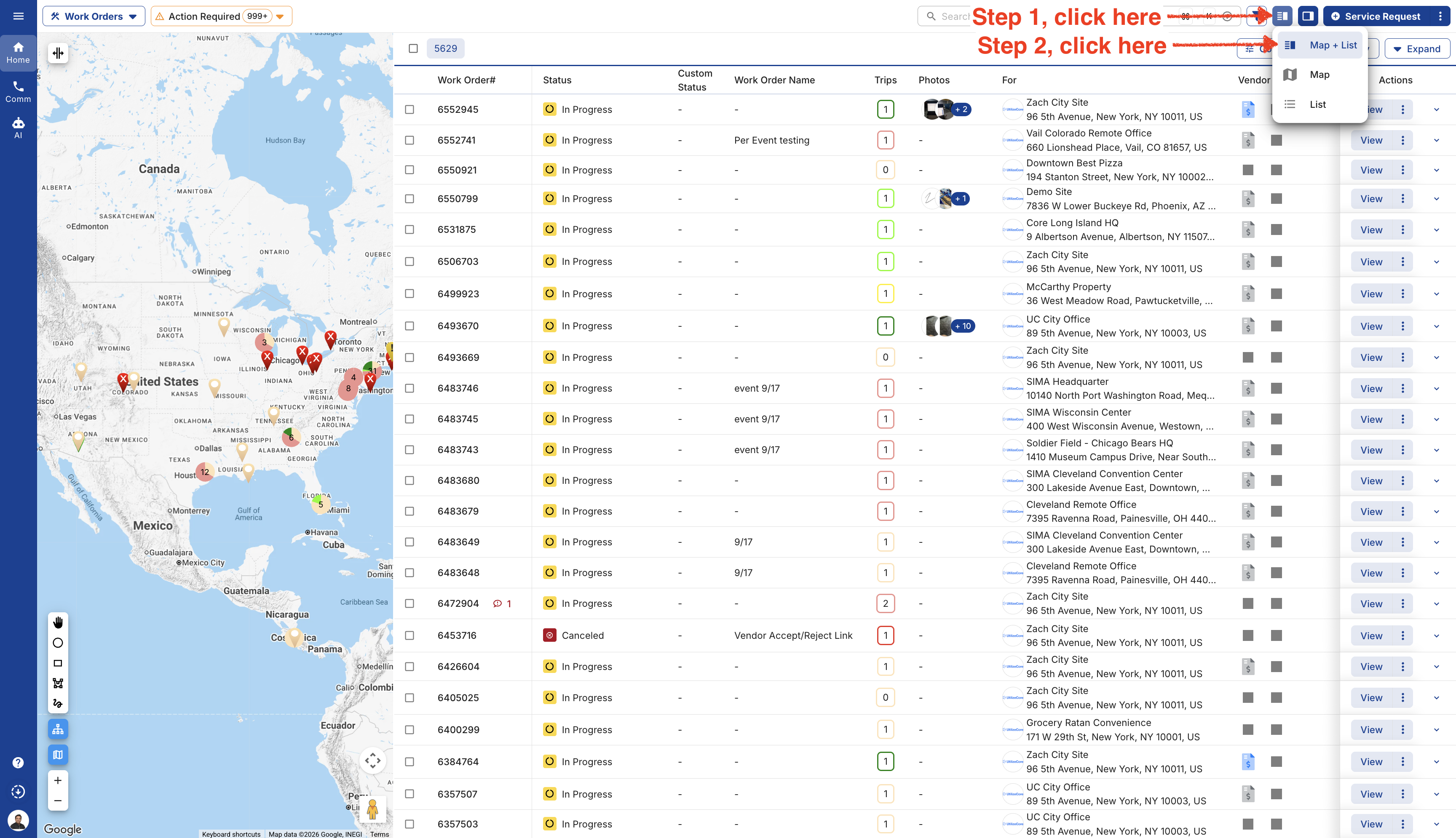
- Want to see your Work Orders List and Map together? Just click the List icon and select "Map + List."
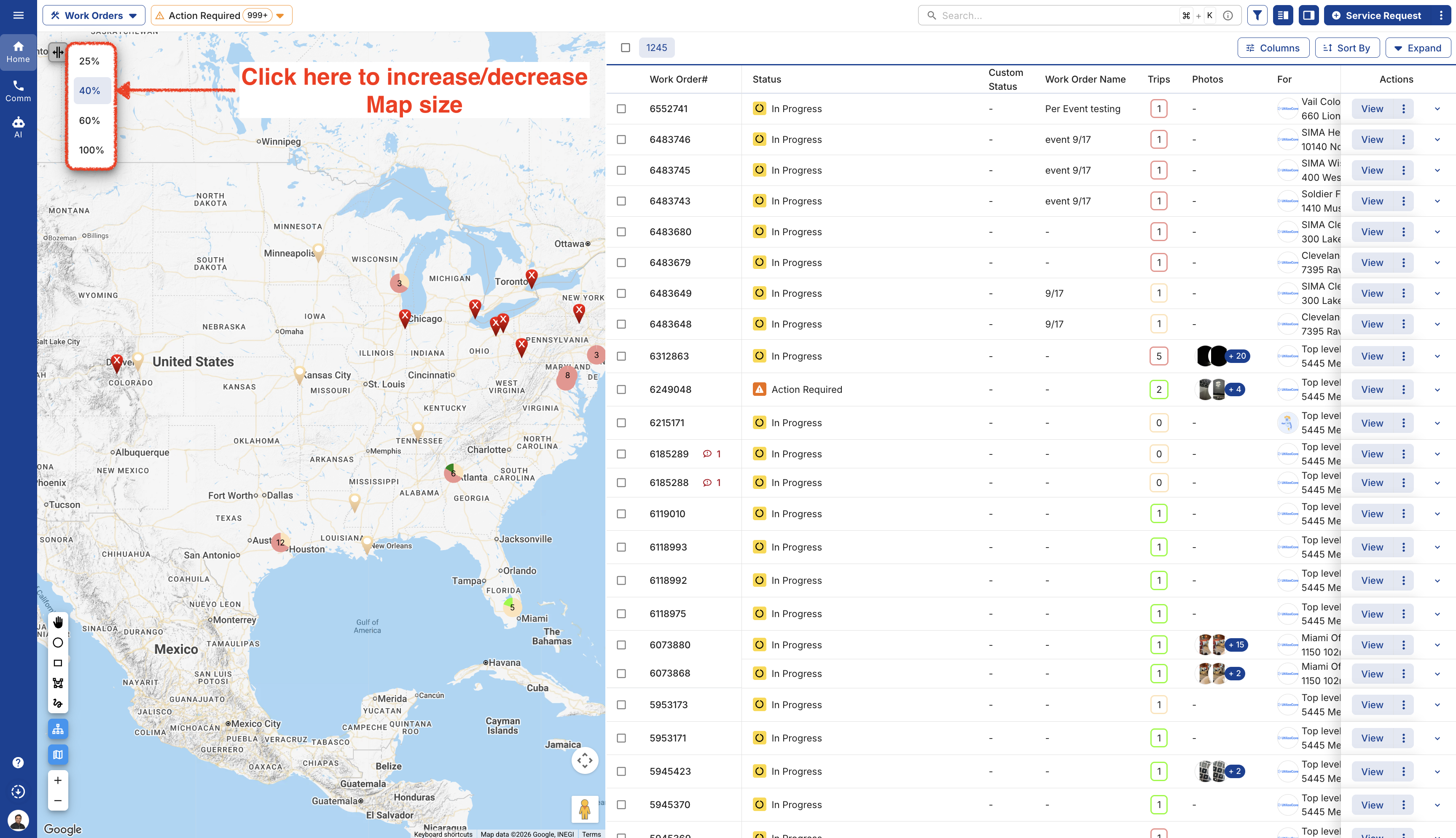
Click on the "Scale" icon to increase or decrease the Map size.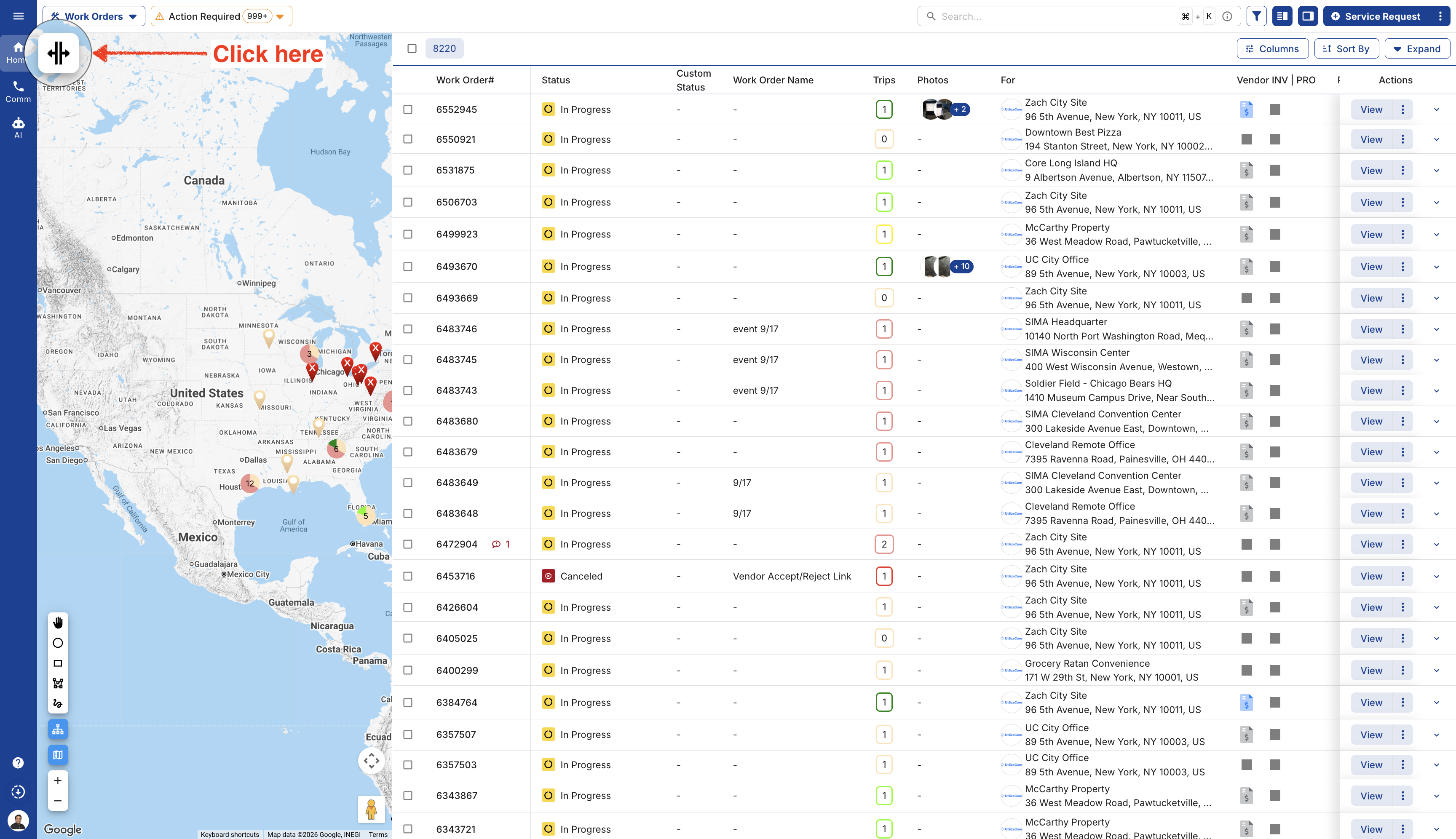
The default Map size will be 25%.