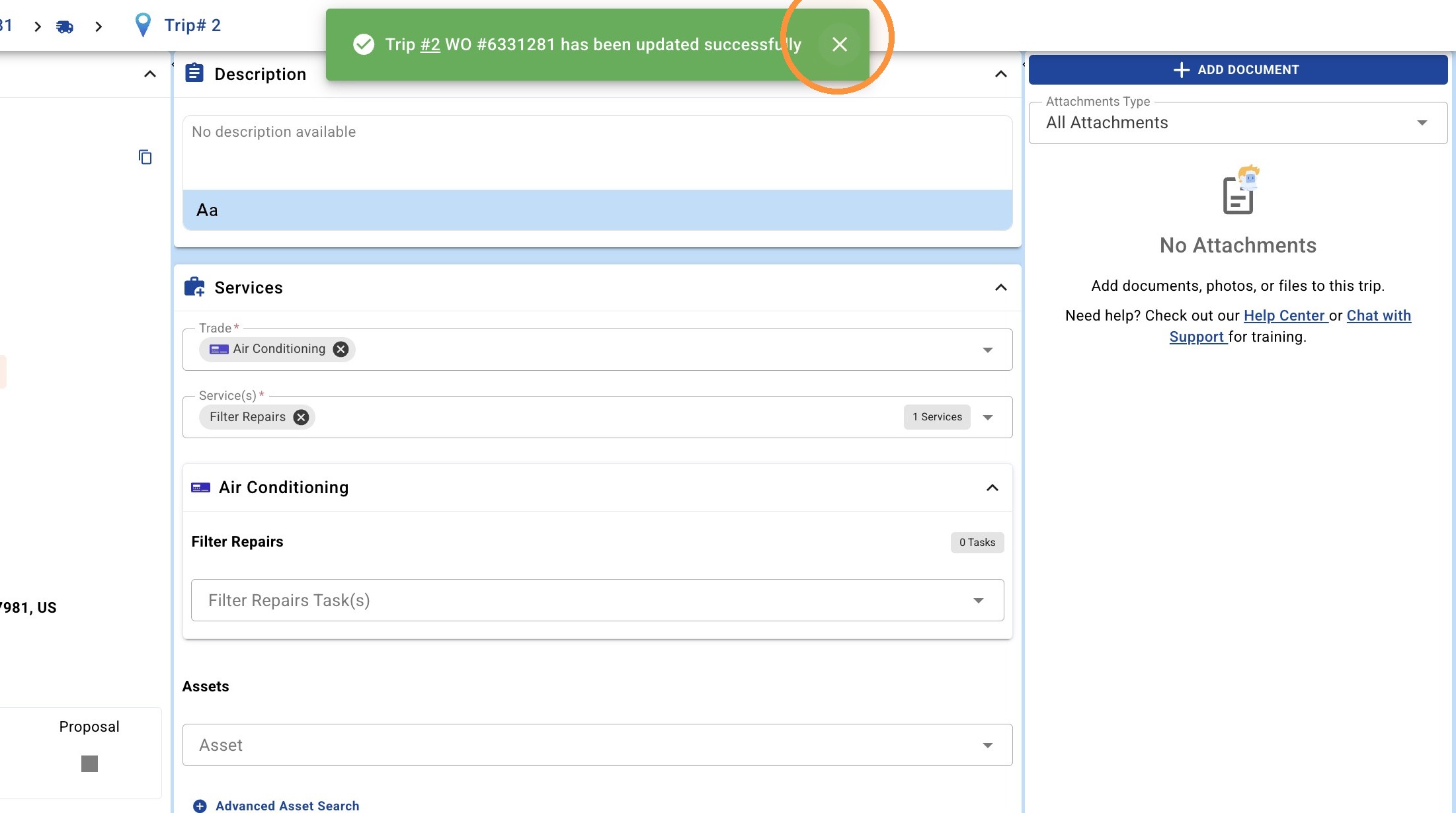
Initial Navigation
1. Click navigation menu icon
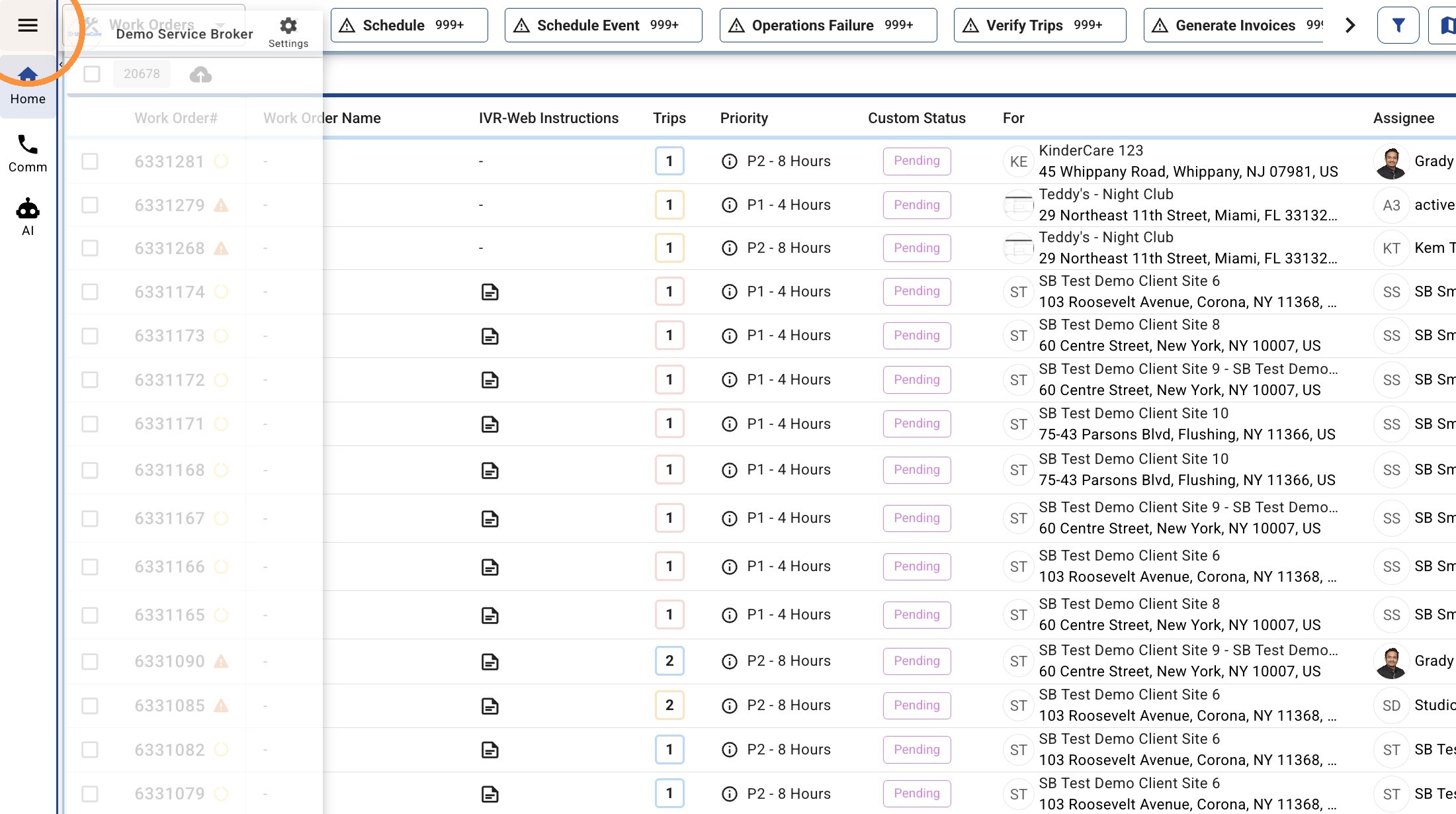
2. Click "Calendar"
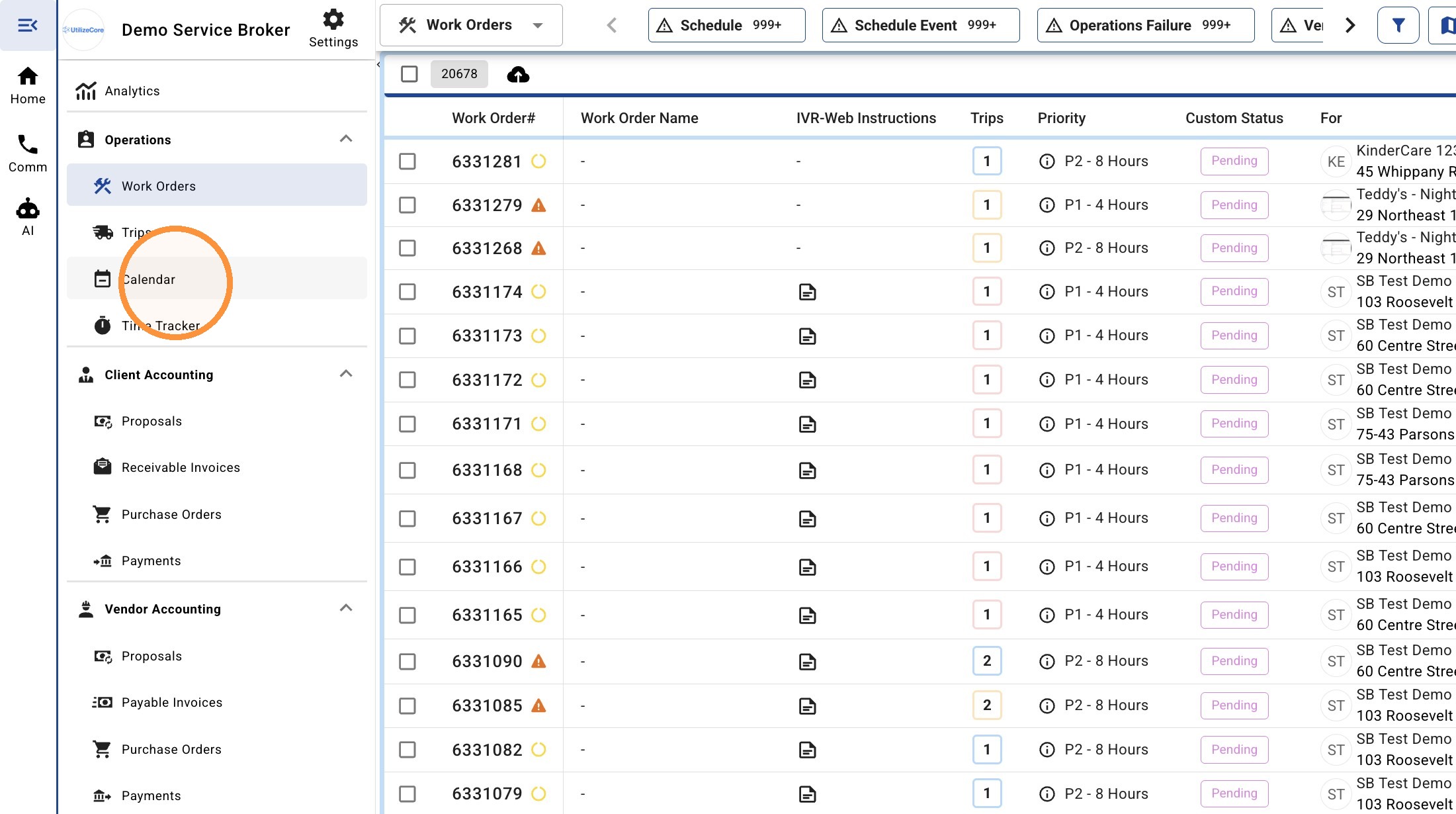
3. Click "Team Members"
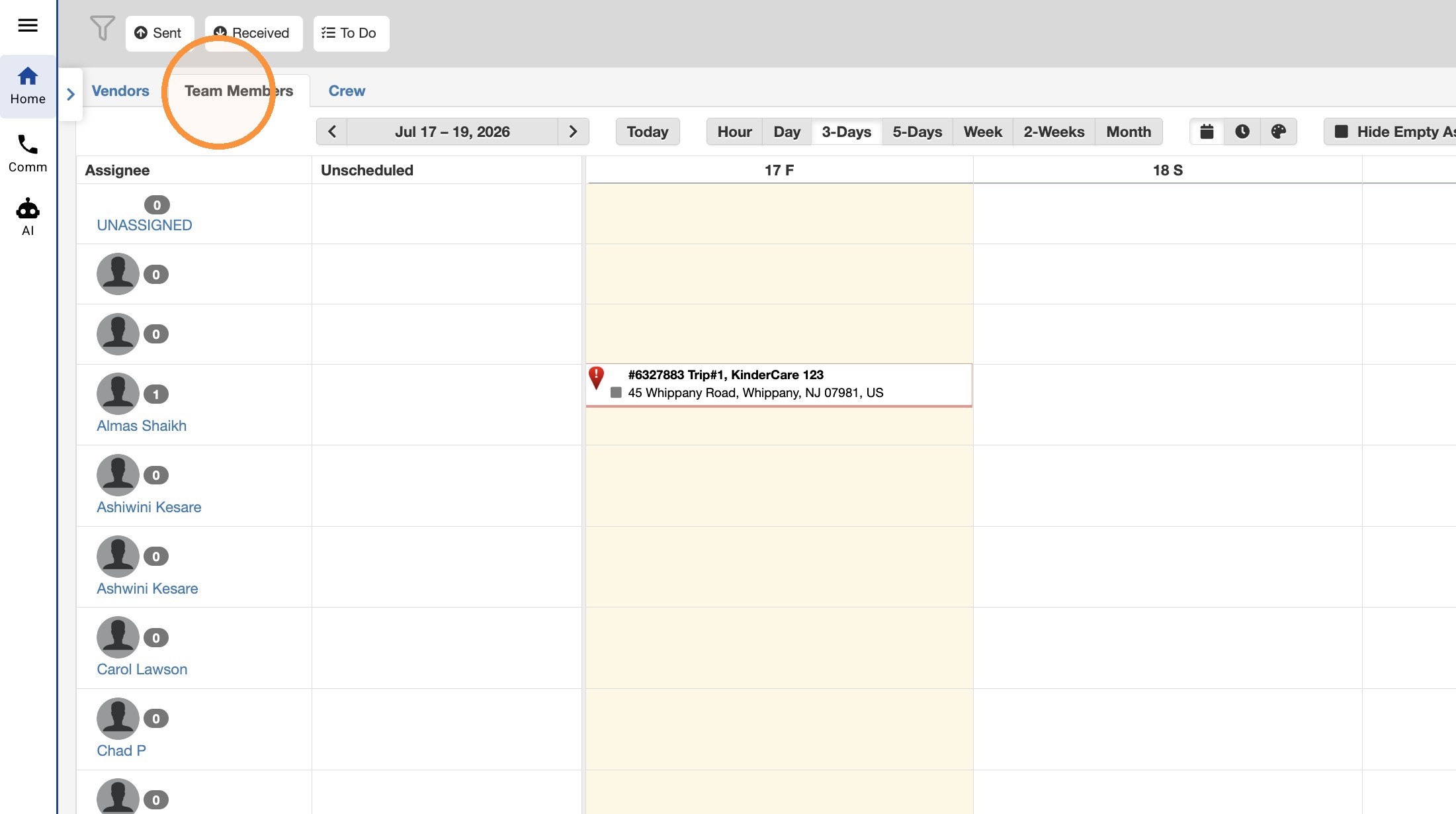
4. Click on the Work Order number to open details
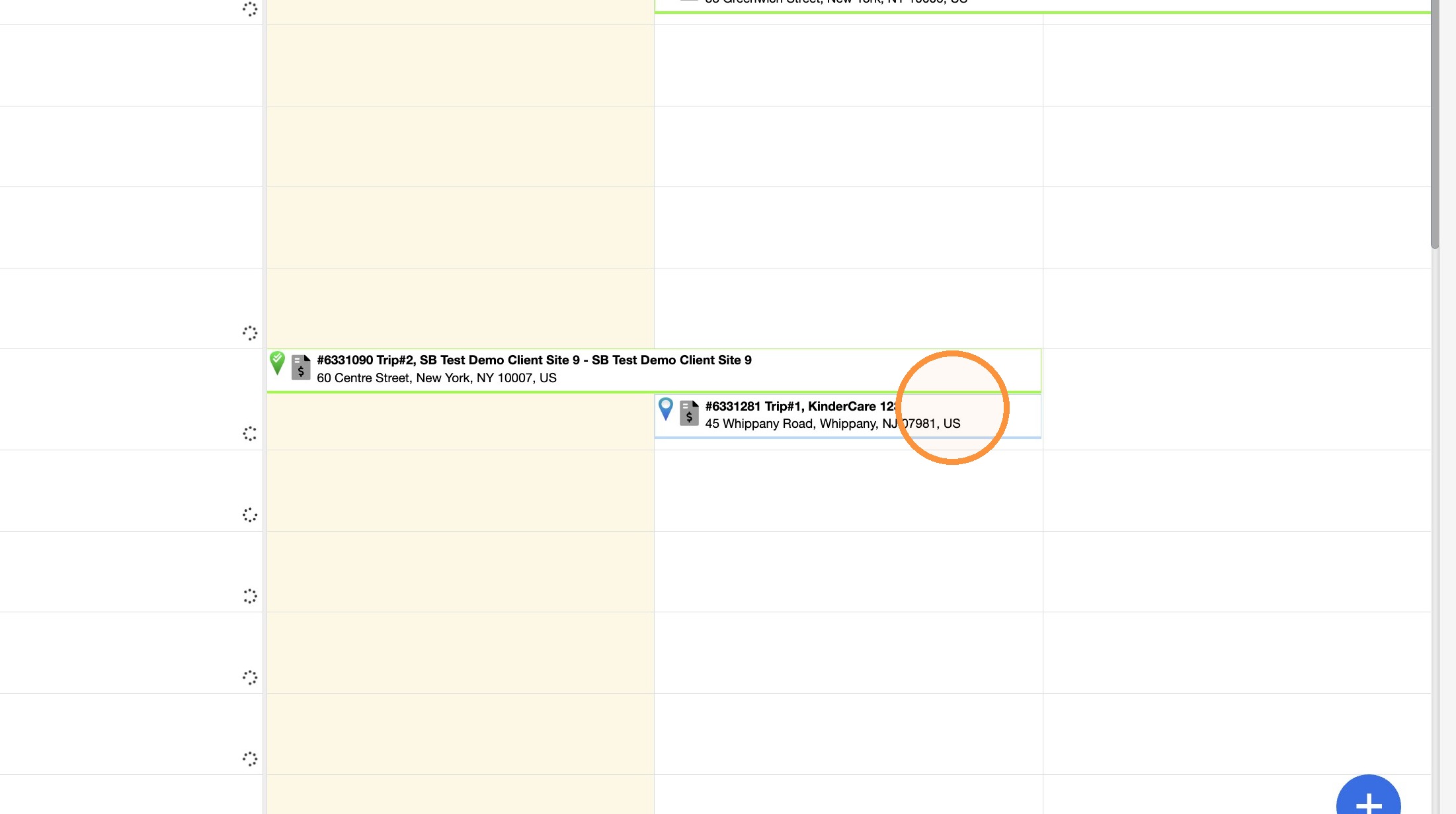
Trip Access
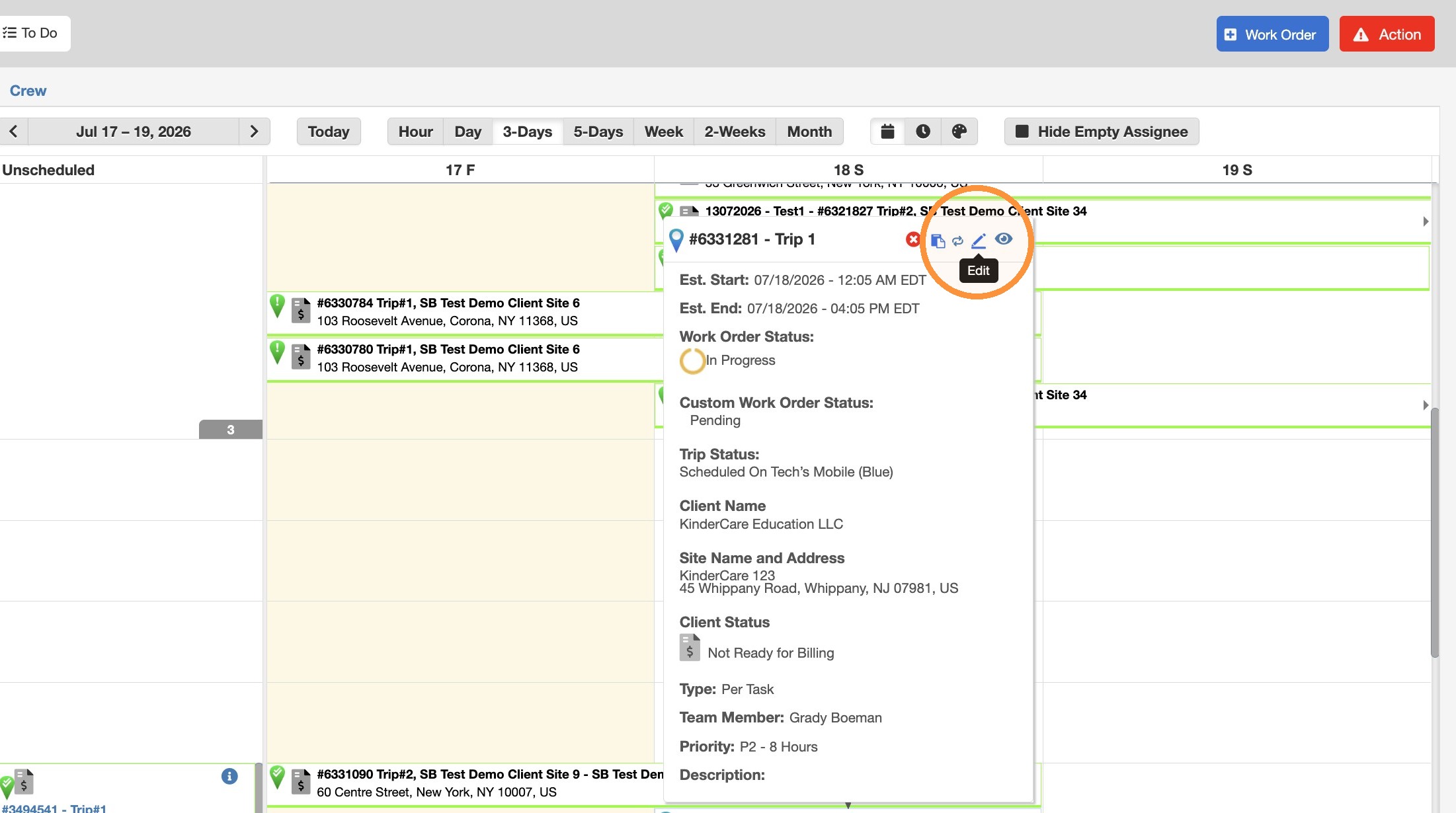
5. Select trip on calendar and click on Edit
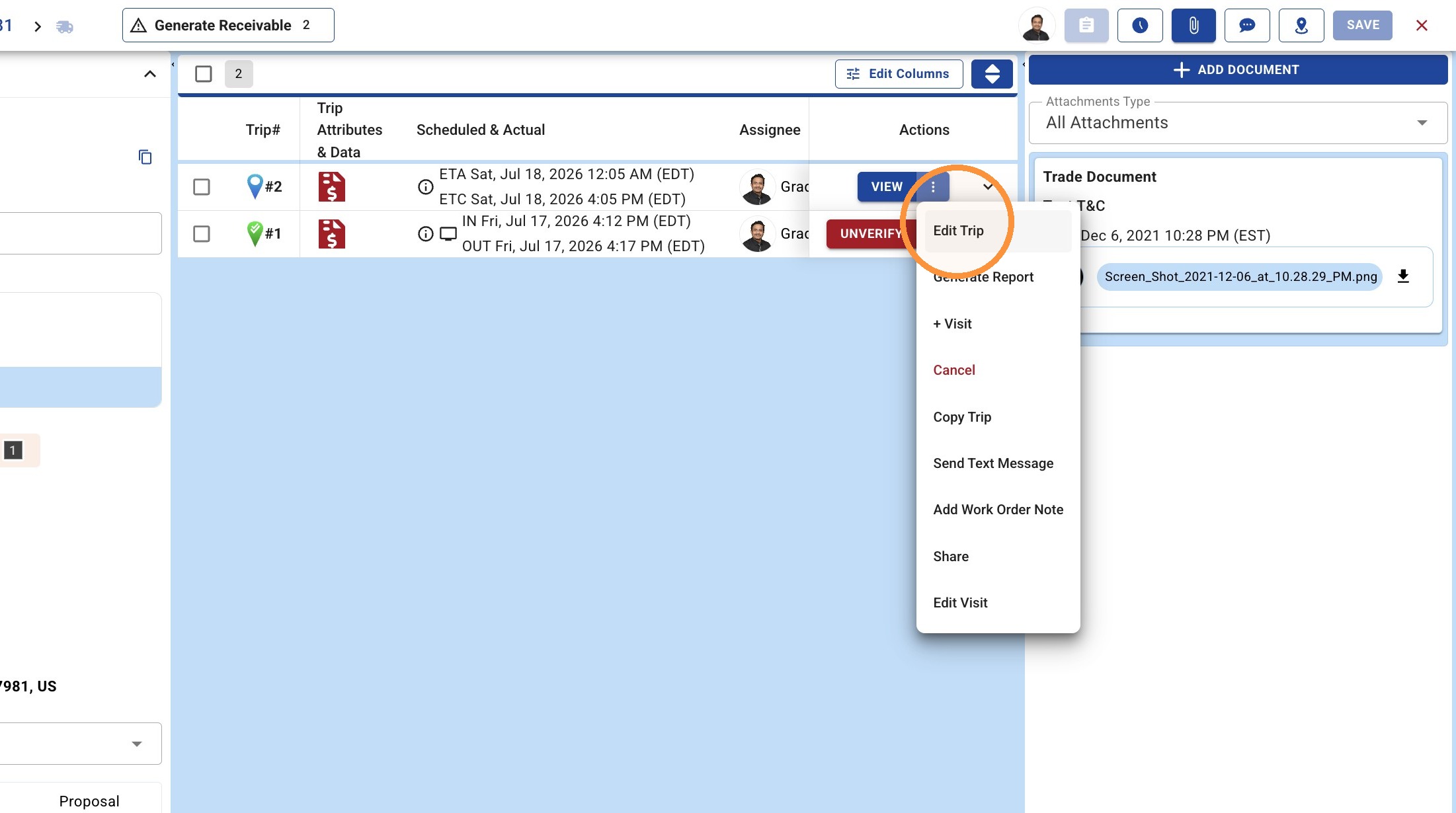
Visit Management
6. Click "Edit Trip"
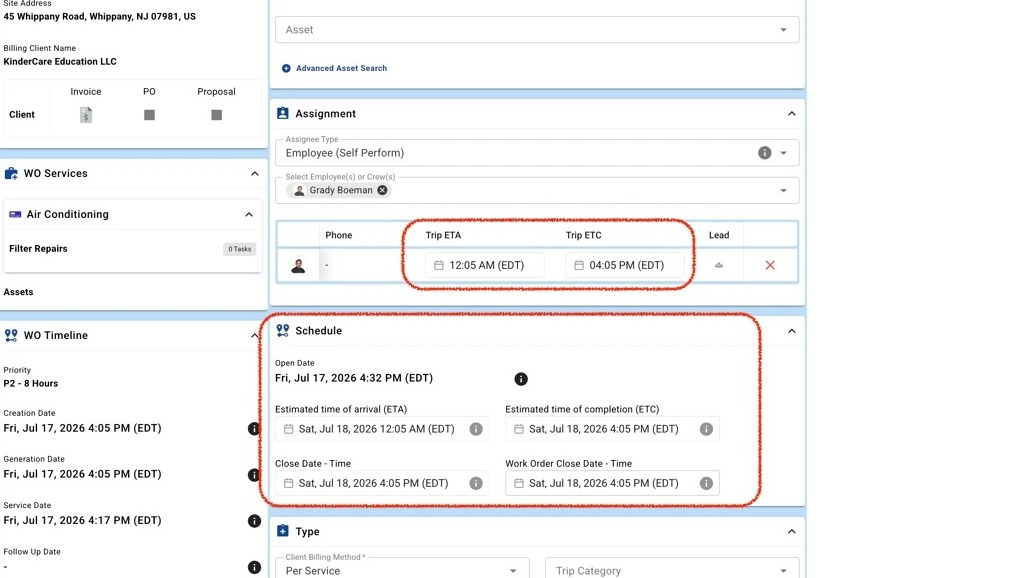
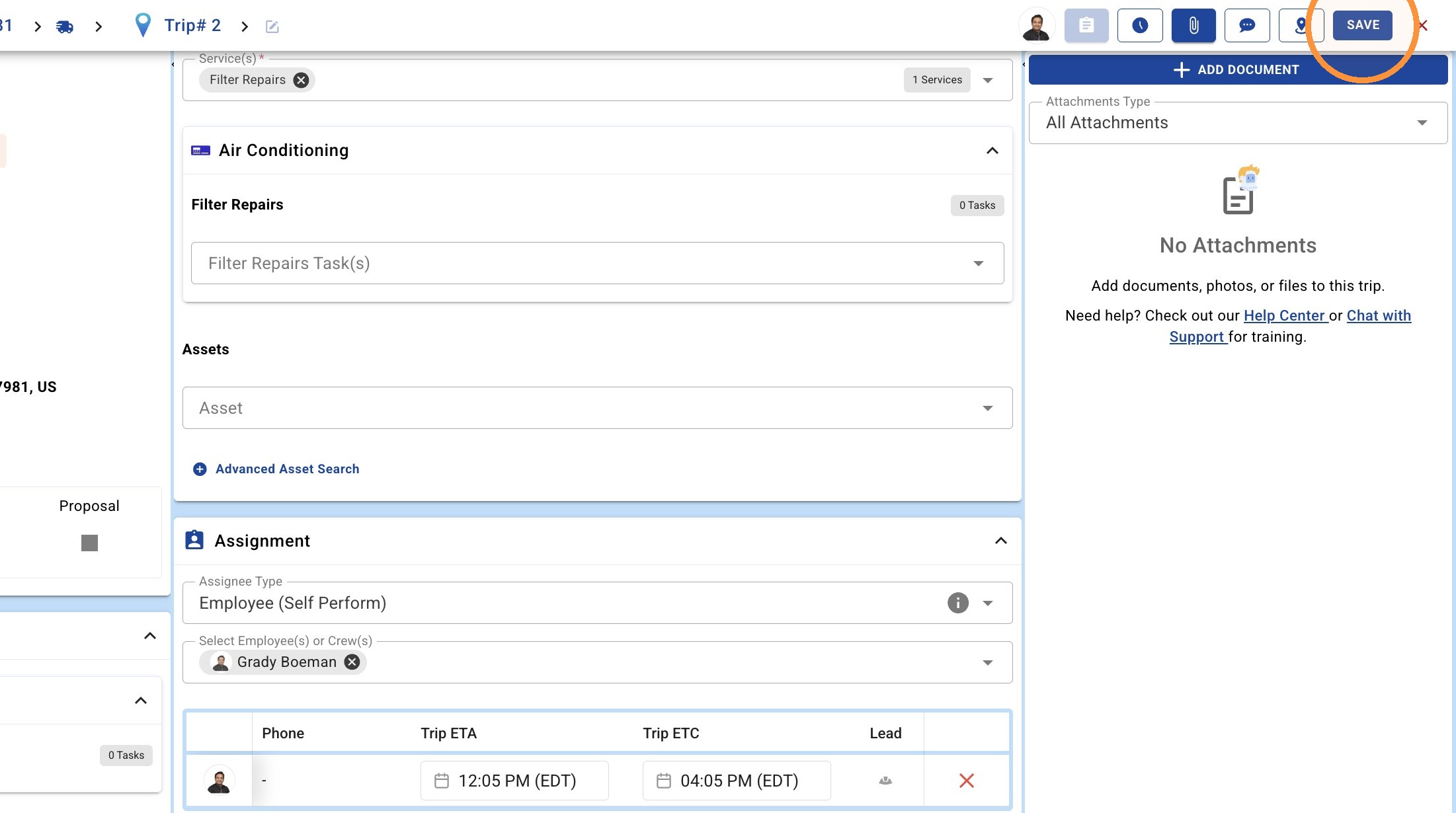
7. Edit the Schedule if you want to push the Trip for next day or after. Edit the Trip ETA and ETC for the Team Member if you want to push the time ahead for the same day
8. Click "SAVE"
9. Click this icon.