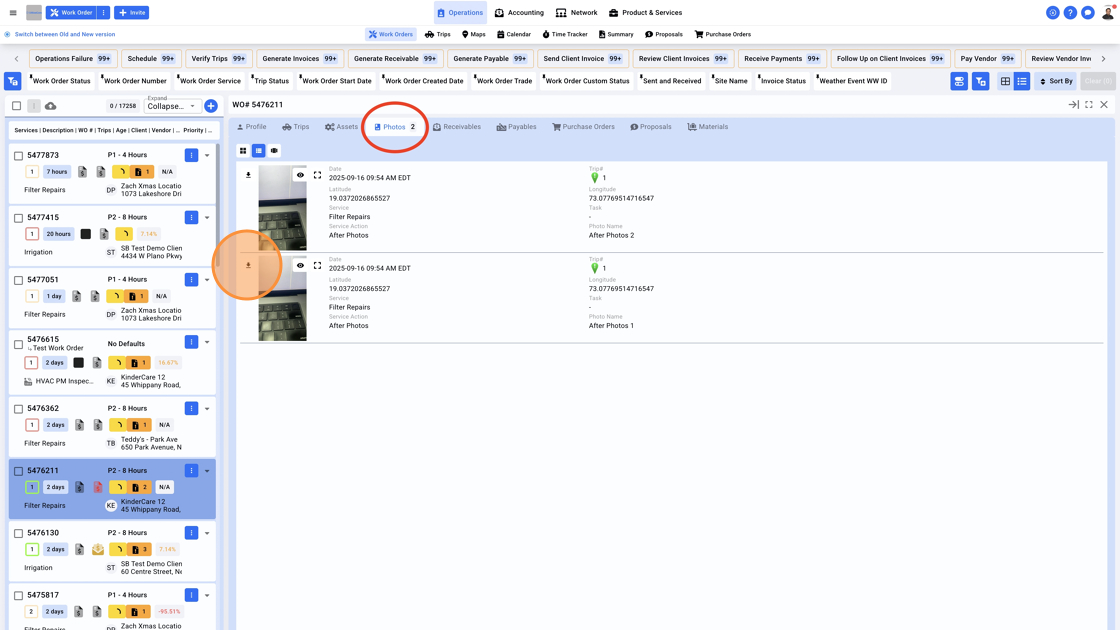
1. Click on "Operations" on the top center menu, and select "Work Orders" from the sub-menu. Click on the Work Order number to go to the Work Order details panel

2. Click on the "Photos" tab to view Photos for the Work Order. To download a photo, click on the Download icon. To maximize the photo size click on the "Expand" icon