- Head to the Work Orders page and use the filters to find Work Orders with Trips in the "Verification Required" status.
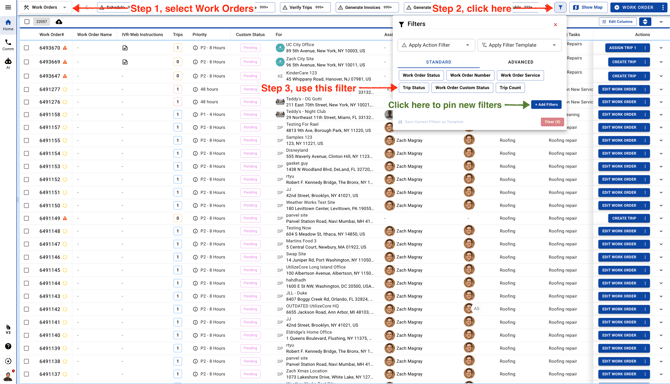
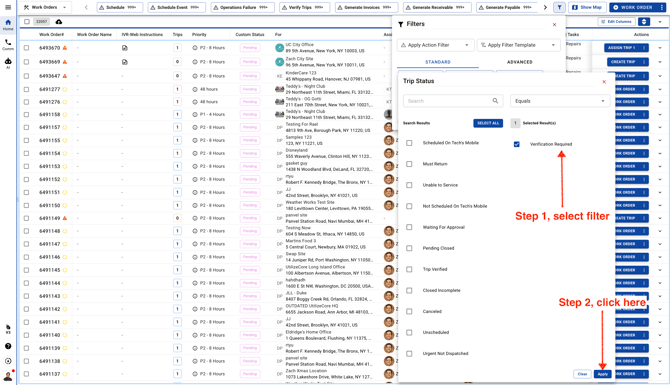
- Use the Trip Status filter
- Select all the Work Orders.
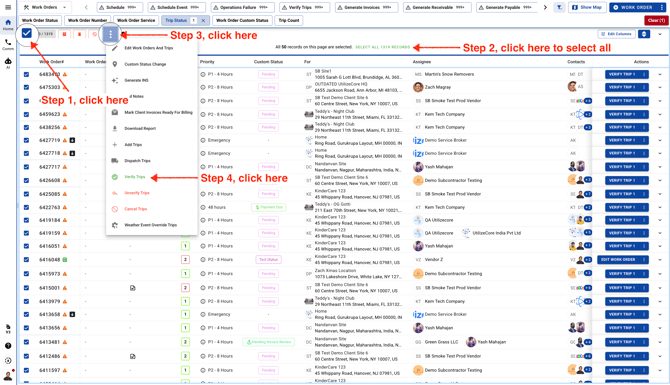
From the Trips page, follow the same steps, select the Trips, and click the green "Verify" button.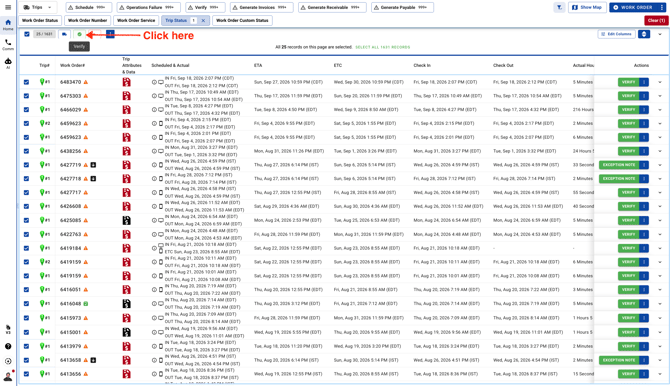
- Confirm Verification.
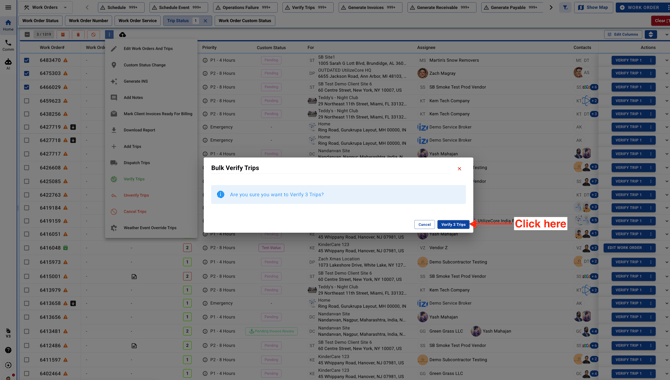
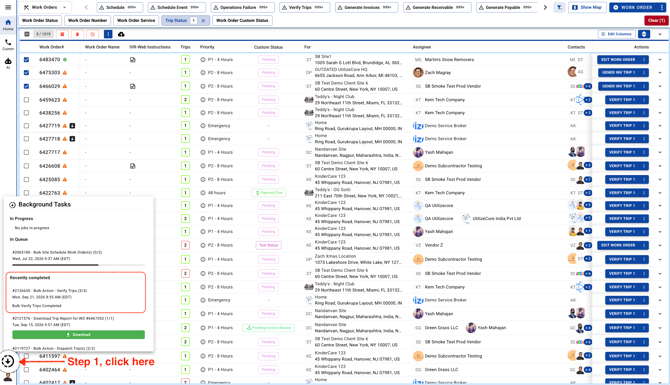
- You can check the status of the action in Background Tasks.