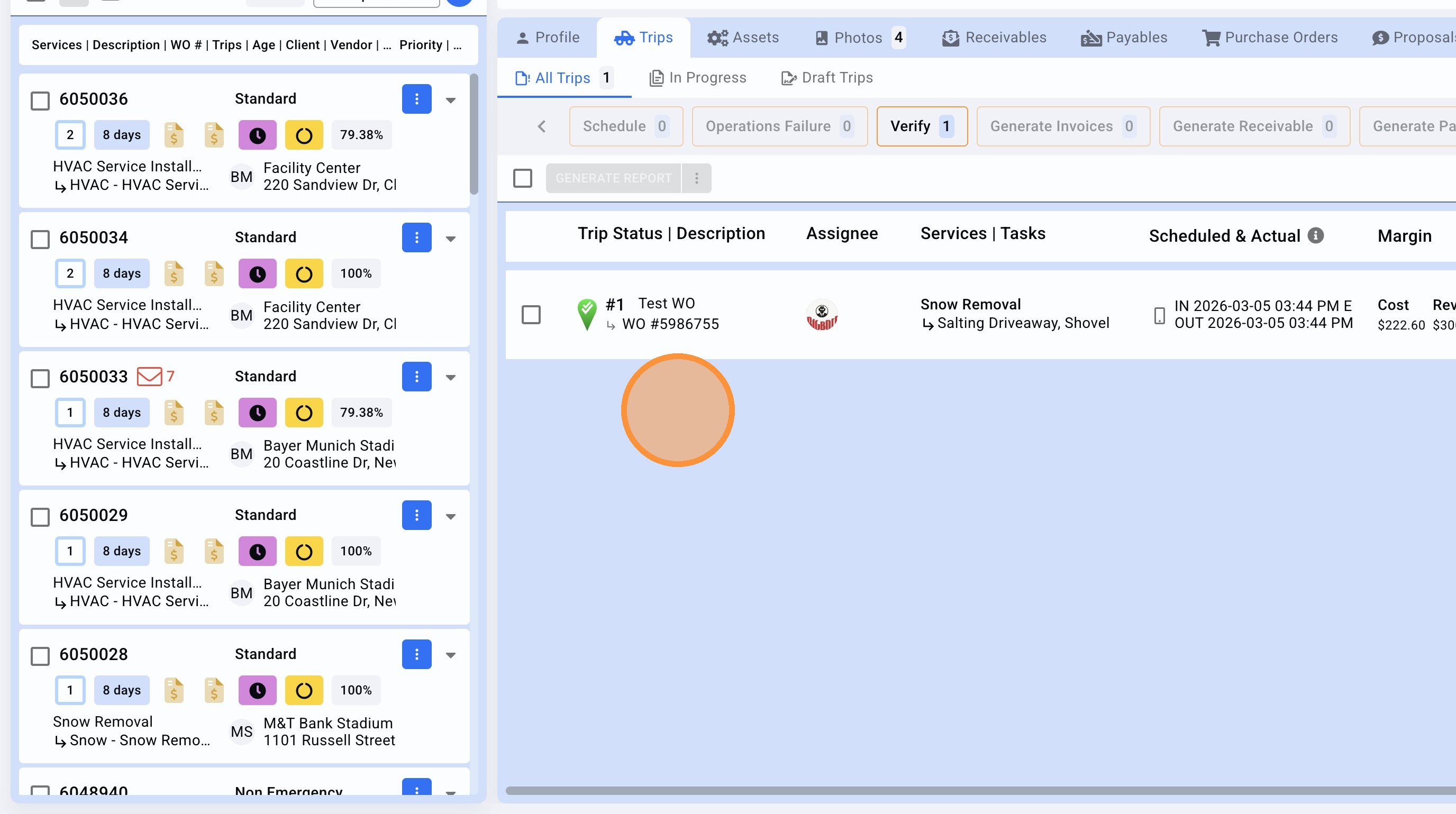
1. Navigate to the Work Order page.
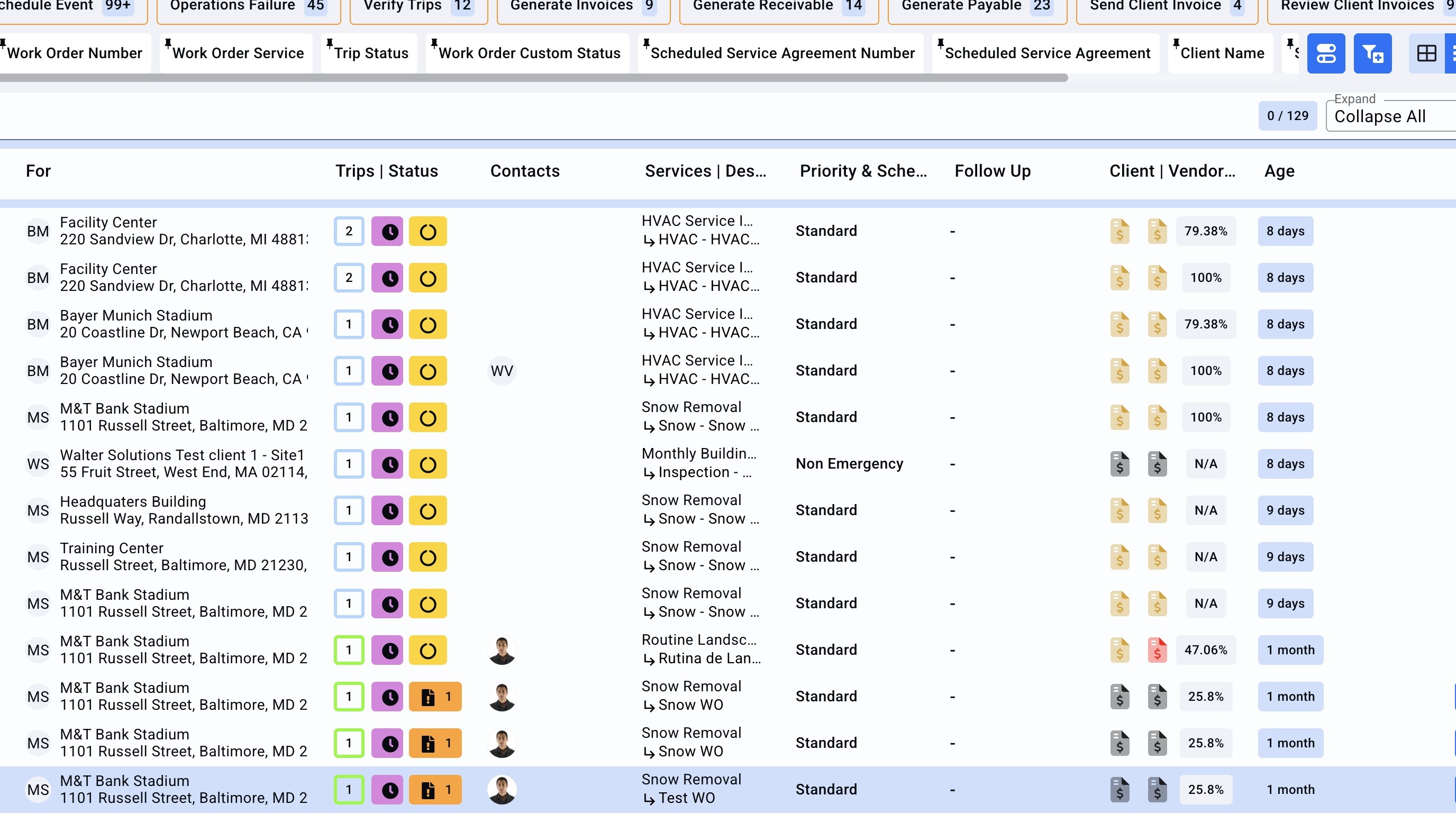
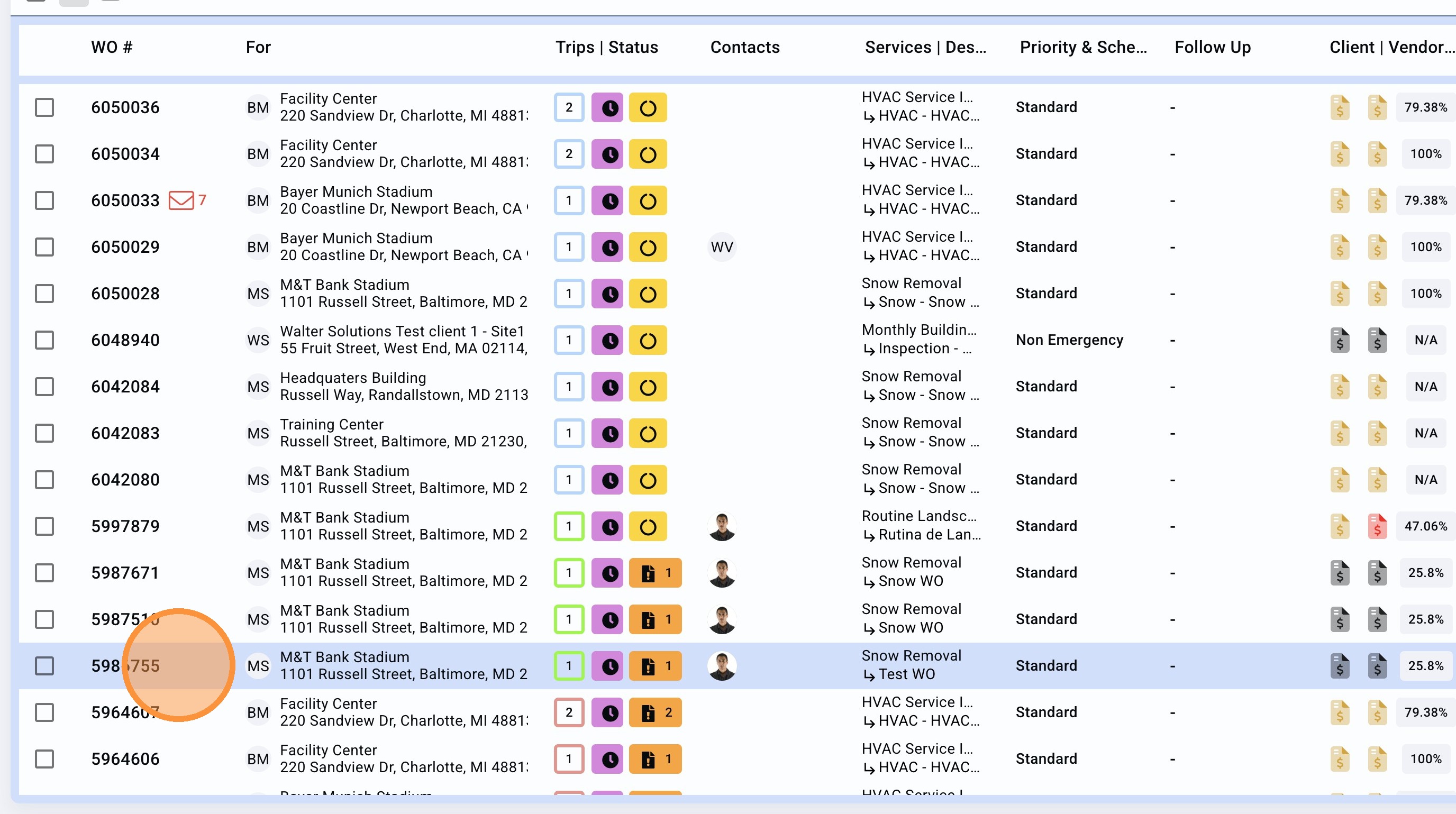
2. Search and select the Work Order to verify the trip.
3. Check the photos, timestamps, make sure you follow your internal verification process then click on "VERIFY".
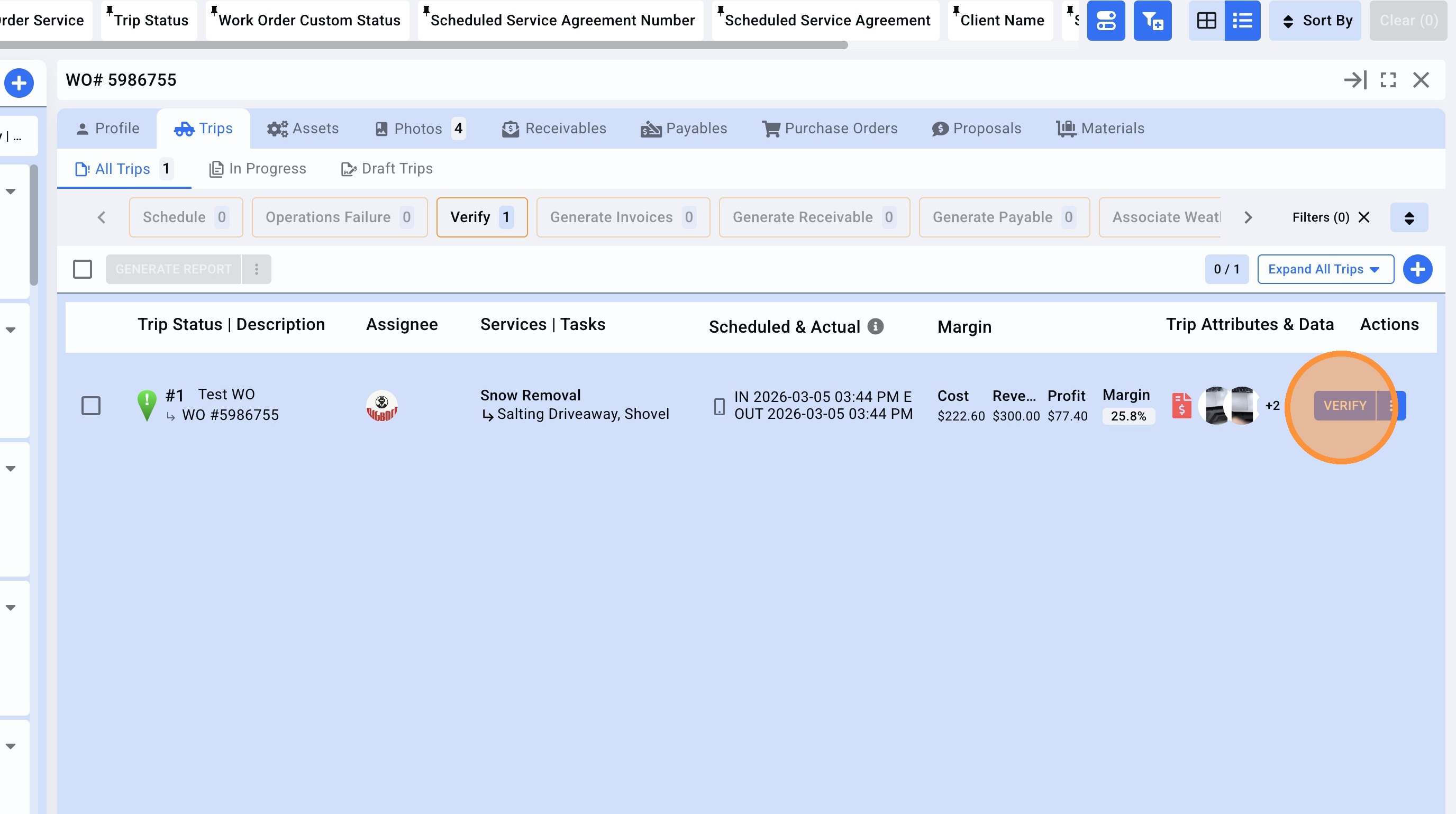
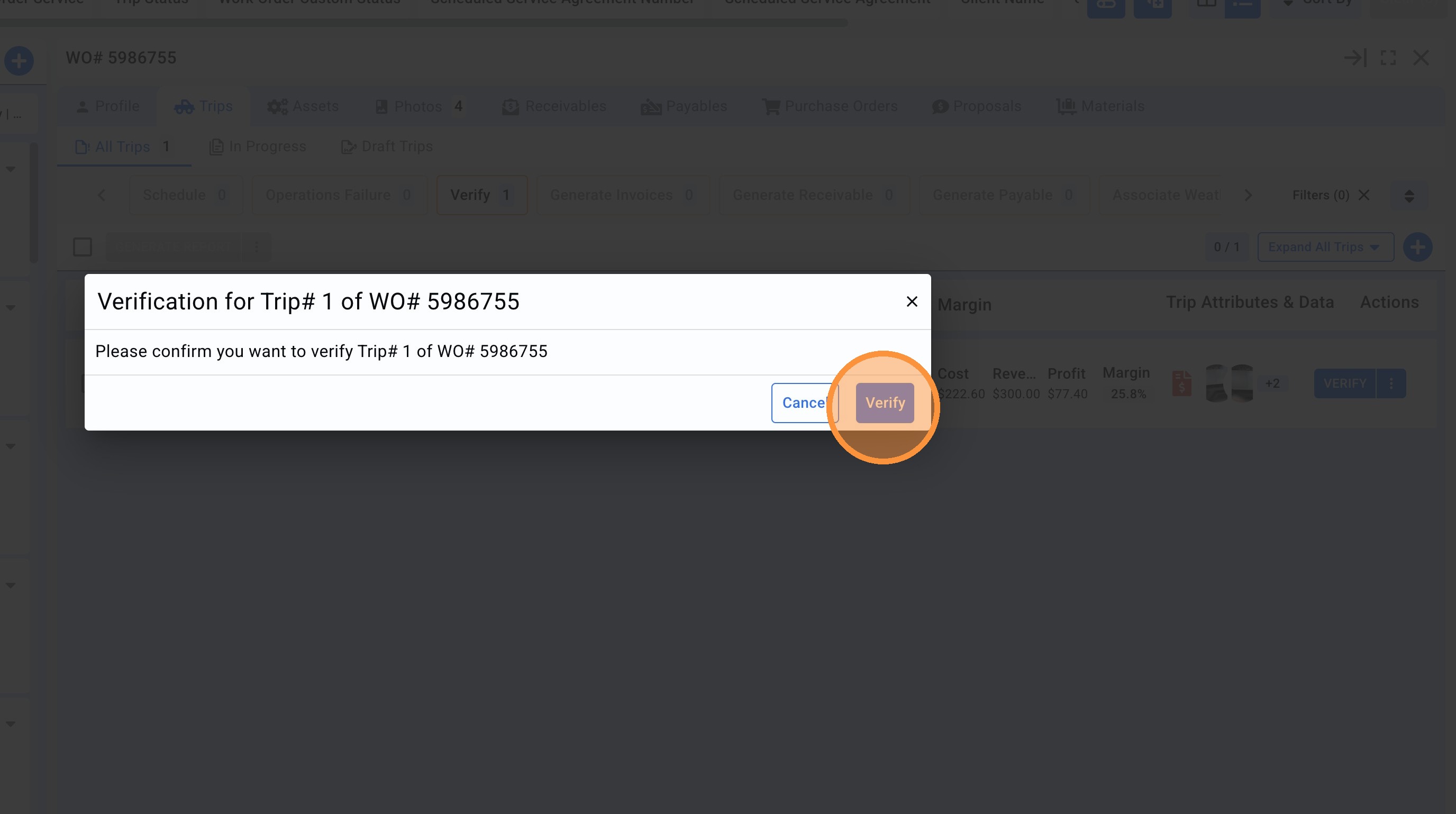
4. Once you are sure then click on "Verify" again (confirmation pop up).
5.The Trip status is showing 2 check-marks, confirming the Trip is already verified.