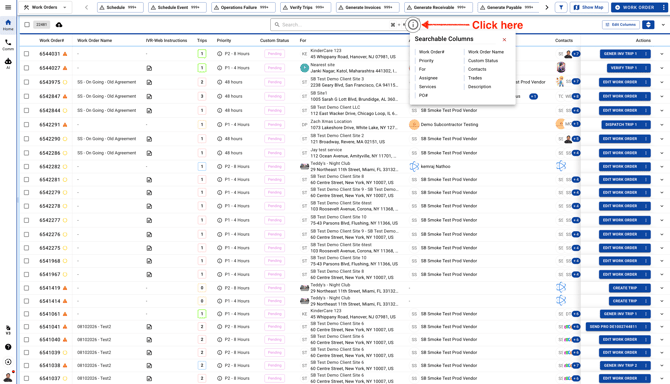
You'll find the search field only on the Work Orders page. Click the info (“i”) icon to see what you can search for.
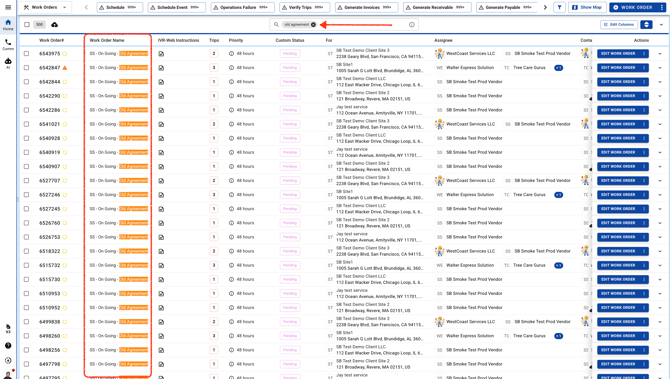
You don’t need to type the full Work Order name to find it. Just enter keywords, and the list will show all Work Orders with those keywords in their names.
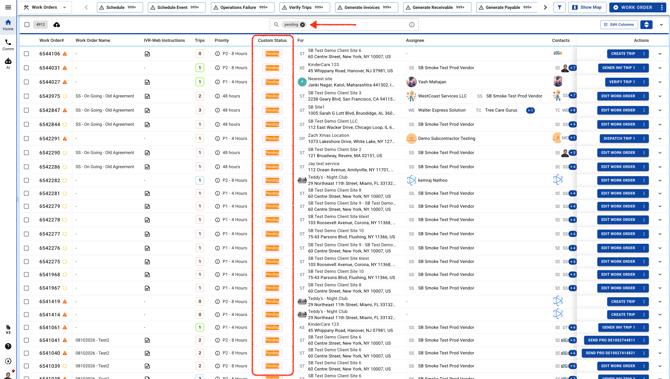
Looking for a specific Custom Status? Just enter its name in the search field.
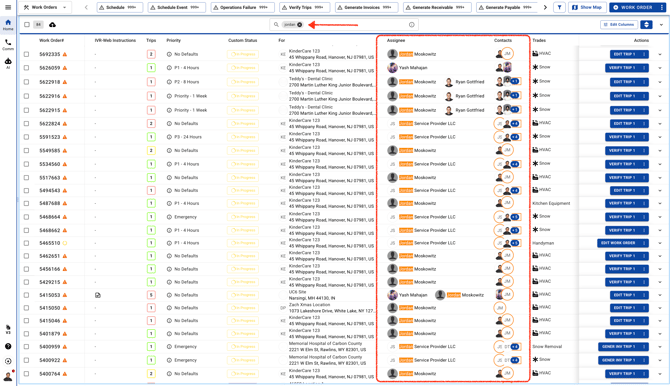
You can also find Work Orders by entering the Work Order Manager’s or Trip Assignee’s name in the search field.