
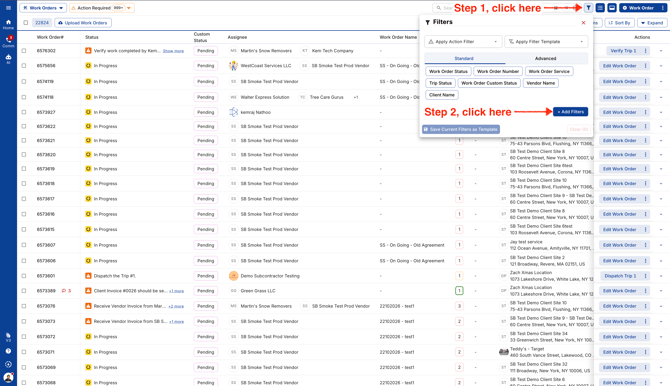
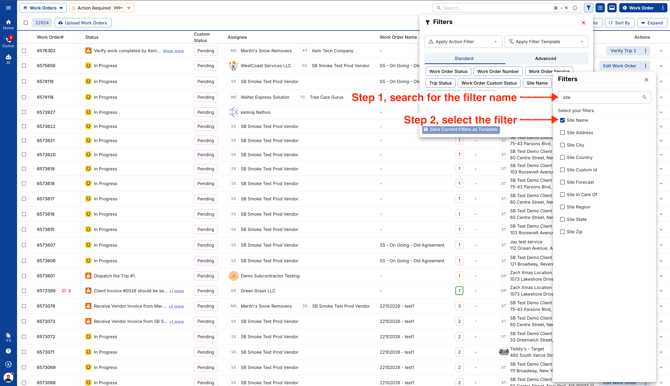
- Go to any new page and click on the filter icon. Click the blue button to pin the filters you’d like to use or remove any you no longer need.
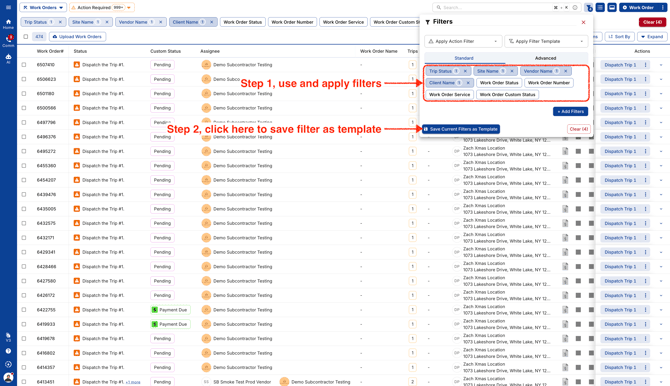
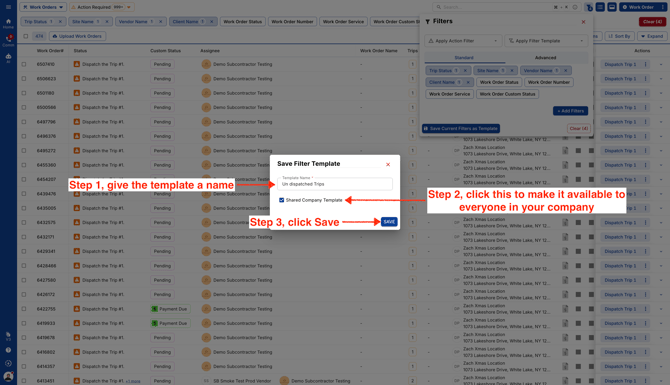
- Use and apply the filters you want. Enter a Template name so that you can use it later without re applying all your filters.
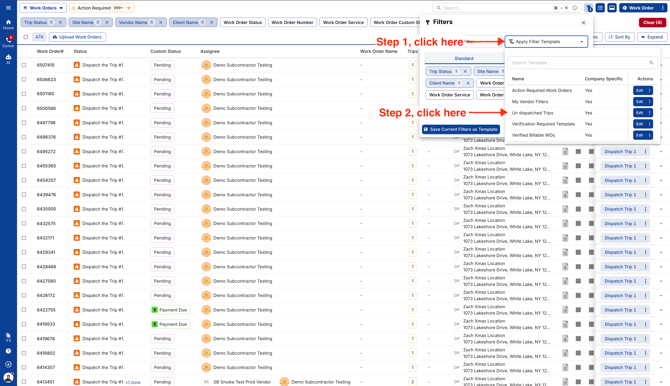
- You can view and use your Saved Filter Templates under "Apply Filter Template".
Video