Skip to content
English
  • There are no suggestions because the search field is empty.

How to Switch Between Platform Versions

This article explains how to switch between the three available versions of the UtilizeCore platform.

Watch this quick video.

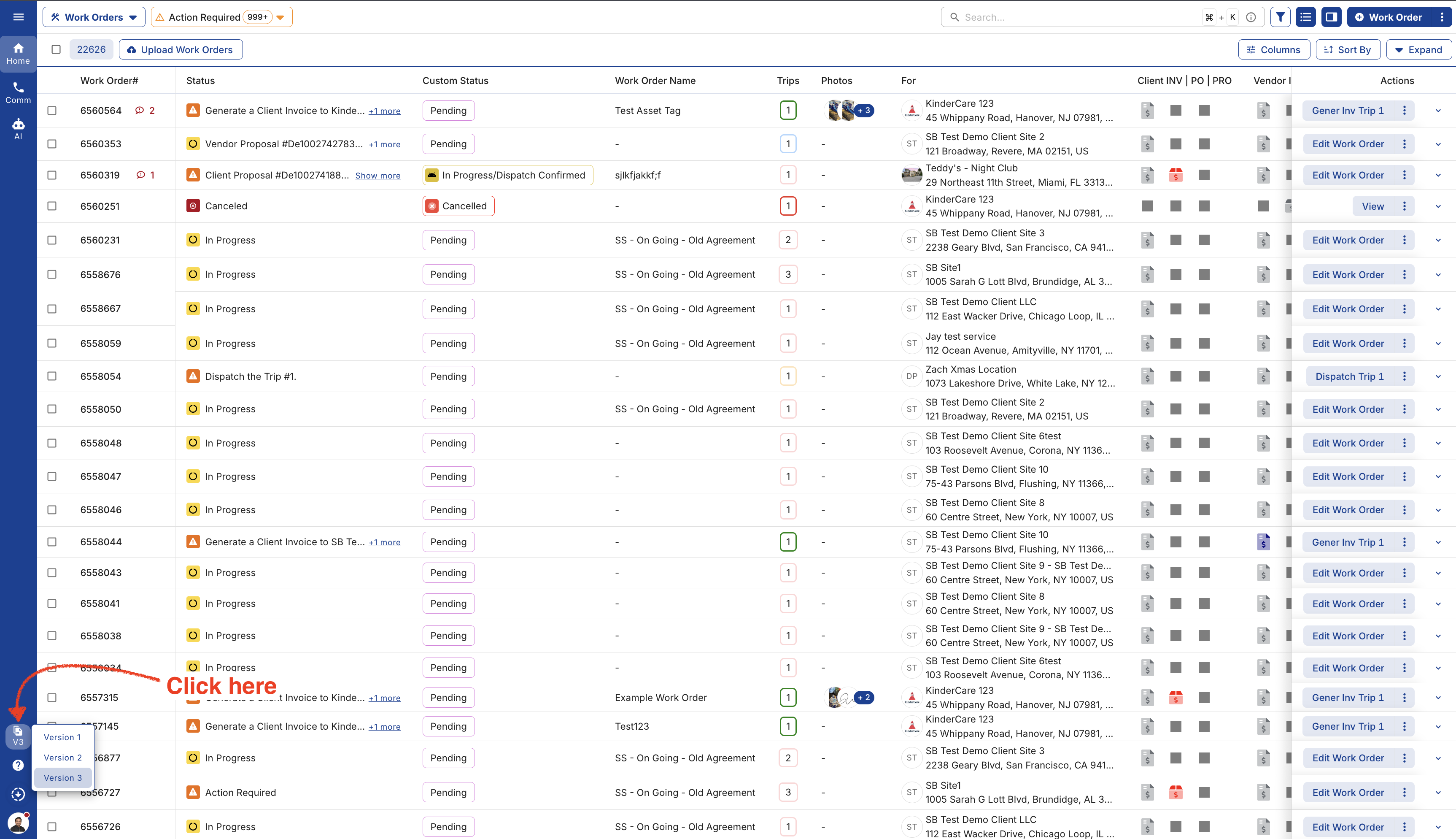
1. Click on the Version drop-down, it has 3 different versions. 


2. This is the Version 1.


3. Click "Version 2" to switch. 


4.This is the Version 2


5. Click "Version 3" to switch. 


6. This is the Version 3.


7. Click on the version icon and select the one desired.
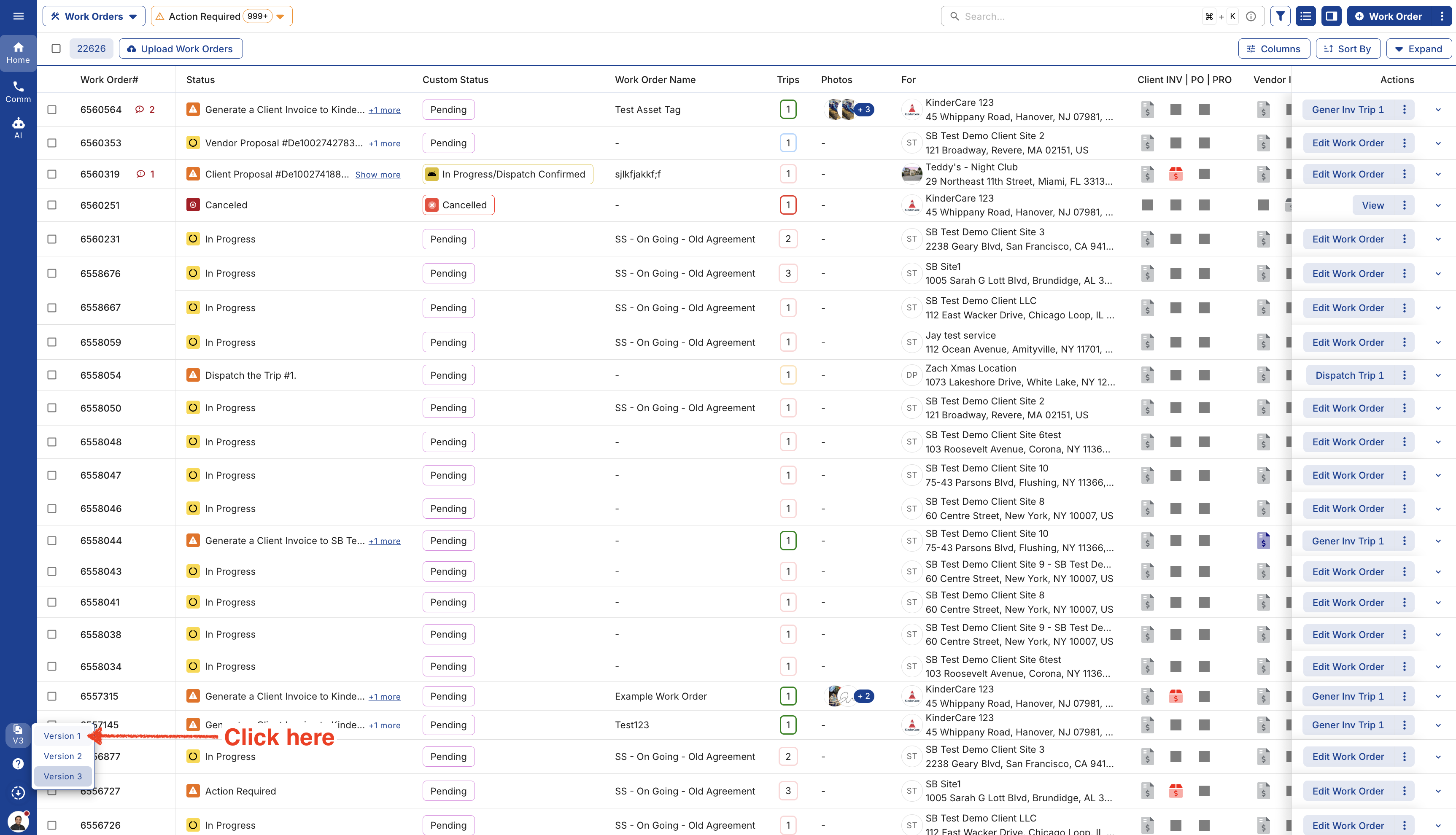


8. Remember the location to find the version drop-down.