- Go to Company Settings

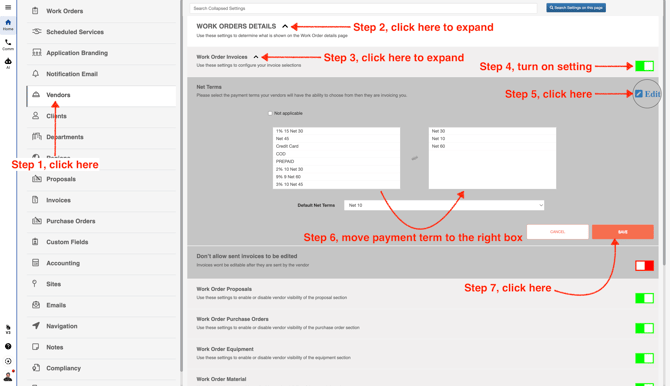
- From the menu on the left, click **Vendors** to set up vendor payment terms. To add a payment term, click it in the left box to move it to the right. Any payment terms in the right box will be available in each vendor’s profile. Keep in mind that this setting applies to all of your vendors.
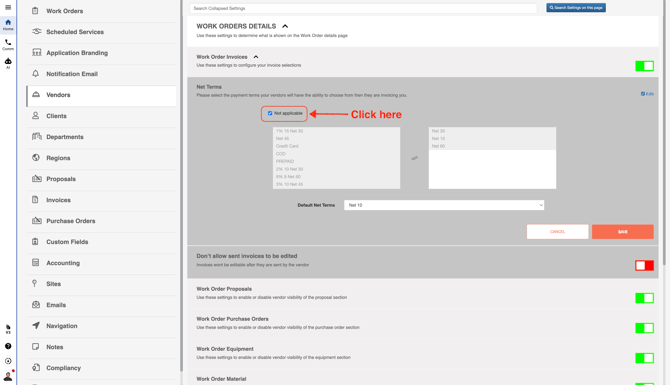
If you check **Not applicable**, all payment terms will be grayed out and won’t be available to use.