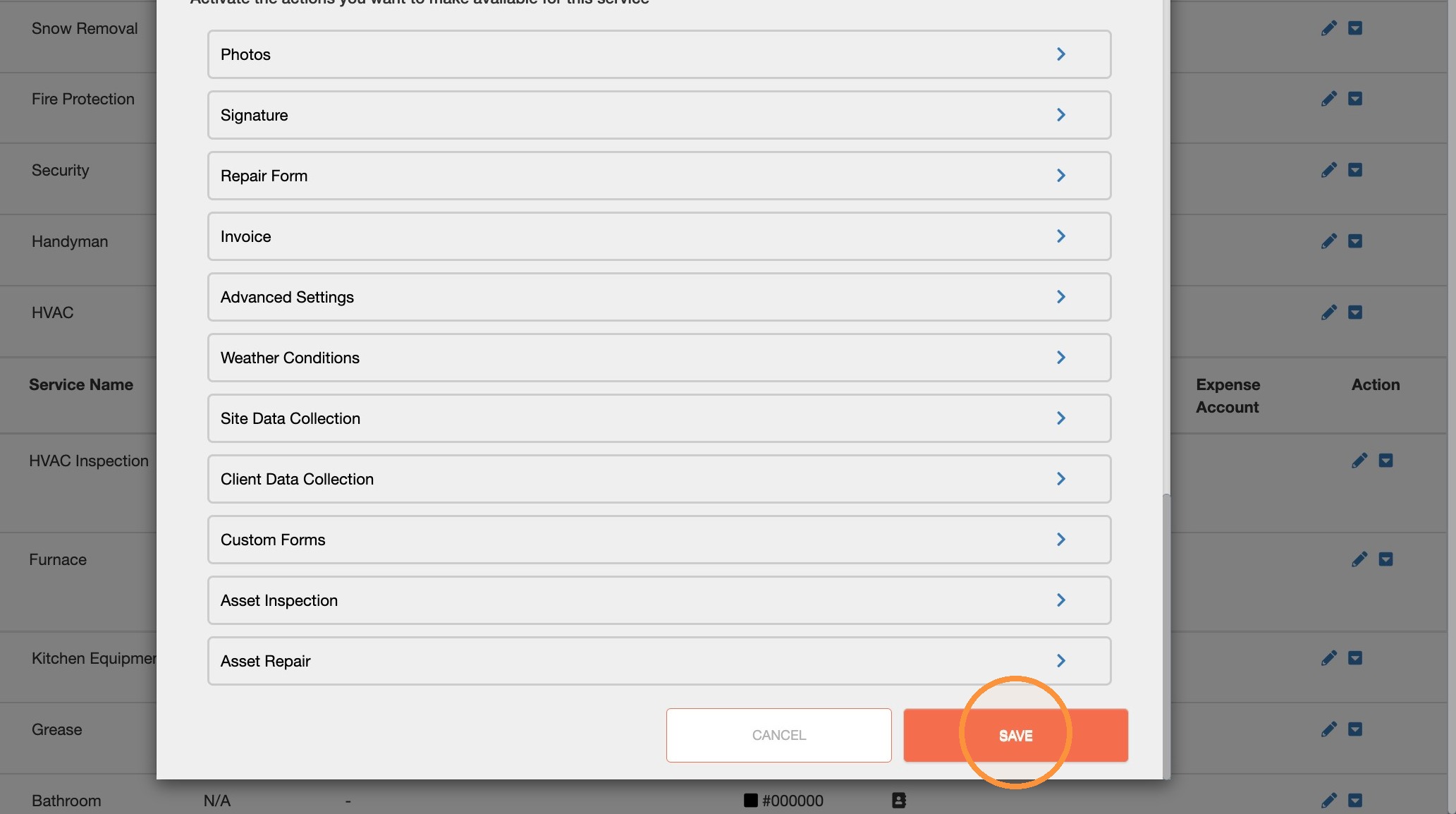
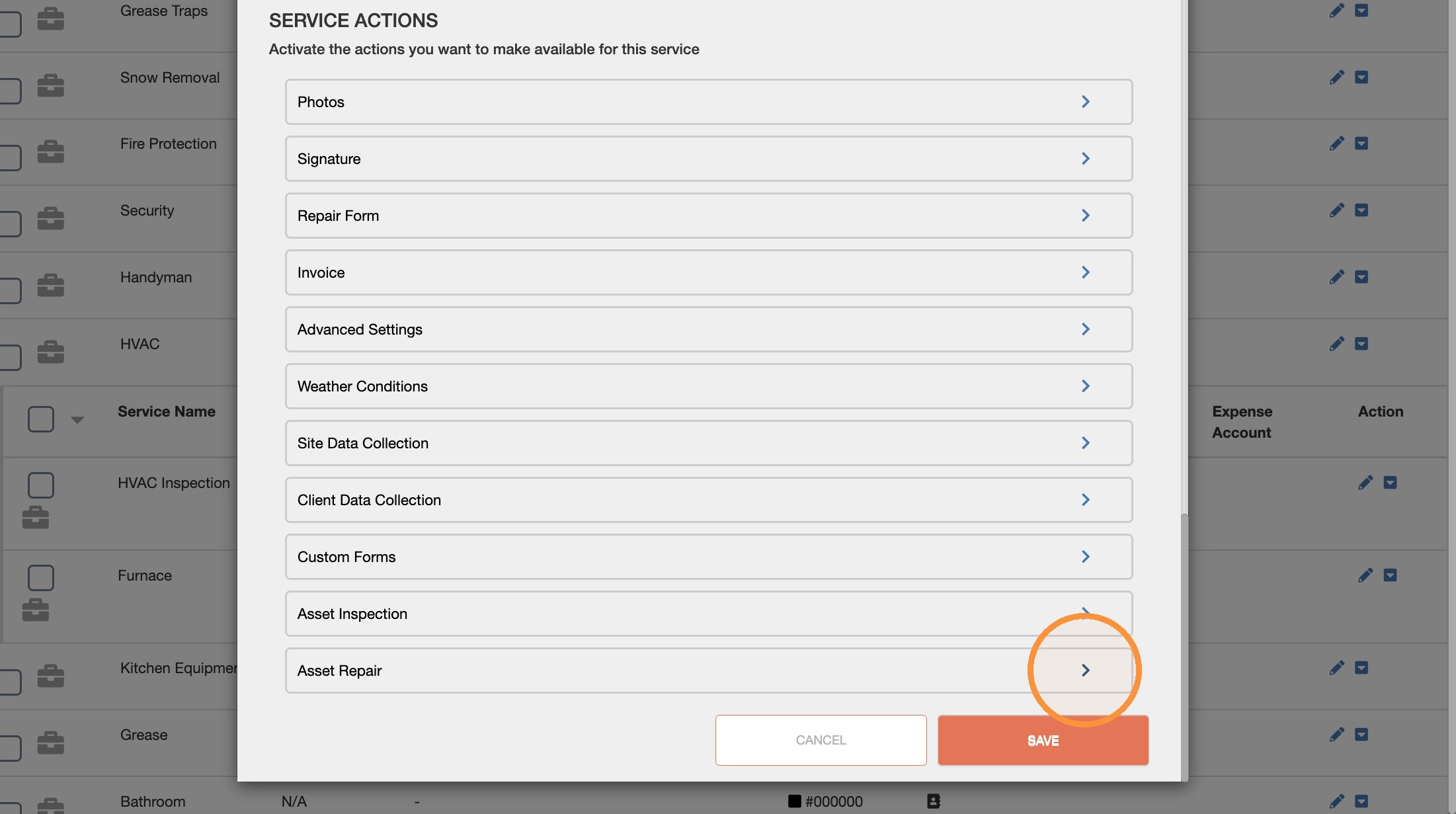
With UtilizeCore, you have the ability to capture key repair details on an asset-specific level of granularity. This data collection can be configured using the Asset Repair service action, available from the Services and Rates page.
Questions? Contact support@utilizecore.com
Step-by-Step Instructions to Setup an Asset Repair Service
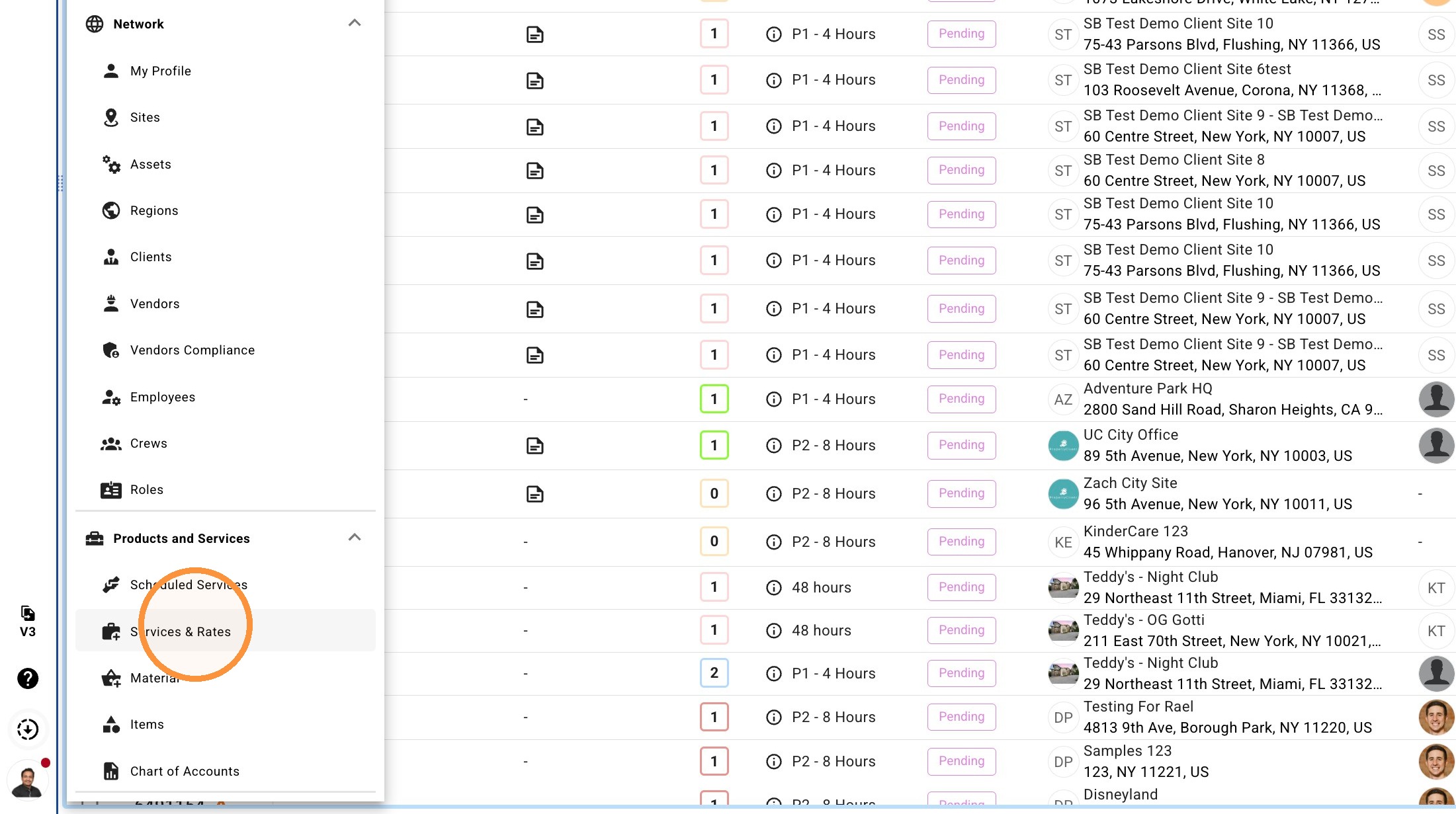
1. Click "Services & Rates"
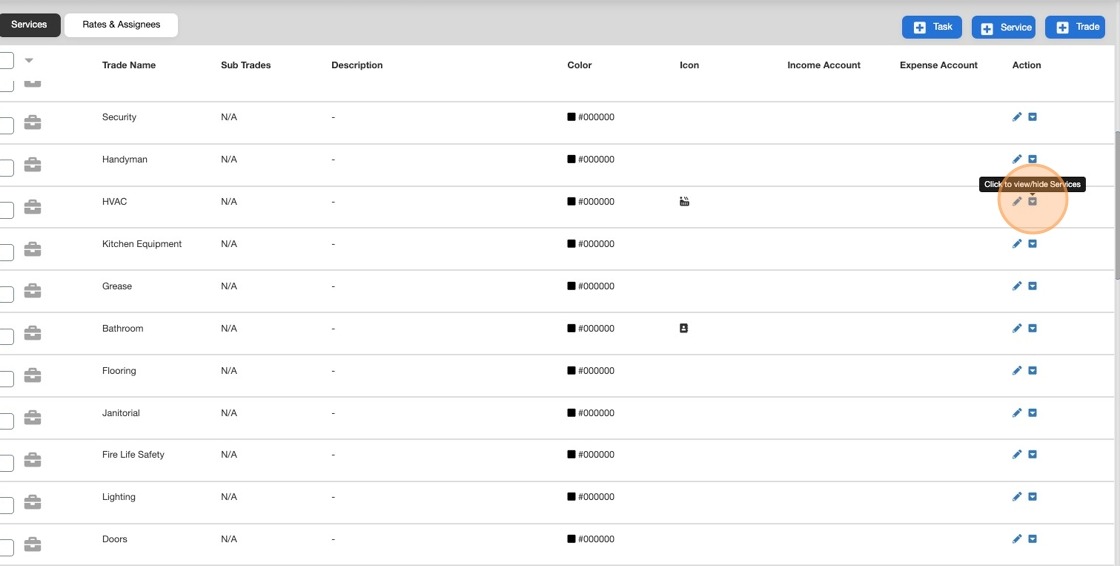
2. Click here to expand a Trade to see related Services
3. Click here to edit the Service
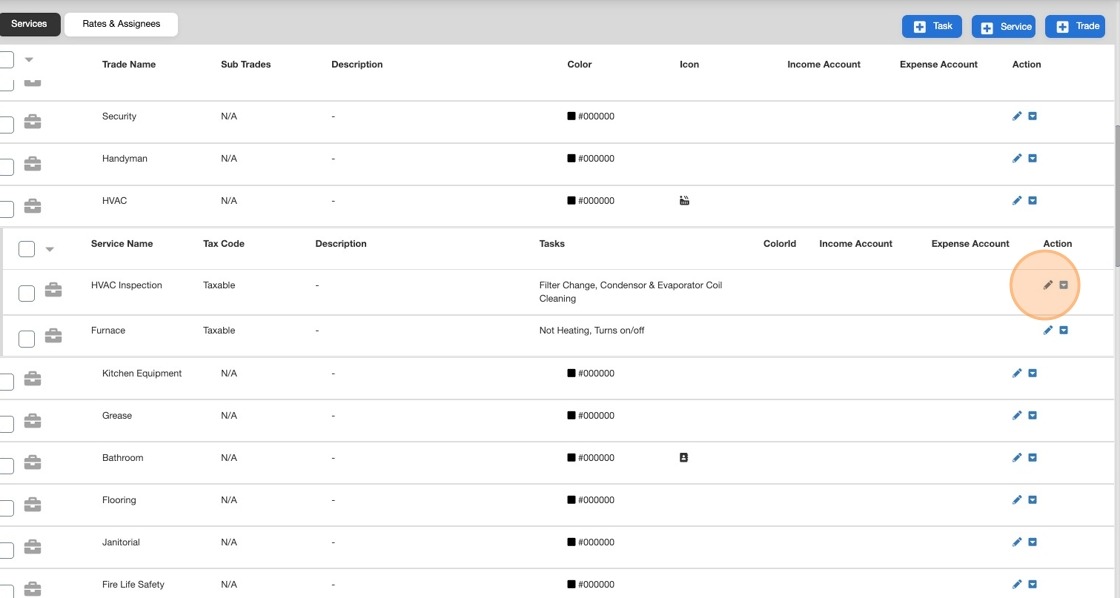
4. Click here.
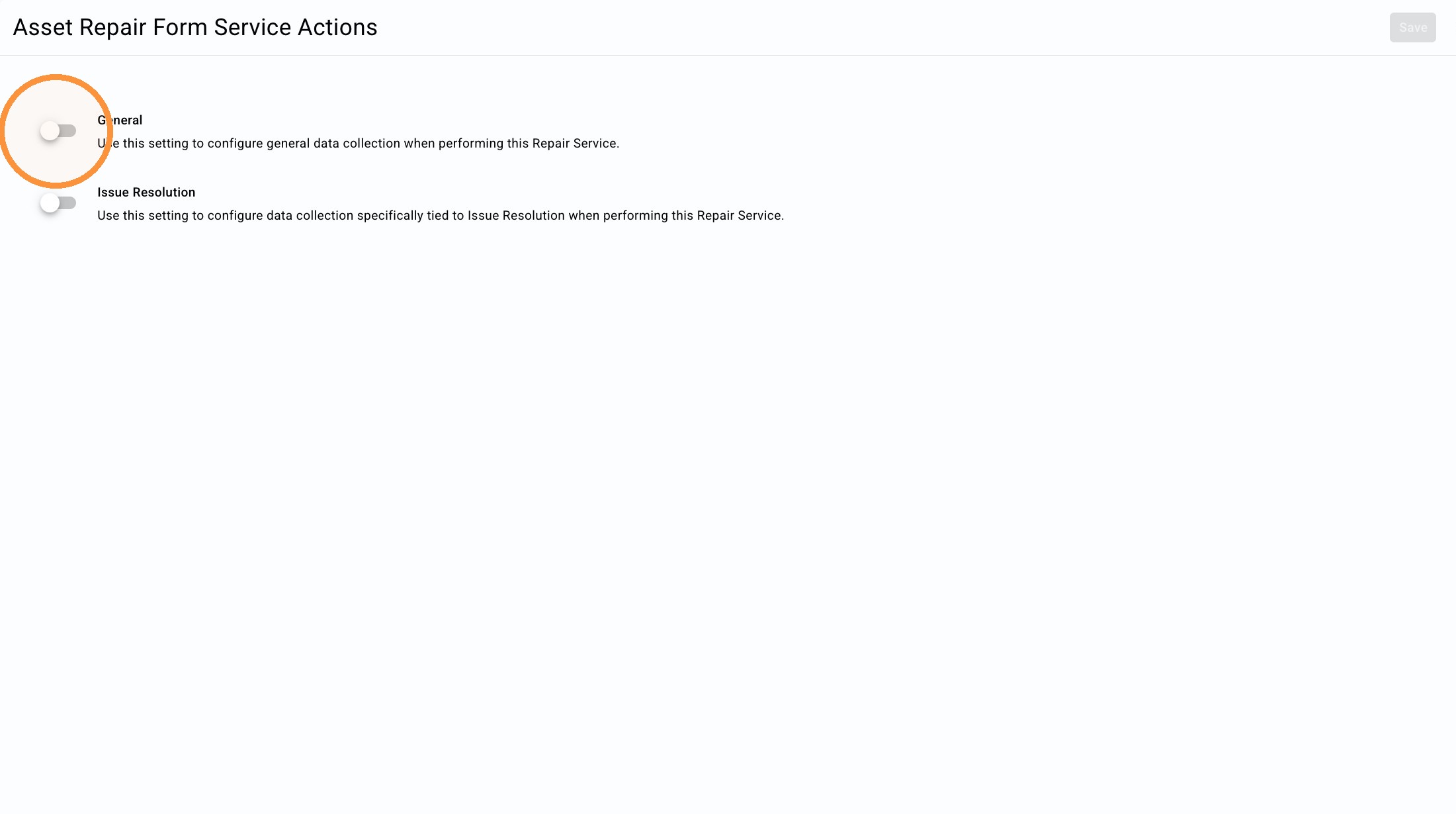
5. Click the "General Use this setting to configure general data collection when performing this Repair Service." field.
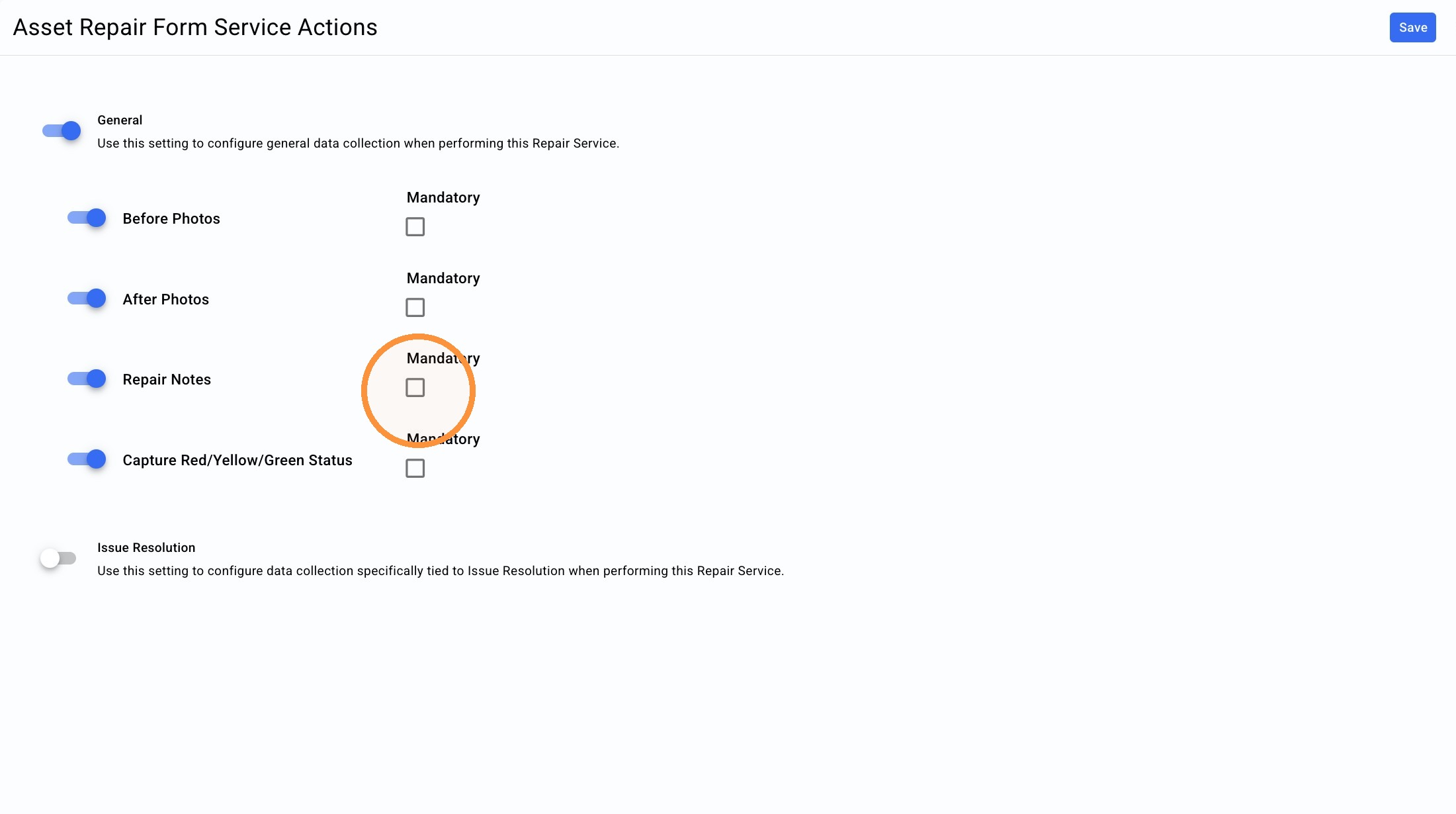
6. Click this checkbox.
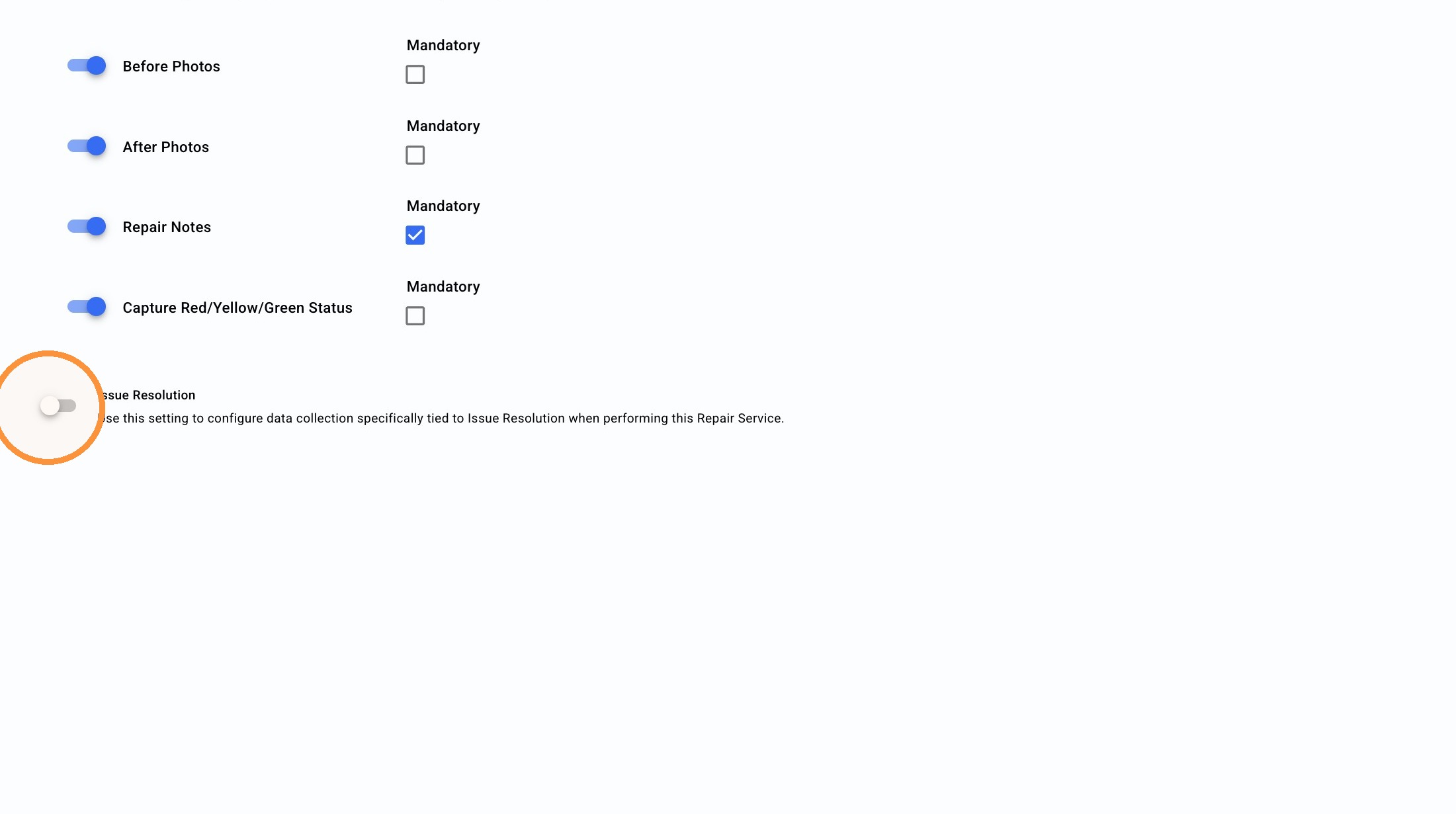
7. Click the "Issue Resolution Use this setting to configure data collection specifically tied to Issue Resolution when performing this Repair Service." field.
8. Click "Save"
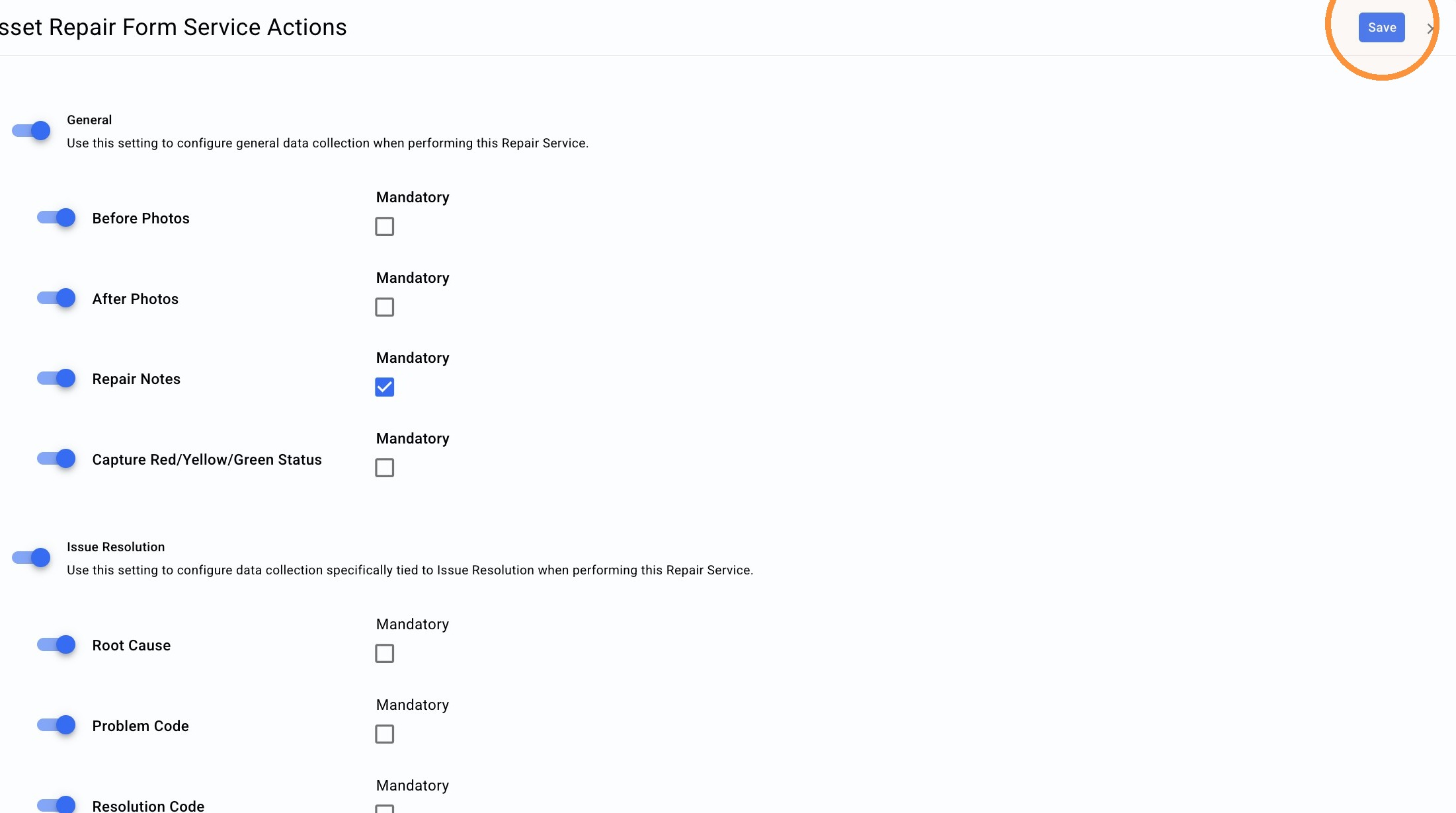
9. Click on the Orange button to Save changes