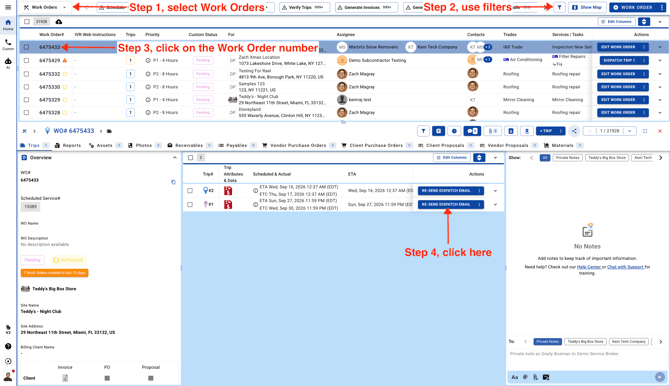
- From the Work Orders page, open the work order in partial view and click **Re-Send Dispatch Email** for the individual trip.
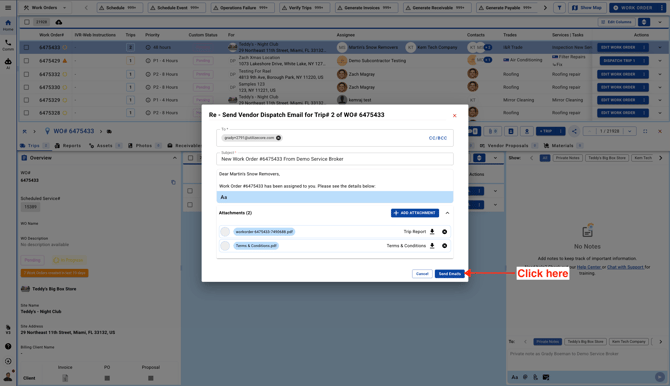
- The vendor’s email will automatically appear in the **To** section. If needed, you can add another email address in **CC** and resend the dispatch email.