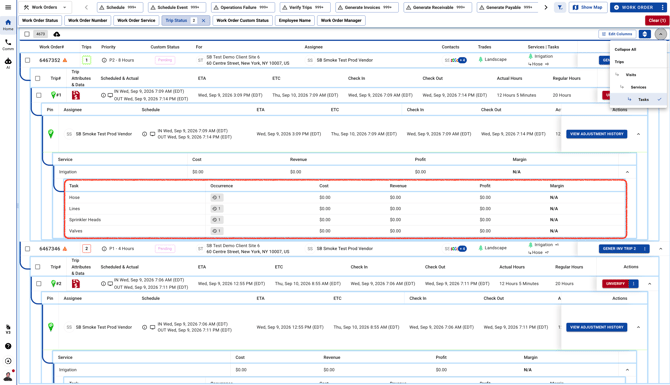
- Go to Work Orders page and click on the arrow on the top right corner.
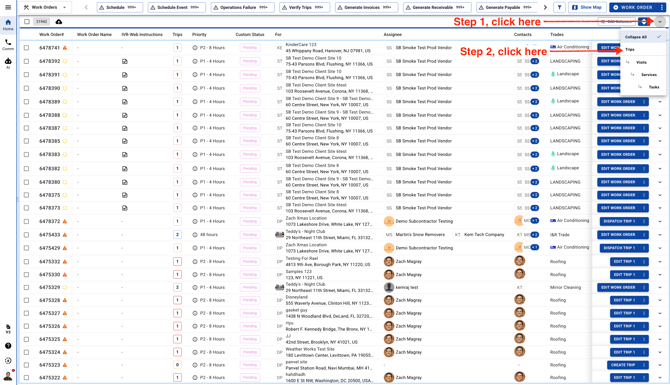
When you open the Trips view, you’ll see each Work Order with its related Trips listed underneath. Work Orders -> Trips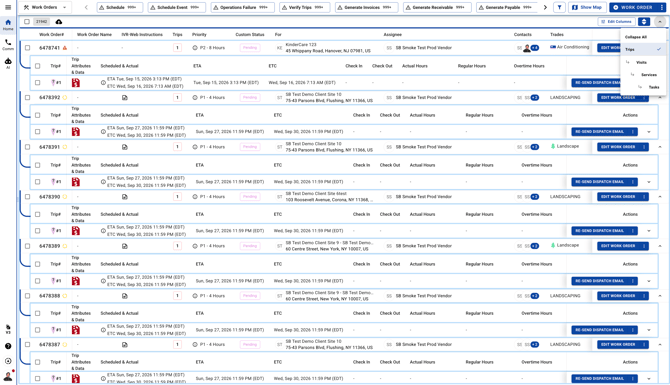
- When you open the Visit view, you’ll see the Work Orders, Trips, and Visits organized in one place. Work Orders -> Trips -> Visits
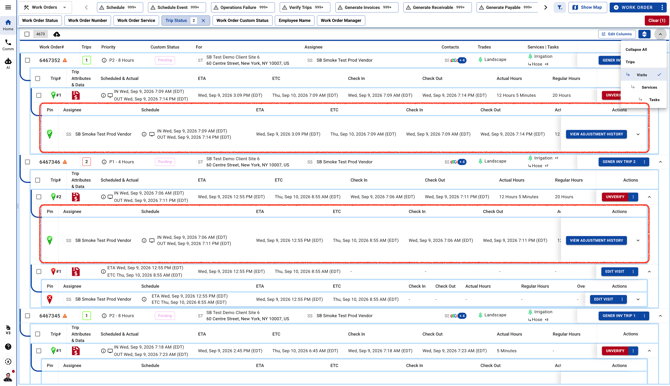
- When you open the Service view, you’ll see the full path from Work Orders to Trips, Visits, and Service in one place. Work Orders -> Trips -> Visits -> Service
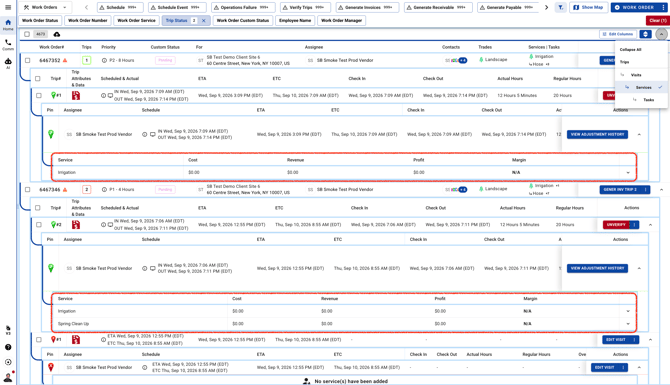
- When you open the Tasks view, you’ll see the complete path from Work Orders to Trips, Visits, Service, and Tasks all in one place. Work Orders -> Trips -> Visits -> Service -> Tasks