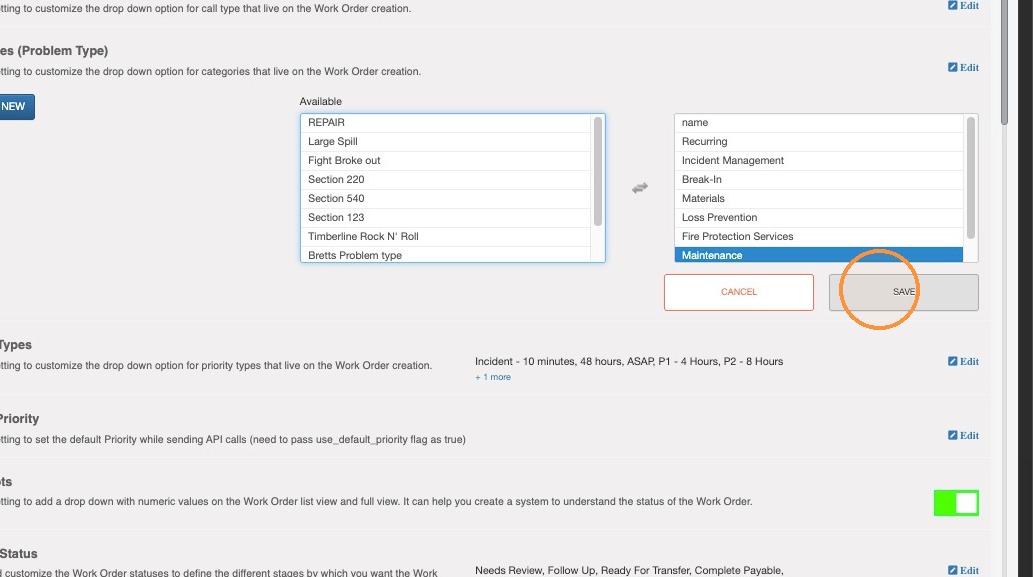
Open Work Order Settings
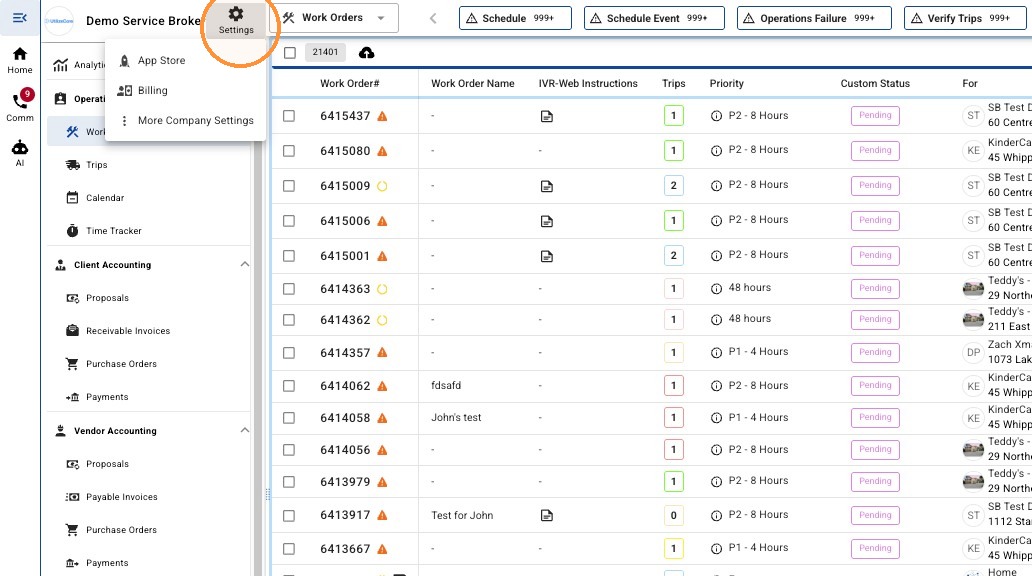
1. From the side navigation, select 'Settings'
2. Click "More Company Settings"
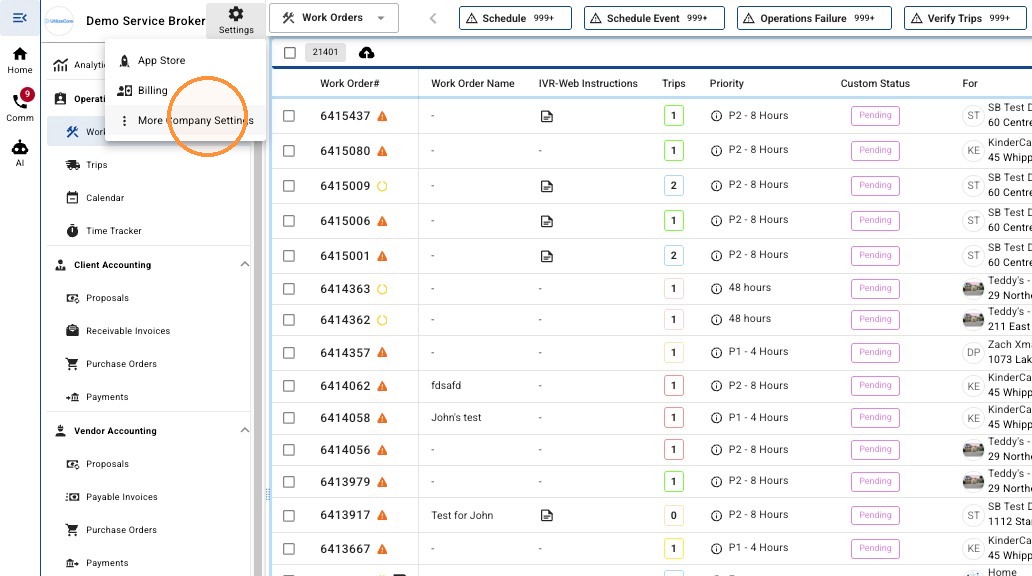
Configure Work Order Category
3. Click "General Details"
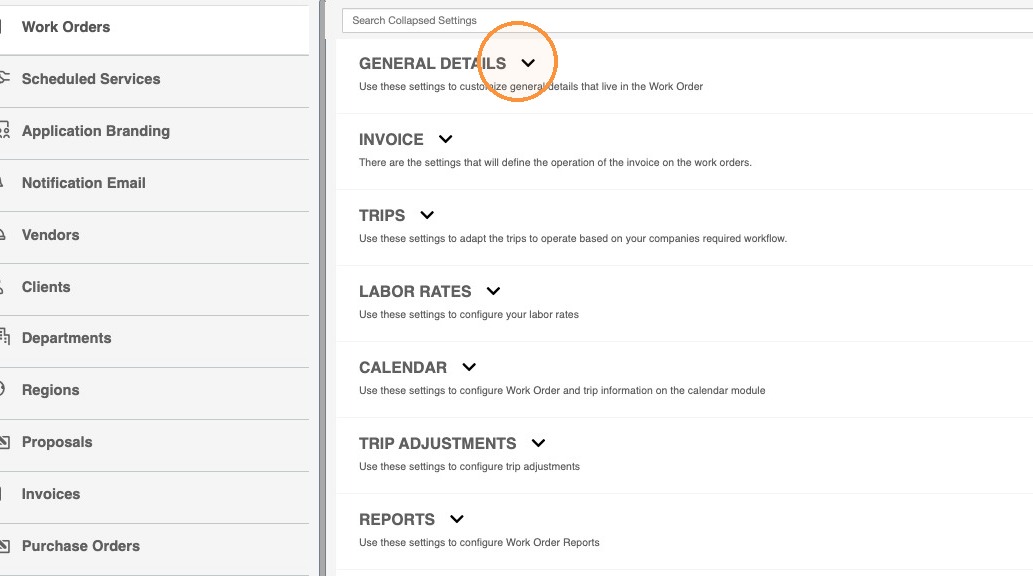
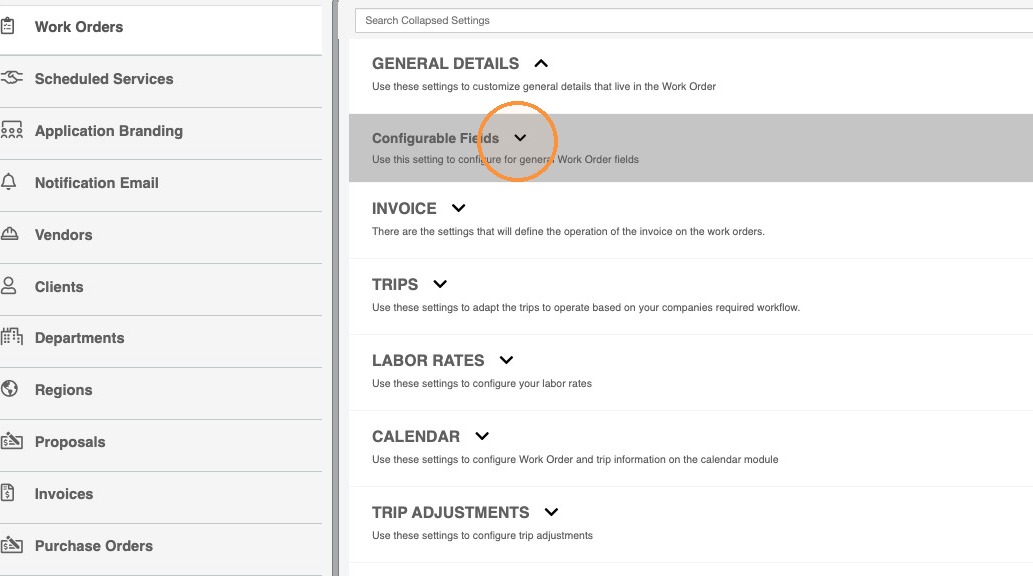
4. Click Configurable Fields.
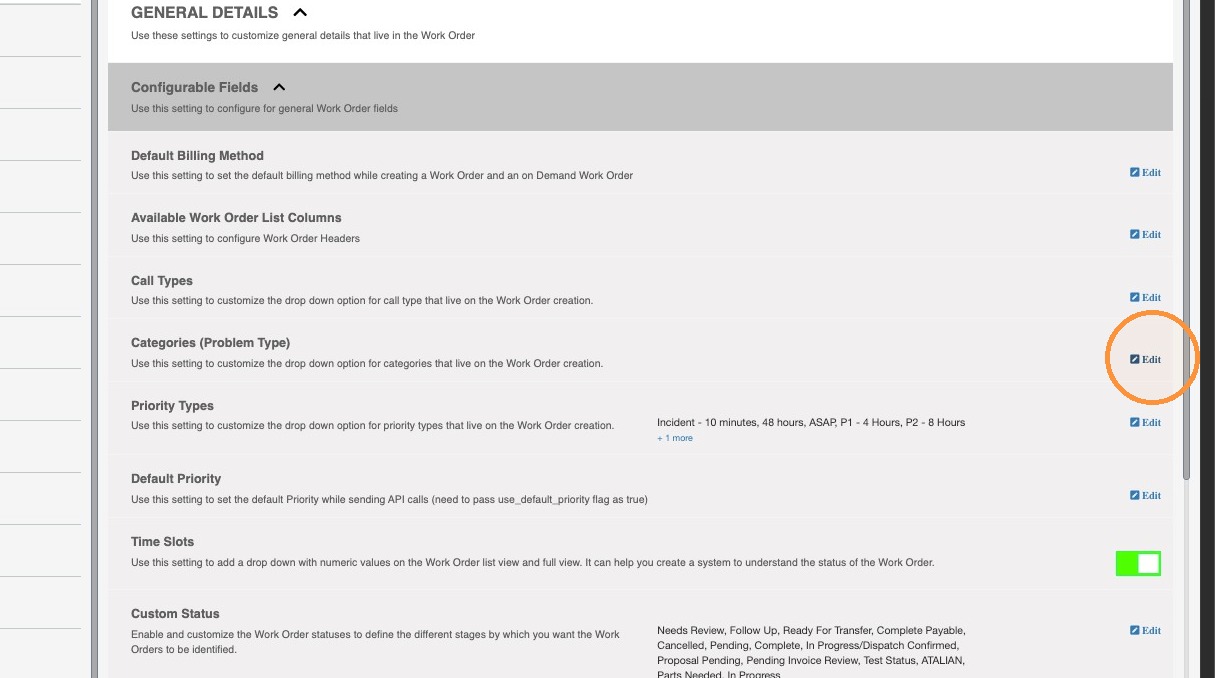
5. Click Edit for Categories (Problem Type).
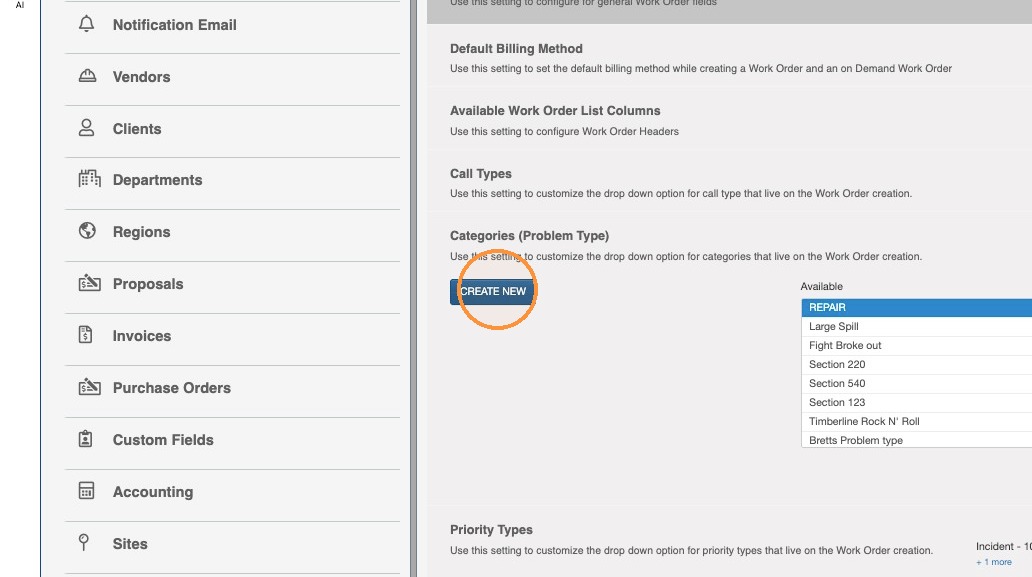
6. To add a new option, Click on 'CREATE NEW'
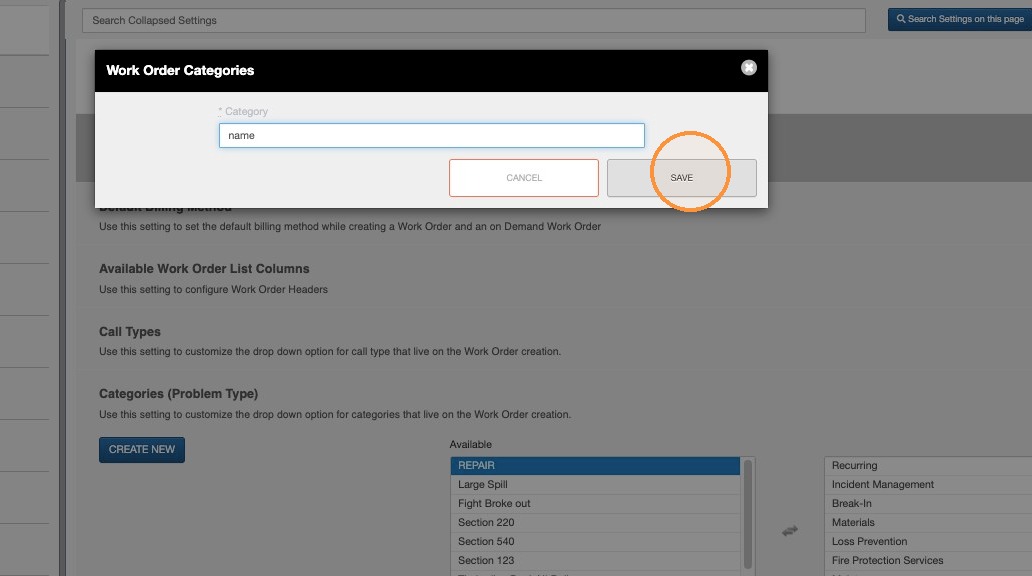
7. Enter the name for your new Category and Click 'SAVE'
8. To include a newly created (or existing) Category, select the option in the left column to move it to the right.
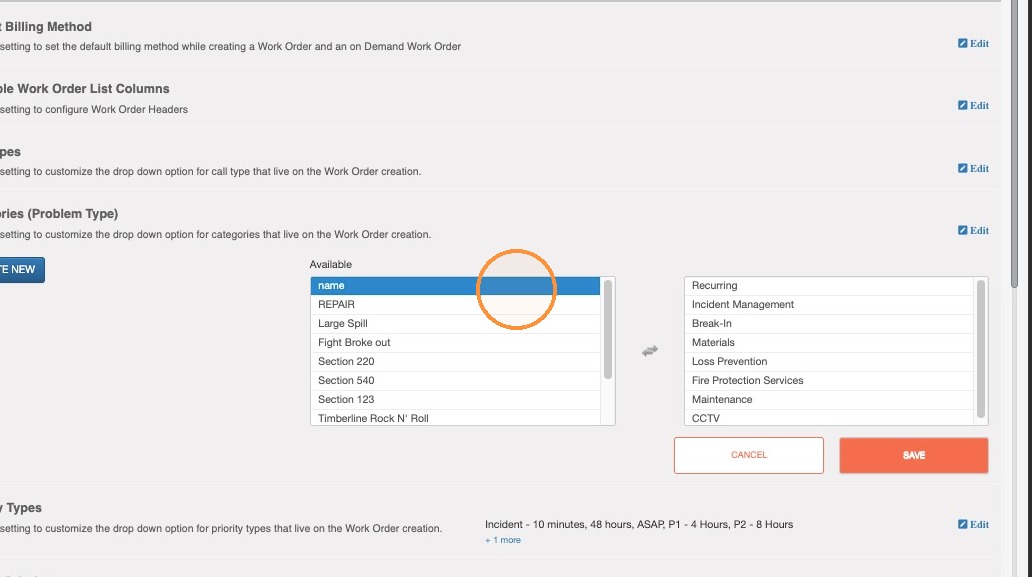
9. To exclude a Category, select the option in the right column to move it to the left.
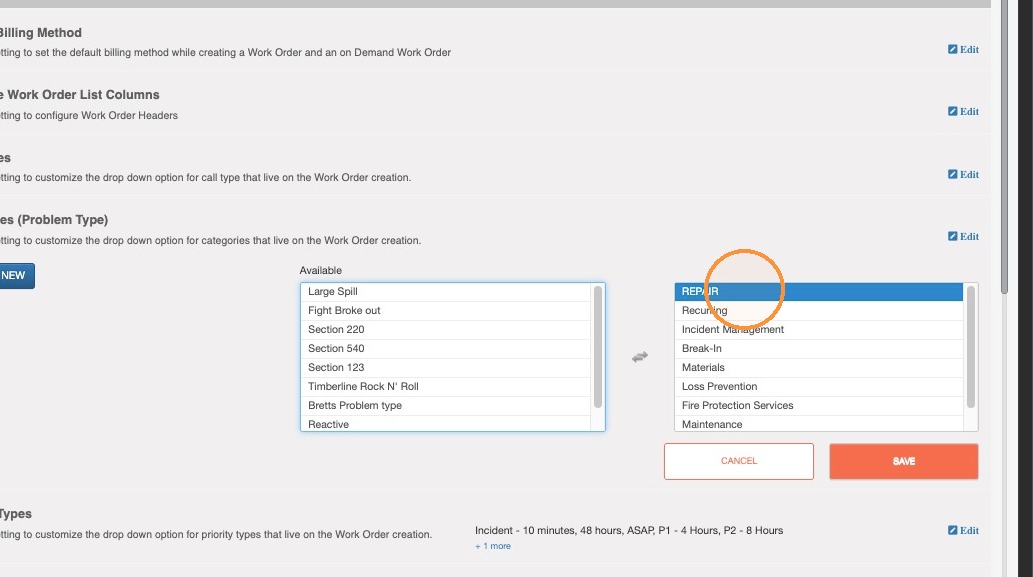
10. Click Save to apply the category changes.