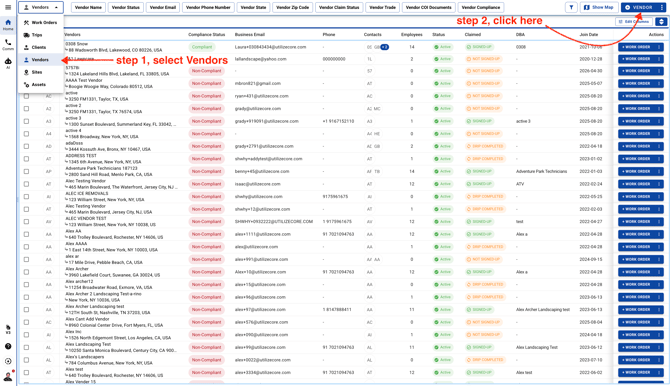
- Choose Vendors and click on the blue button on the top right corner
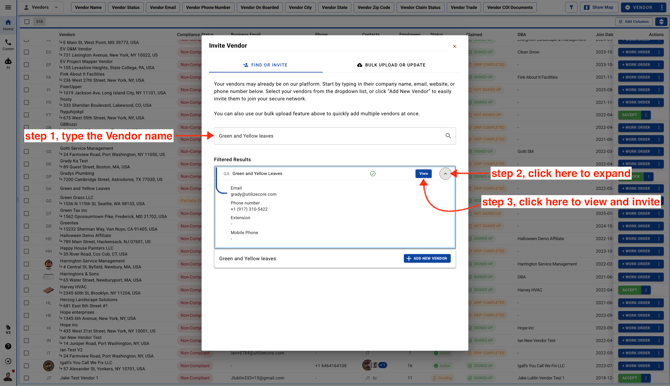
- Type the Vendor name to search in UtilizeCore. If the Vendor is already in the system, they’ll appear in the search results so you can review their details and send an invitation without creating a duplicate.
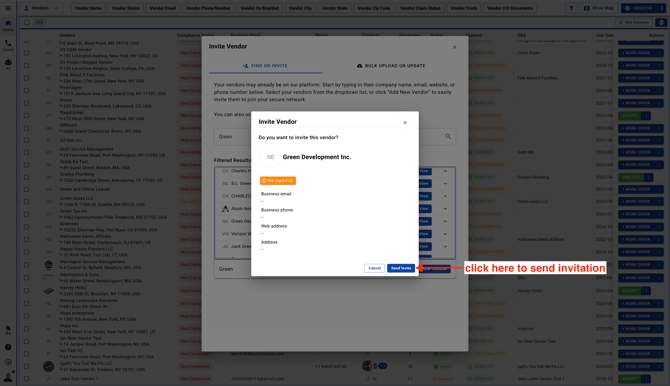
- Send invitation