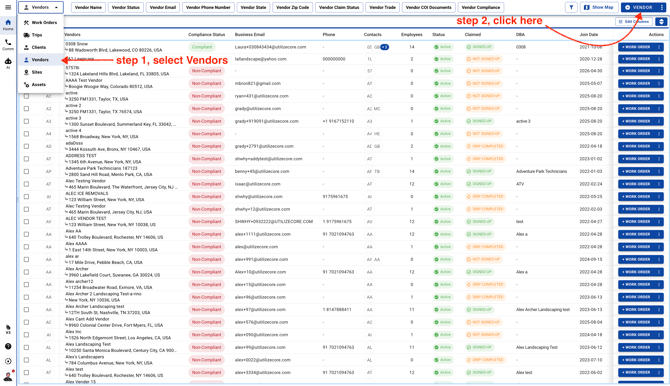
- Choose Vendors and click on the top right corner
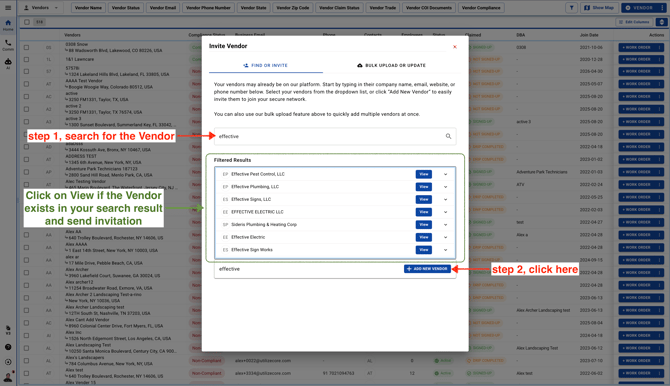
- Friendly tip: Before adding a new Vendor, search for them in UtilizeCore first. If they’re already there, you can simply send a new invitation—no need to re-enter their information or create a duplicate account.
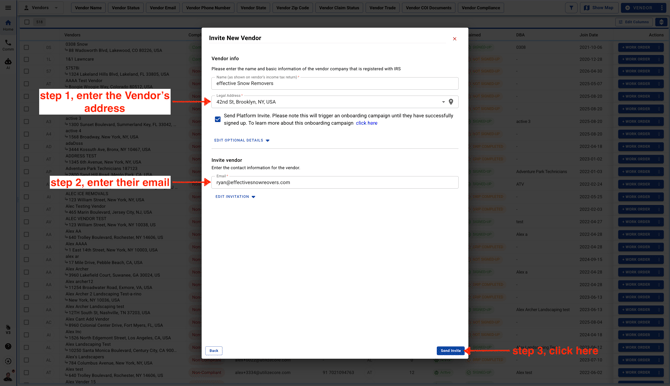
- The Vendor will receive an email invitation to sign up. The Vendor must sign up through your email invitation to be added to your Network successfully.