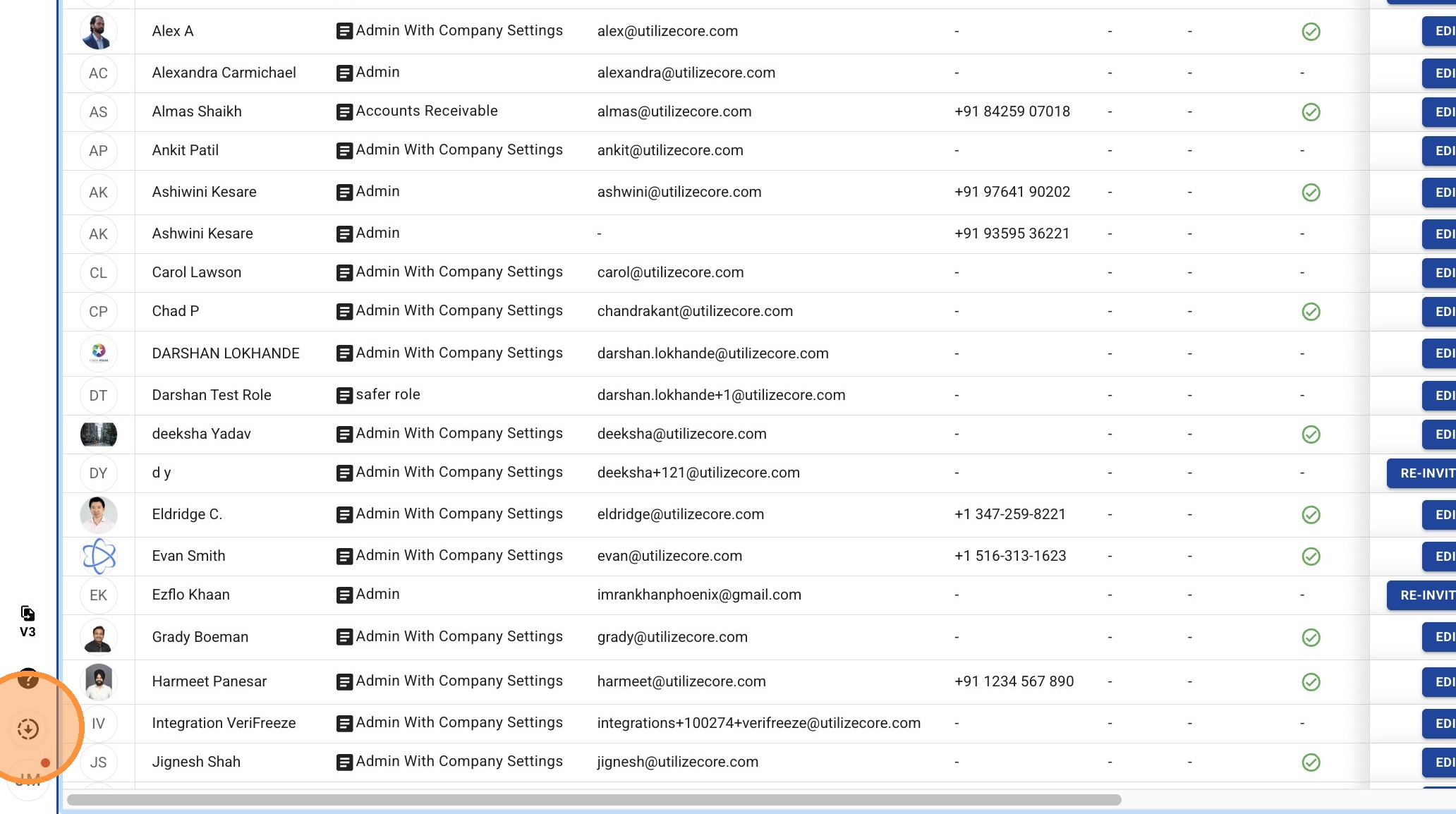
This guide provides a quick walkthrough for accessing the official Excel template required for importing employee data. Use this resource to ensure your bulk uploads are formatted correctly and processed without errors.
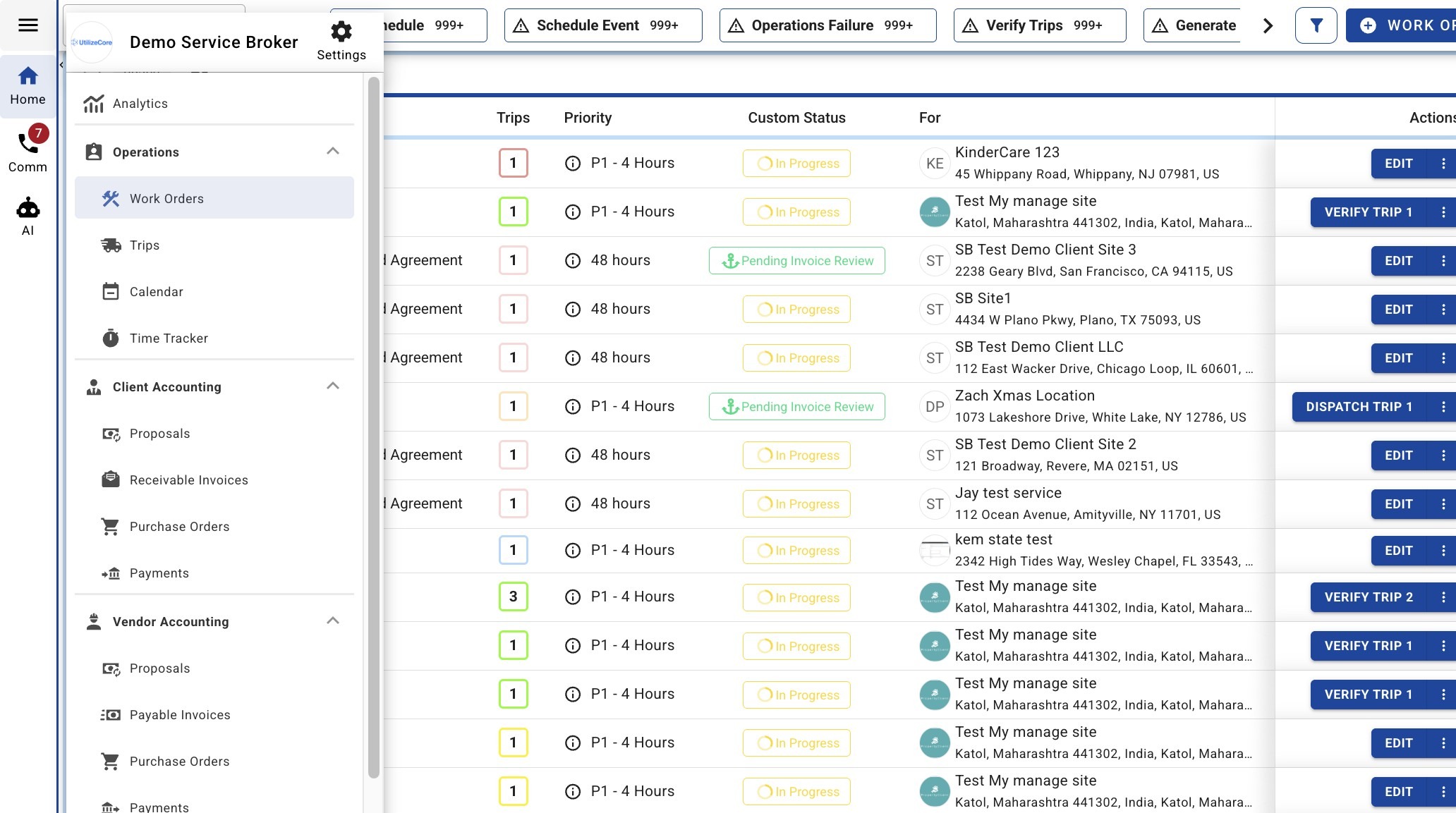
1. Open the side menu
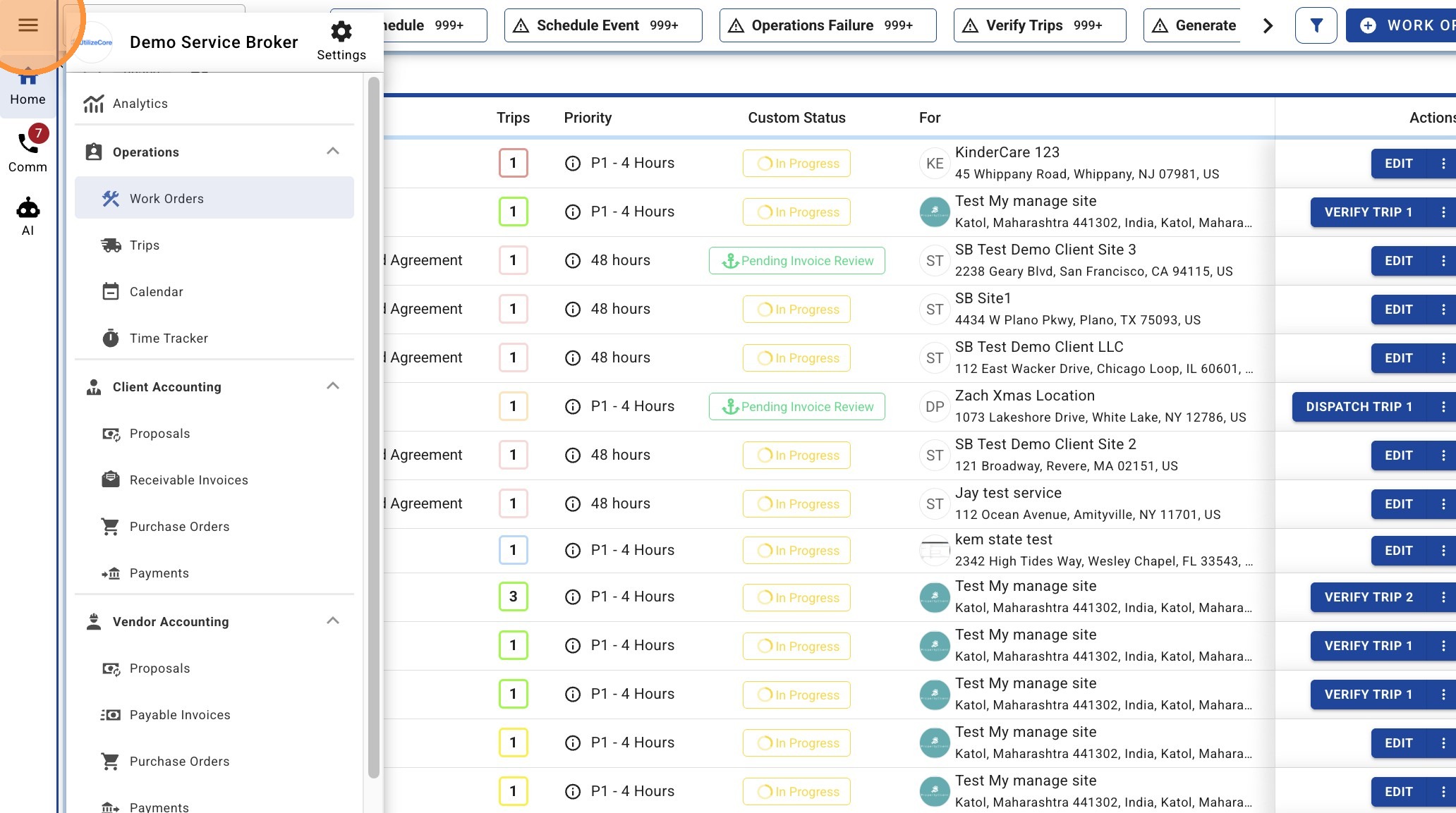
2. Navigate to the Employees page via the side menu
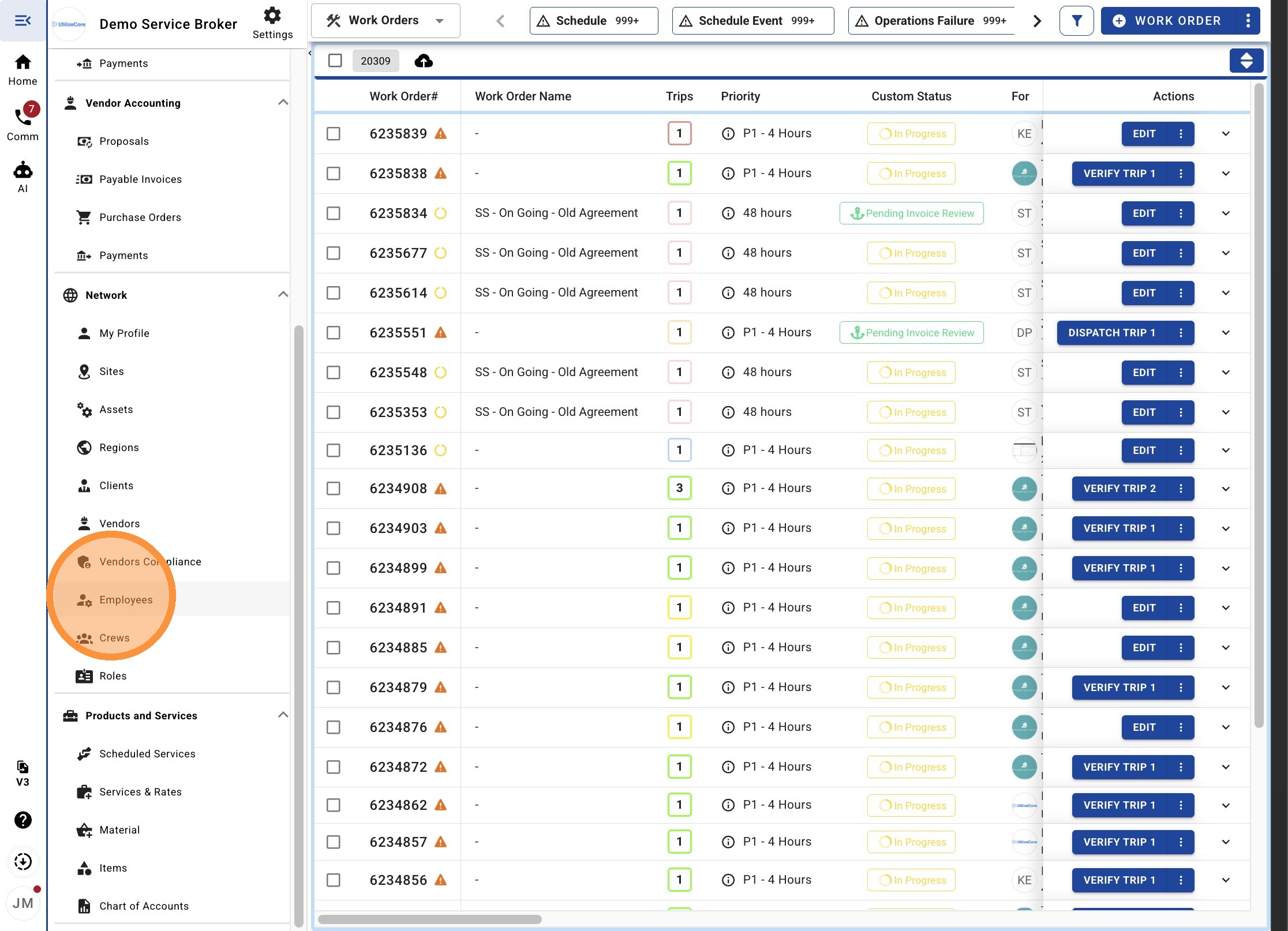
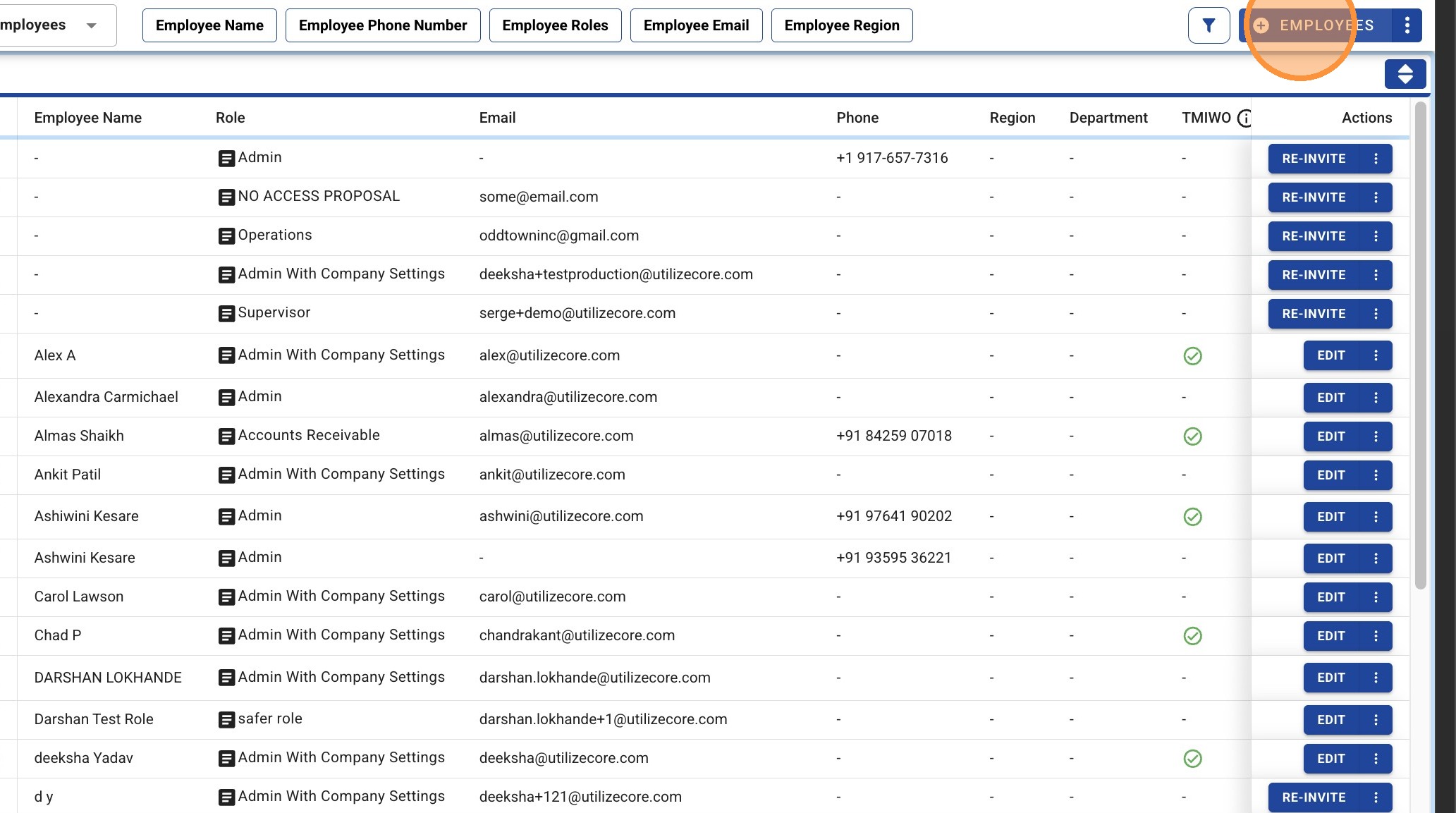
3. Click '+ EMPLOYEES'
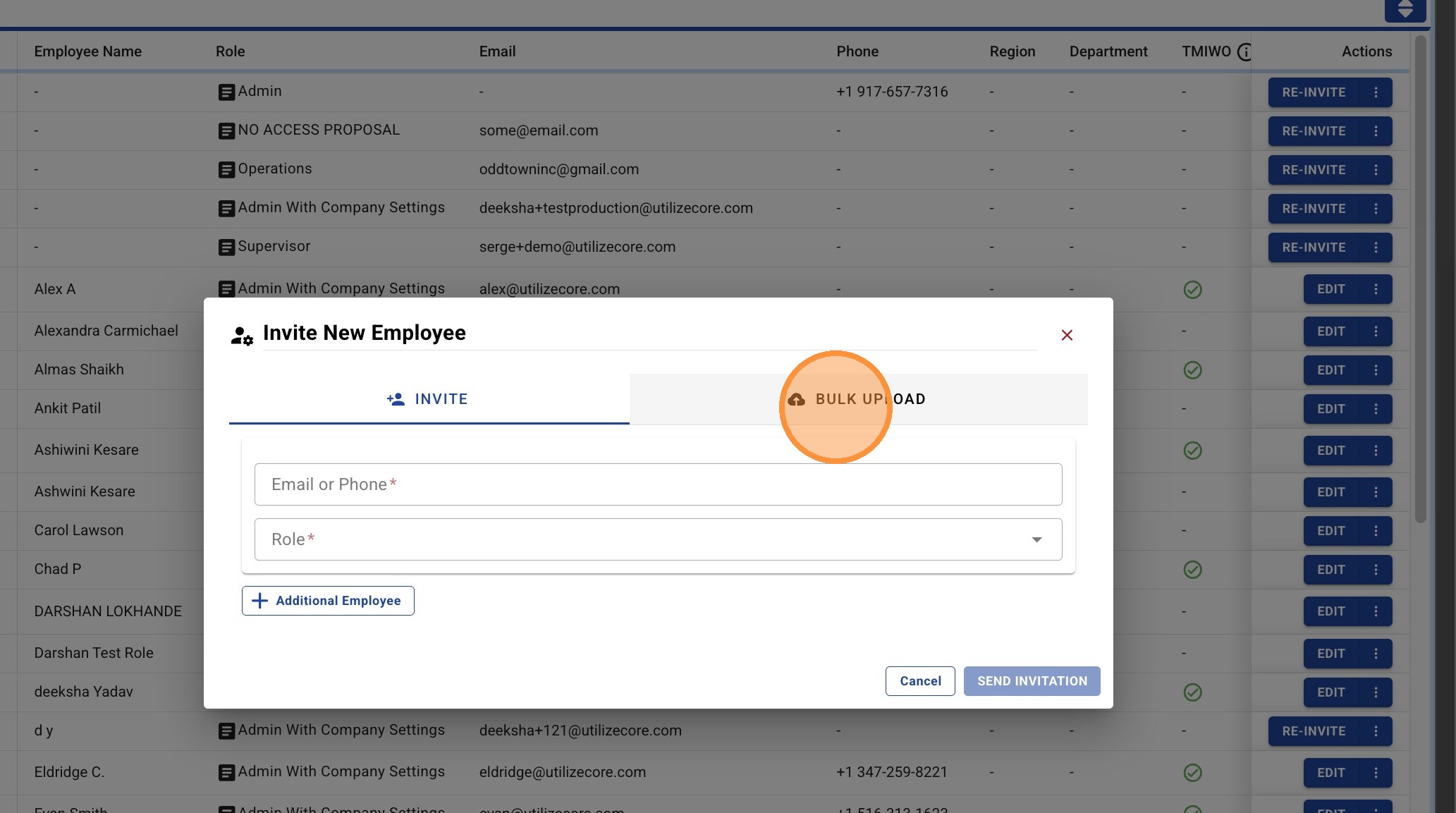
4. Click "Bulk Upload"
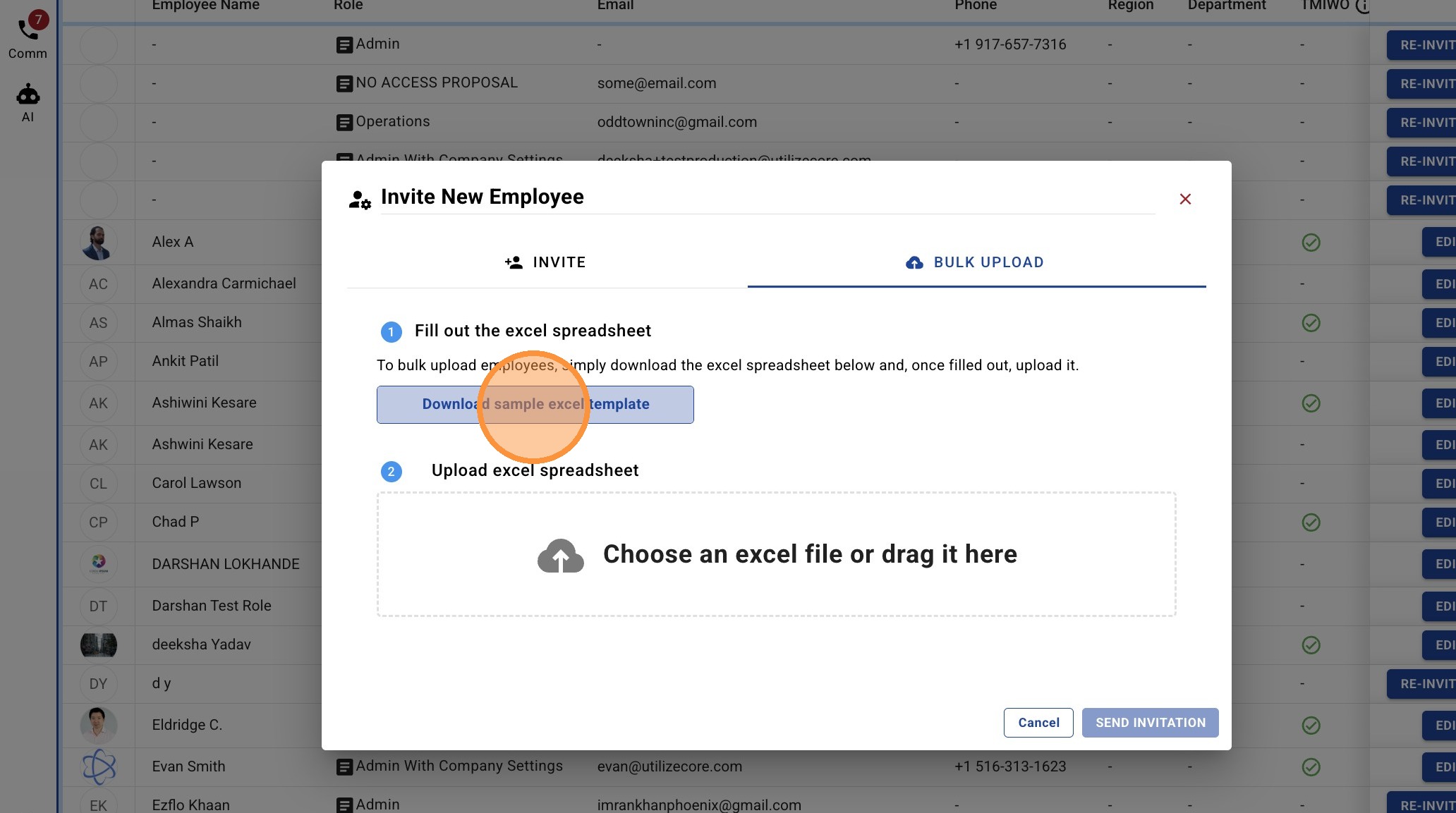
5. Click "Download sample excel template"
6. You can see the progress of your download in your background task. Files can be accessed here if the file doesn't automatically download.