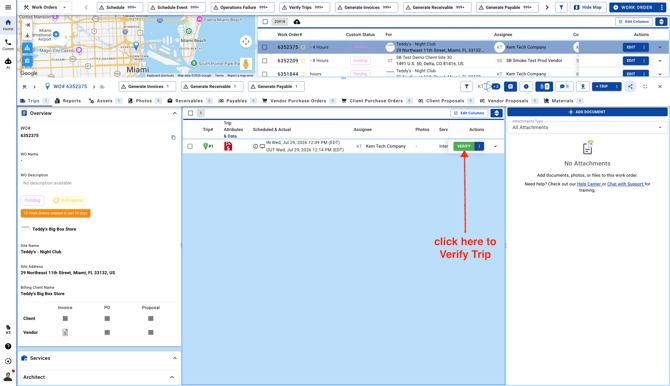
- Go to Work Orders page and open a Work Order
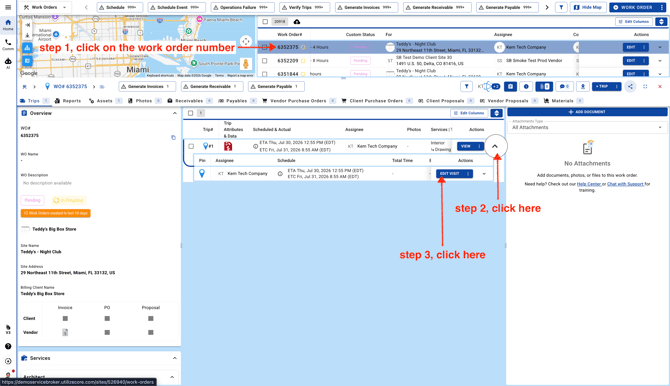
-
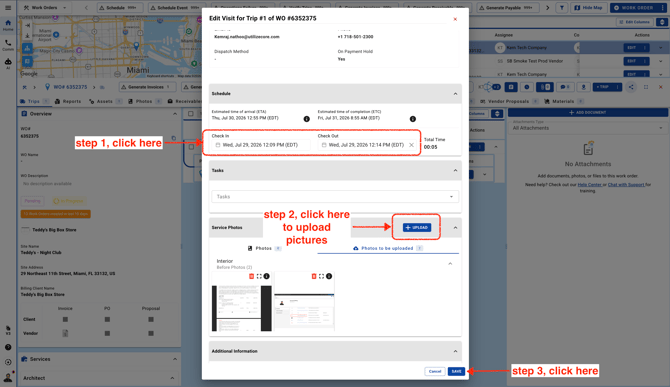
Enter the trip details, add your photos, and save your changes. Everything you enter will be included in the Trip report when you download it.
**Note:** Photos uploaded manually will display the date and time they were uploaded, not the Check In/Out date and time. Only photos uploaded through the UtilizeCore mobile app will show the photo upload time from the day the service was performed.
- Verify the Trip.