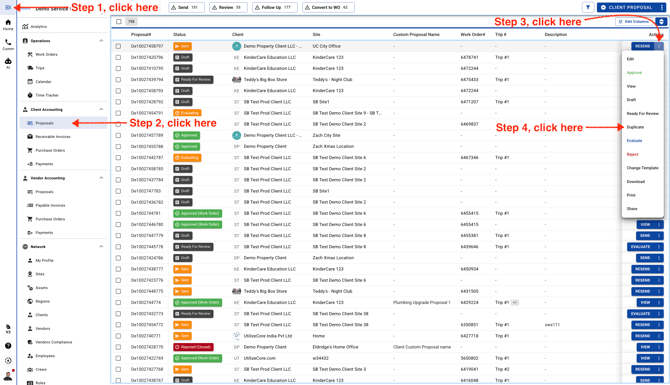
- Go to Client Accounting and click **Proposals**. Then click the three dots to duplicate a Client Proposal.
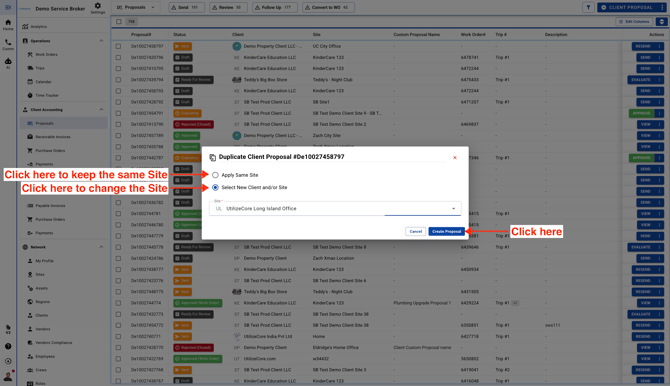
- You’ll be asked to choose a new Site or create a duplicate Client Proposal for the same Site.
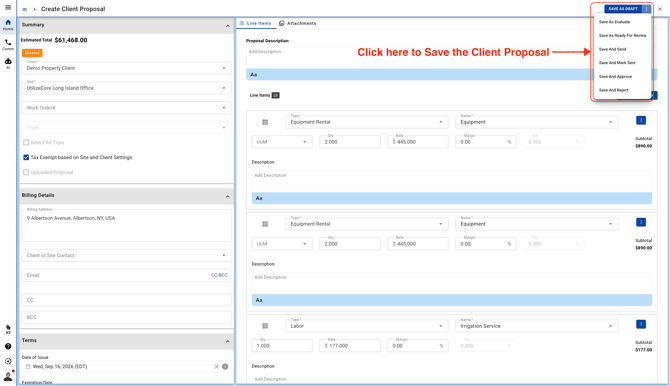
- All the Line Items, Proposal total, and Proposal Templates will be copied to the new Client Proposal. When you're ready, click the three dots in the top-right corner to save it and choose the Proposal status.
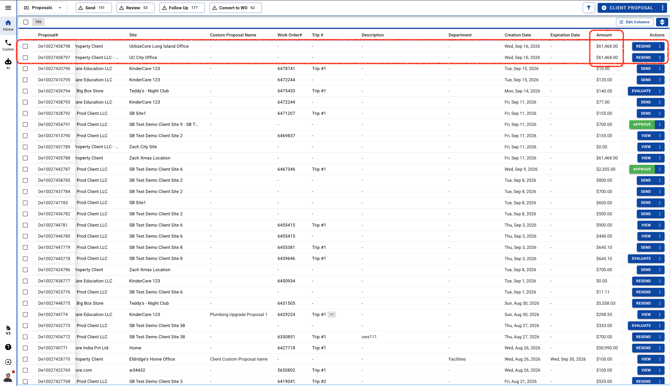
Your newly duplicated Client Proposal will appear at the top of the list.