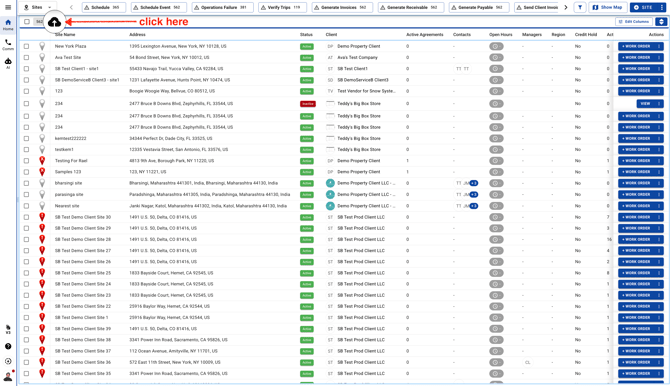
- Go to Sites page and click on the cloud Upload icon. You can apply filters and download Sites based on your requirement. Click here to read more about how to use Filters.
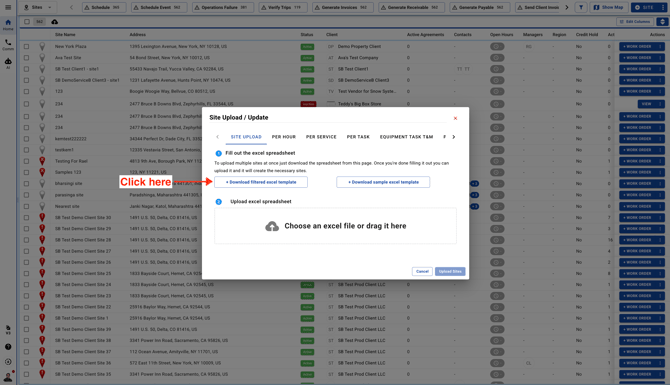
- The file will automatically download and it will be saved in your Computer's downloads folder.
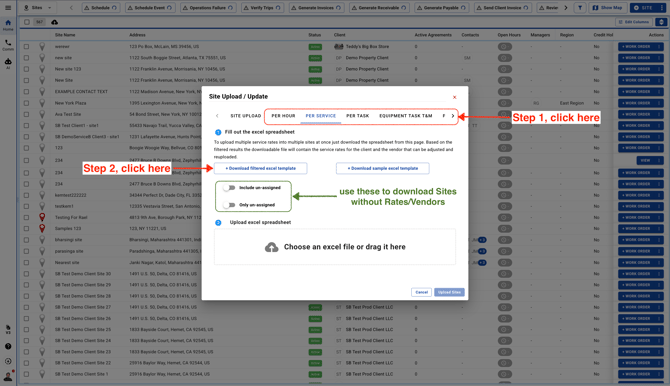
- To download Sites with Vendors, Trades & Rates click on Rate Type tab and download Sites.