
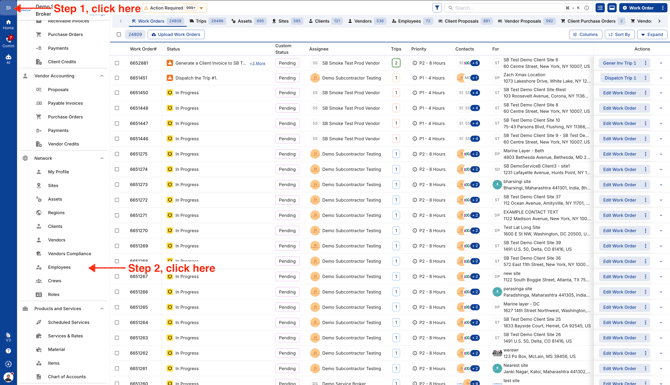
- Open the menu, then scroll down and select Employees to get started.
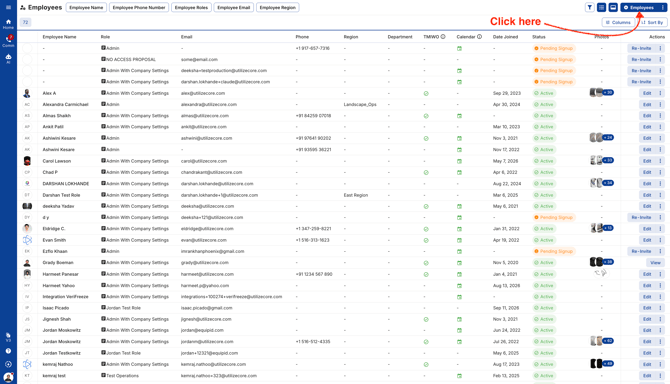
- Next, click the blue “+ Employees” button in the top-right corner.
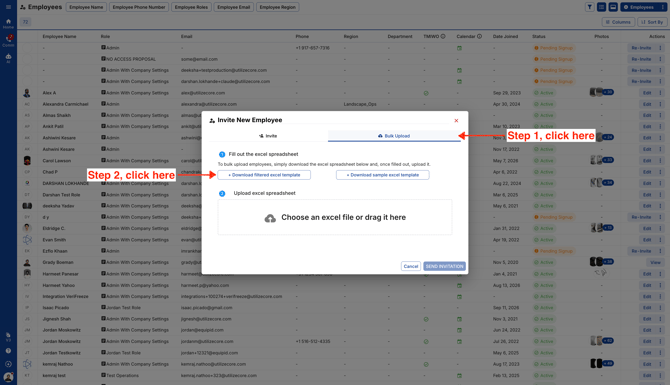
- Select the “Bulk upload” tab, then download the filtered Excel template. It includes all the employees added to your portal, so you’ll have everything in one place.
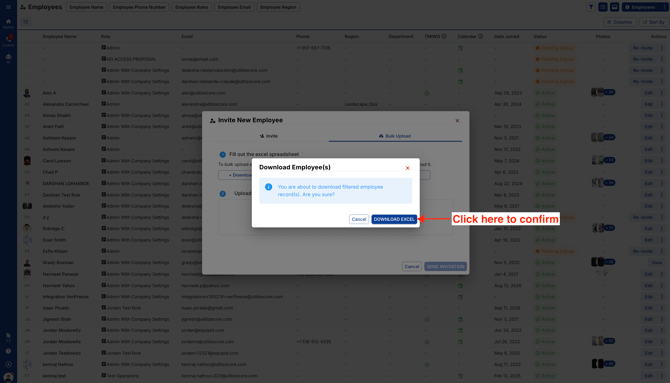
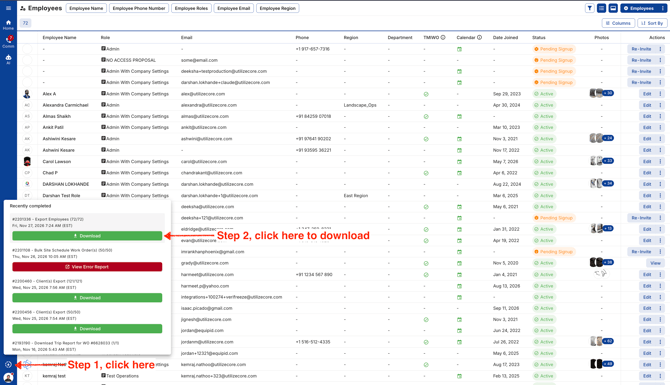
- Go to background tasks and download the list.
Video