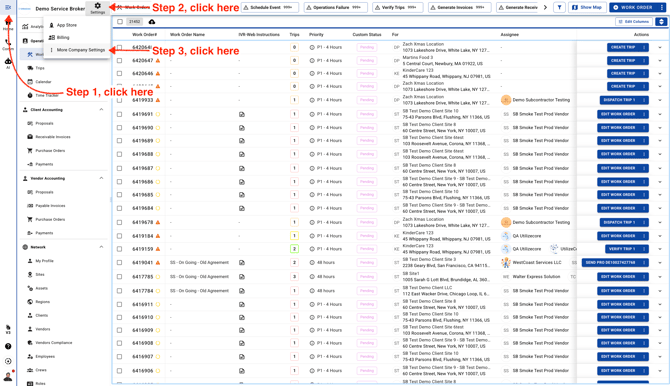
- Go to Company Settings page
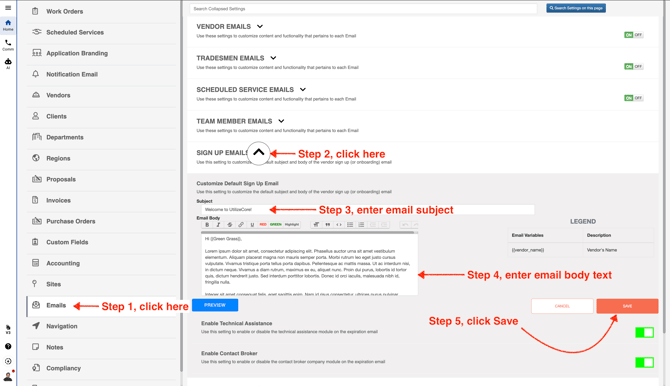
- In the left menu, scroll down and click **Emails**. Then expand the **Sign Up Emails** section, enter the email body and subject line, and click **Save**. You can also click **Preview** to see exactly how the email will appear to your vendor.