
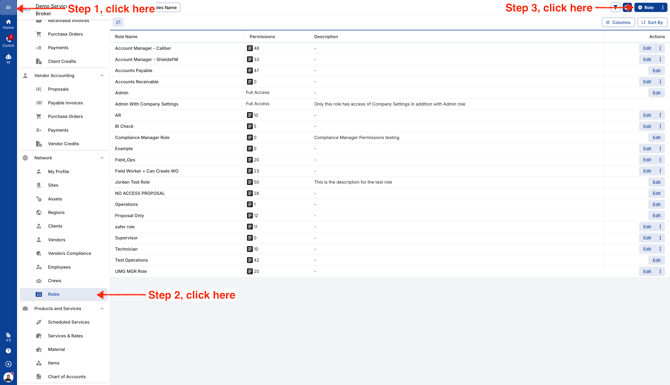
- To get started, click the menu icon in the top-left corner, then scroll down and select Roles under Network. To create a new role, click the blue “+ Role” button in the top-right corner.
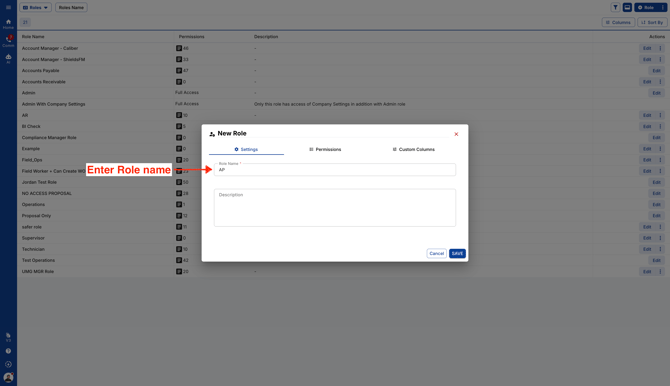
- Enter Role name
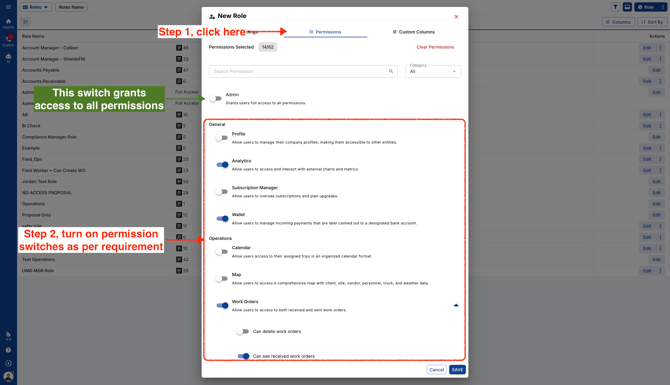
- Next, click the Permissions tab and choose which features you’d like this role to access.
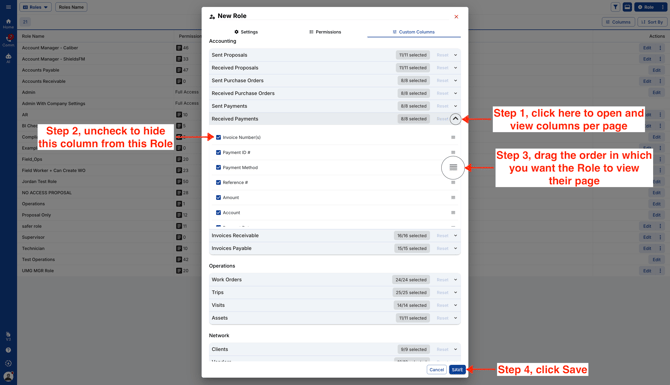
- Click the Custom Columns tab to choose which columns this role can access on each page. Drag the columns into your preferred order, then click Save when you’re ready.
Video