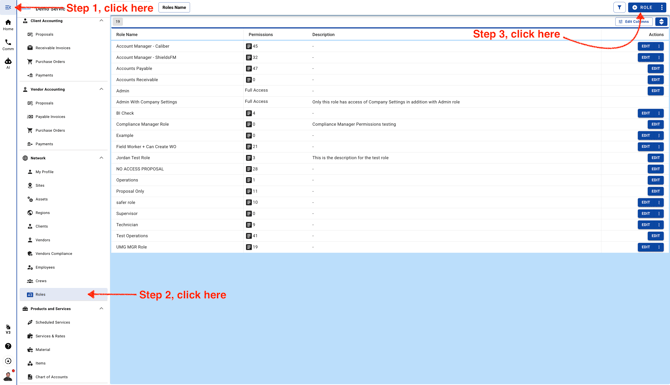
- Go to Roles page
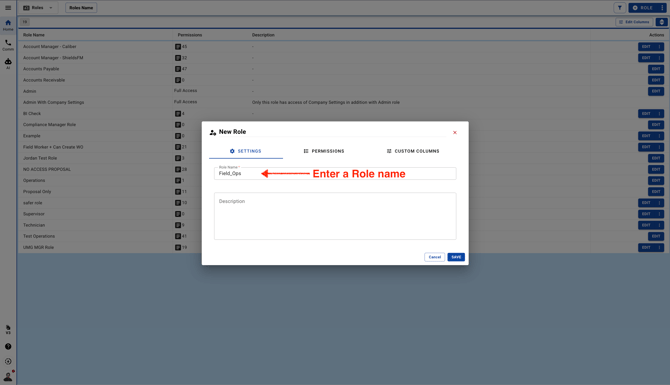
- Enter a Role name
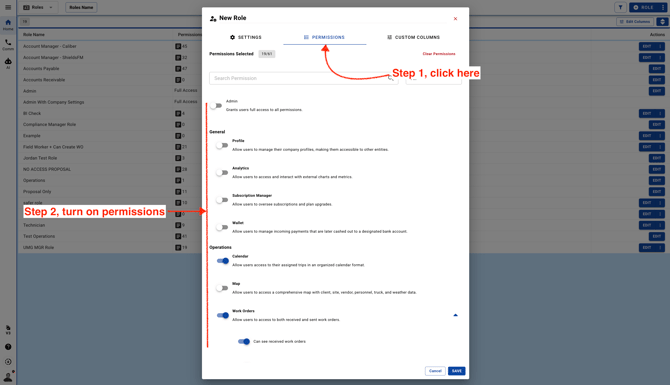
- Click on the Permissions tab and turn on Permissions as per your requirement
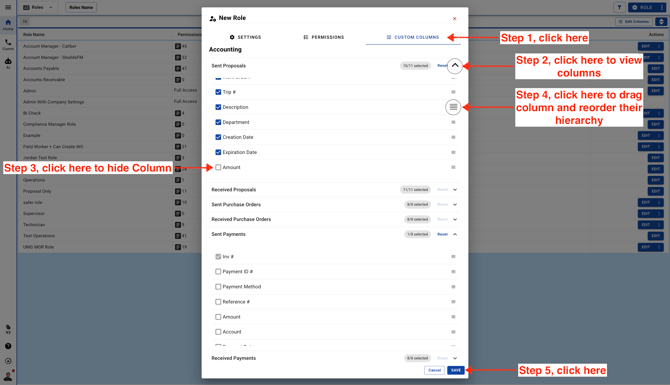
- Click on the Custom Columns tab. Choose which columns users will see by default when they log in to their account.
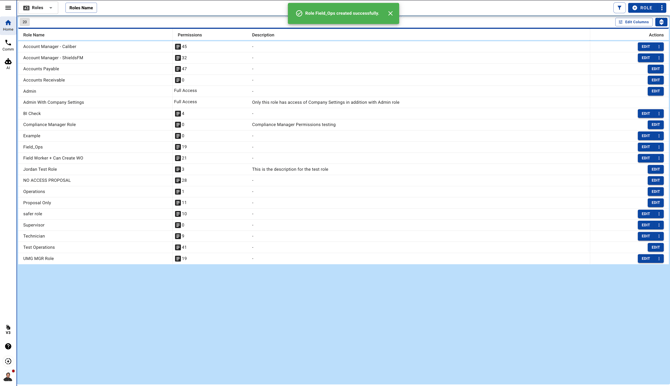
- The new Role will be available to use
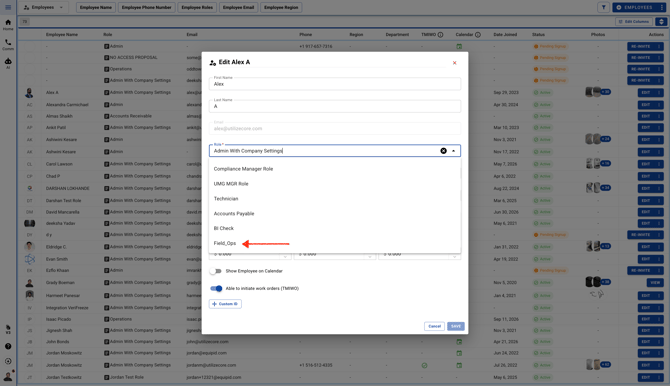
- You can assign the new Role to your Team Members