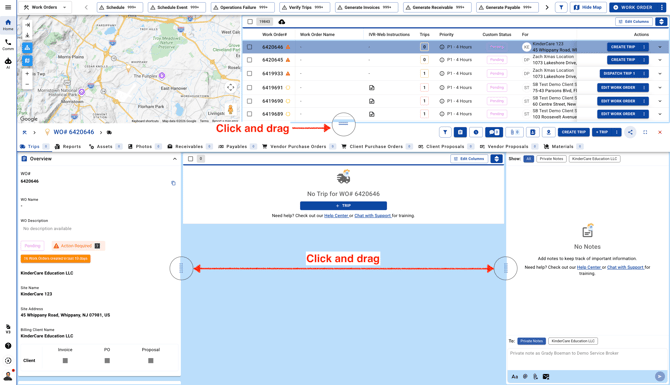
You can click and drag the entire panel on the Work Orders, Sites, Vendors, Clients, Trips, and Assets pages.
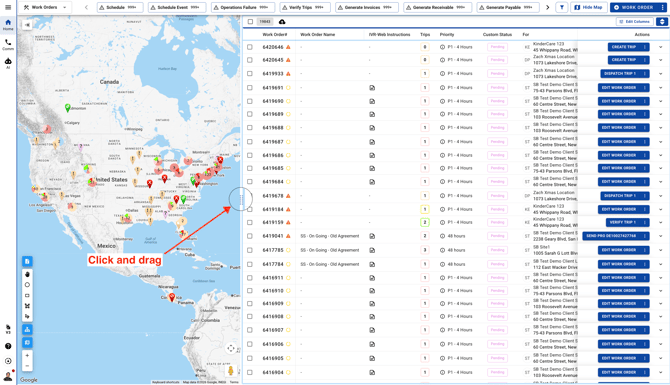
You can click and drag both the left and right panels. To adjust your view, simply click on the icon and scroll down from the center of the page.