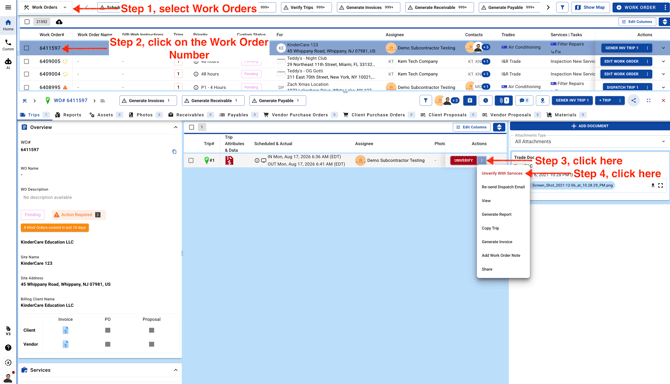
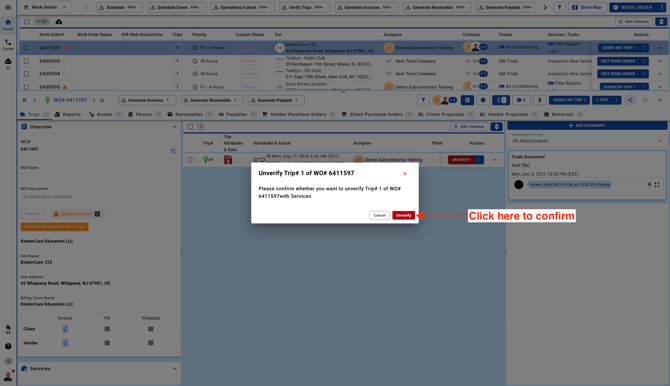
- Go to the Work Orders page and unverify the trip. If the trip has already been invoiced, you won’t be able to unverify it until the invoice is voided first. Once the invoice has been voided, you can return and unverify the trip.
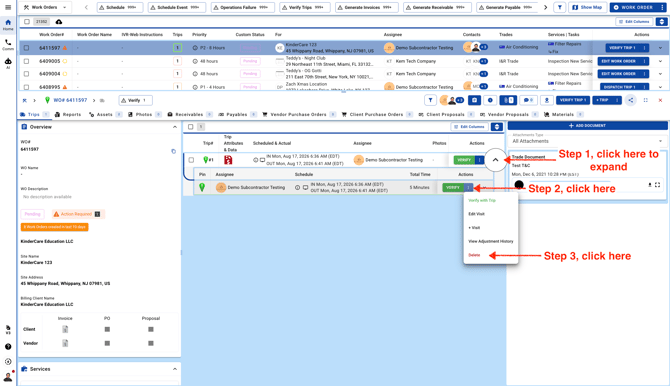
- Expand the Trip details to remove the Check In/Out data. Please keep in mind that this will also delete the trip pictures, and once they’re removed, they can’t be restored.
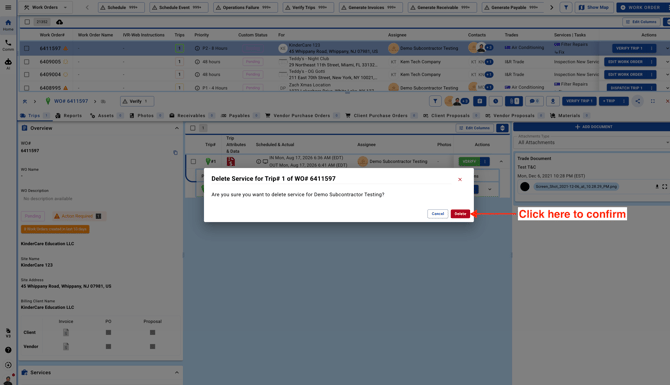
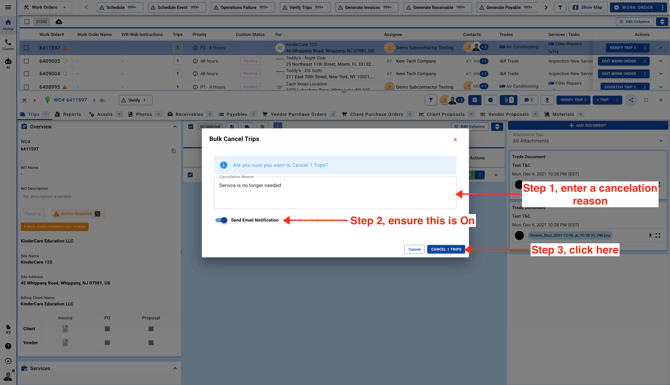
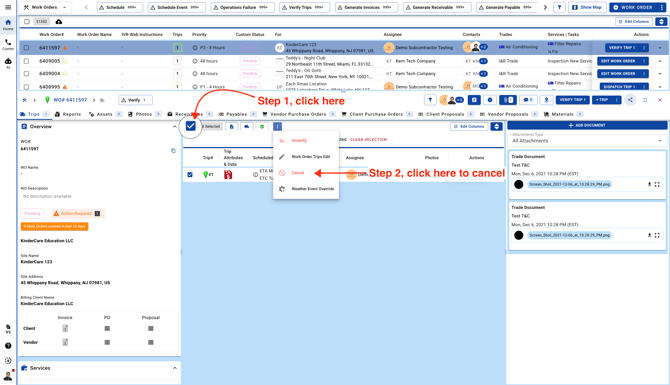
- Select your Trip and cancel
- Please make sure the email switch is turned on. This will send a cancellation email to the assignee.