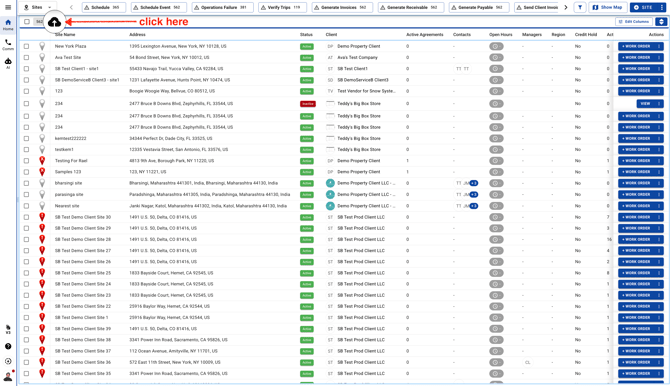
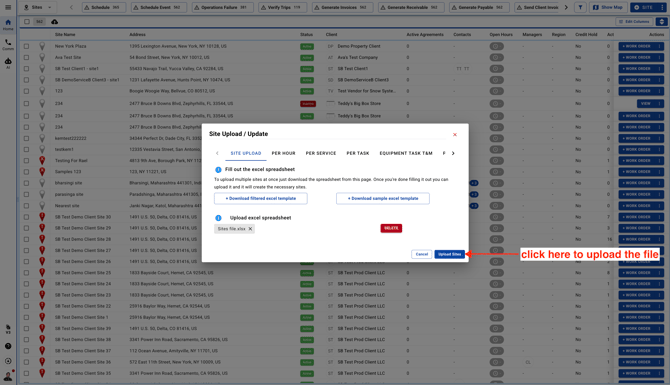
- Go to Sites page and click on the upload icon
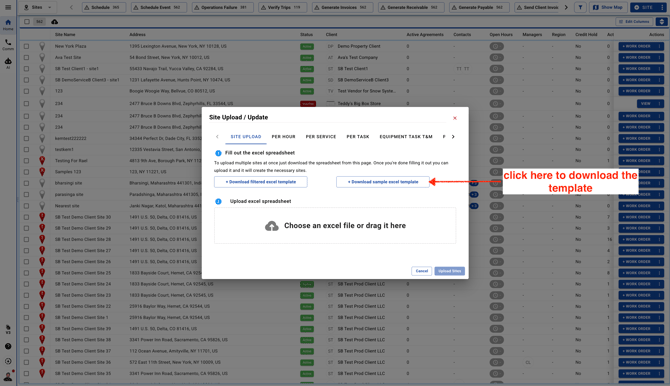
- Download a sample template to fill Site information to upload it in UtilizeCore
-
Open the Sample Excel Template and enter a Client Name.
Note: The Client name should match with the Client name you entered in UtilizeCore. That includes every "," & "." too. Cells that have a "Mandatory" word are important and cannot be left empty in order to upload the file successfully. The Client Name should be the same as Public Profile Name

-
Enter a Site Name

-
Enter a Site Address

-
Enter a City Name

-
Enter a State

-
Enter the Country

-
Enter a Zip Code

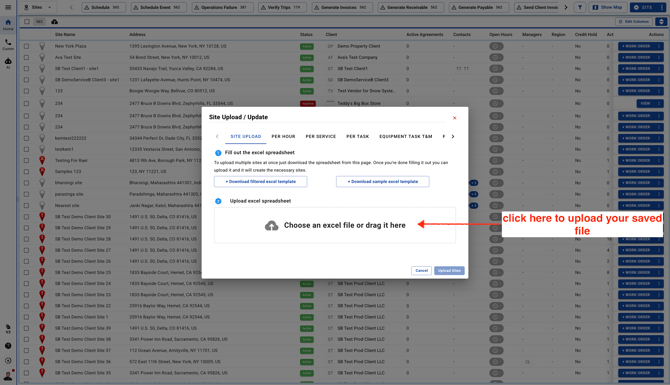
- Upload your file
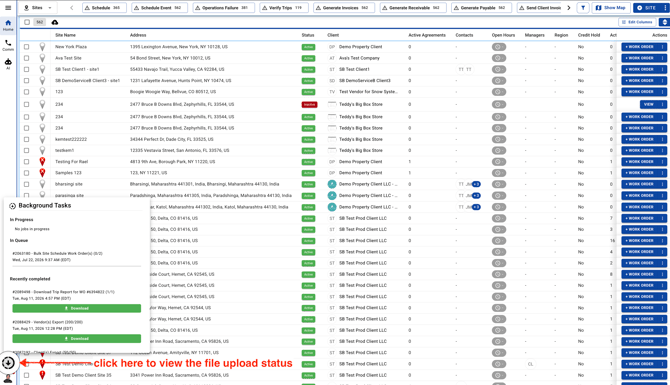
- Click on Background Tasks icon to view the file status and download the success/error report