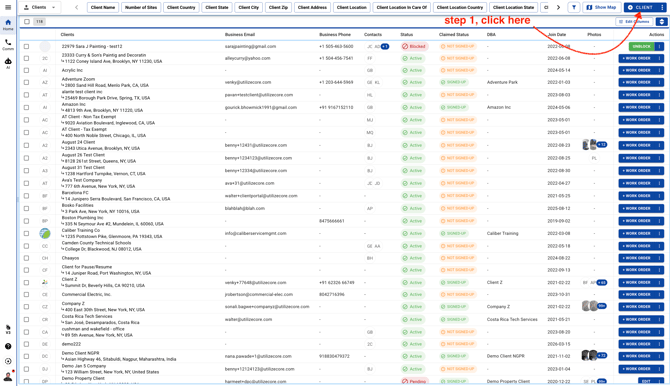
- Select Clients and click on the blue button on the top right corner
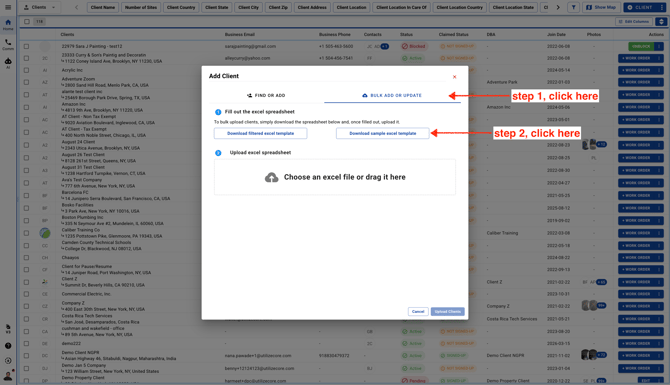
- Download the Sample Excel Template.
-
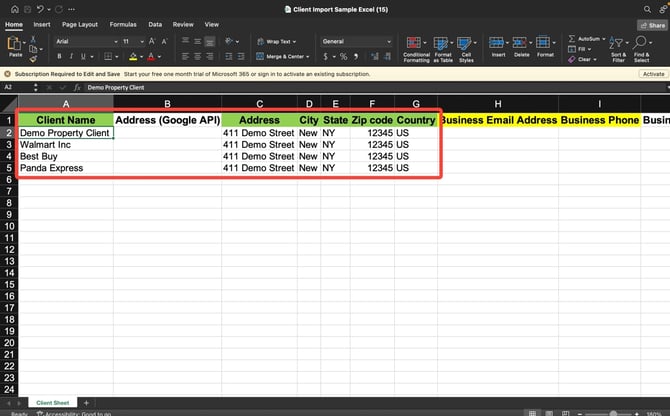
Enter the important/mandatory fields in green color such as Client Name, Address, City, State, Zip, and Country
Note: you can enter as much data as possible, however fields highlighted in Green color are mandatory
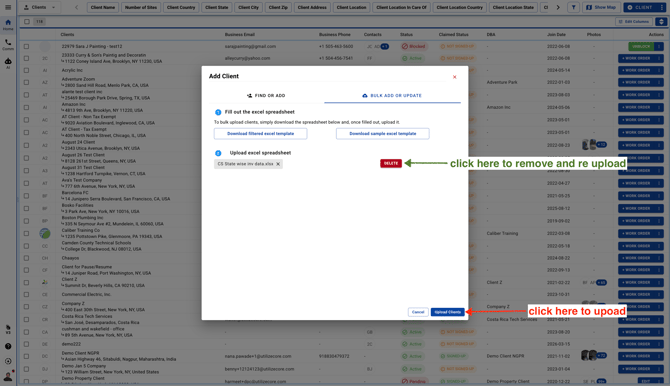
- Click on the blue button to upload the file