
1. Click "Associate Weather Events" quick action filter

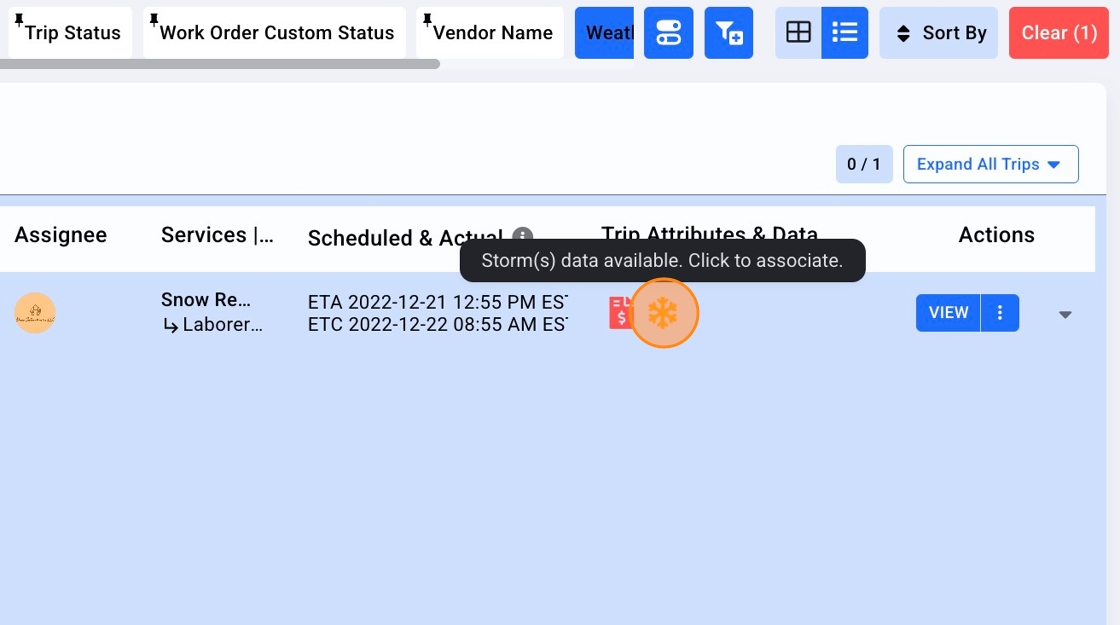
2. Click this icon and you should see a pop-up with the WW Event to associate. You can click on it to associate the WW Event to the Trip.
Note: If there are multiple WW Events with different snow accumulation rates, you'll see a list and you can select any one of them to associate with the Trip.
3. To view the associated WW Event, simply click on the "Weather Event" tab
