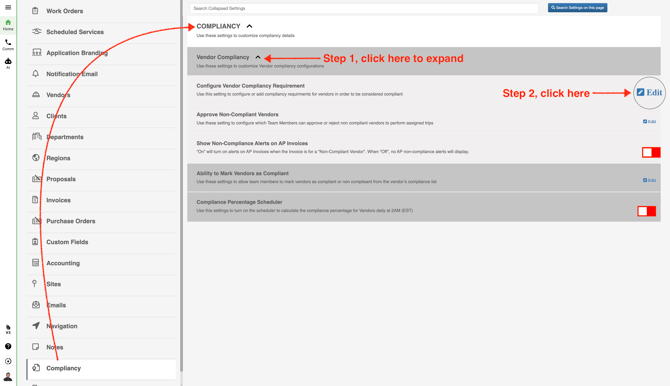
- In the left panel, go to **Company Settings** and click **Compliancy**. Then expand **Vendor Compliancy** and click **Edit**.
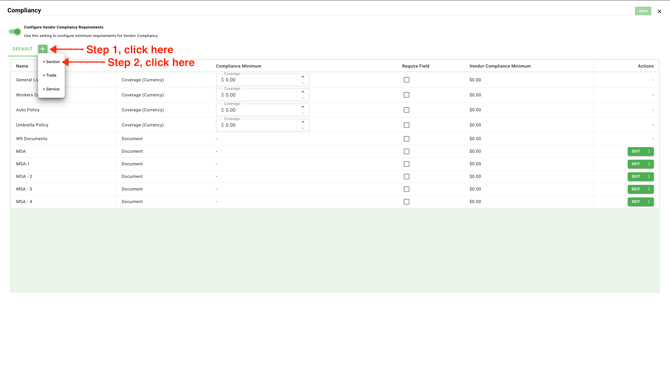
- Click the plus icon, then select **Section** to add a new Vendor Compliance Requirement Document Type.
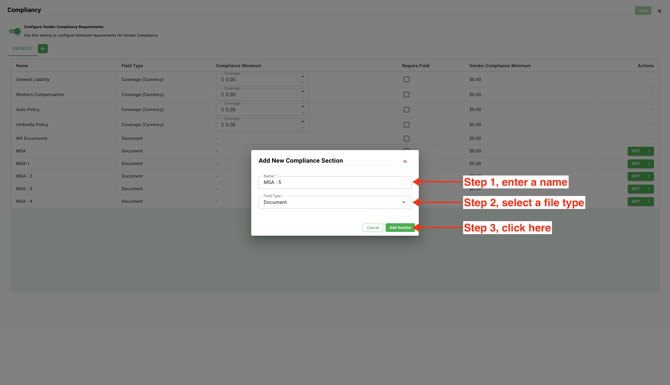
- Enter a name, choose the document type, and click **Save**. Once you save it, the new document type will automatically be added to all vendor profiles in your network.