- Go to Work Orders page
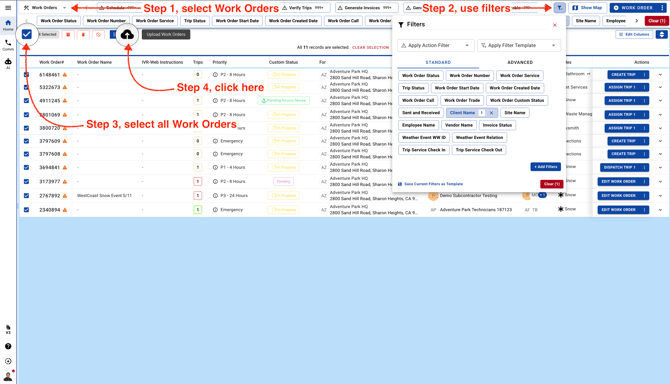
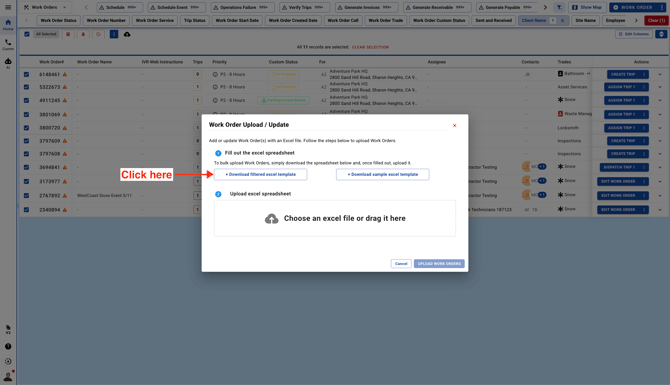
- Download a Filtered Excel Template and enter or remove WO Manager details
-
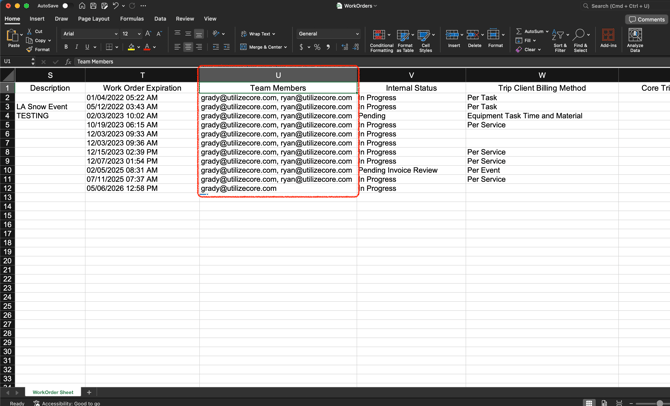
In your downloaded file go to Column U and enter your Team Member Email.
Note: You can add/assign one WO Manager or multiple WO Managers. To assign Multiple WO Managers make sure to put a comma "," after each email
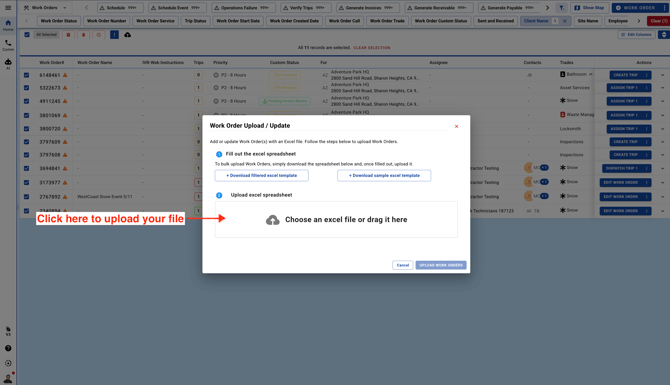
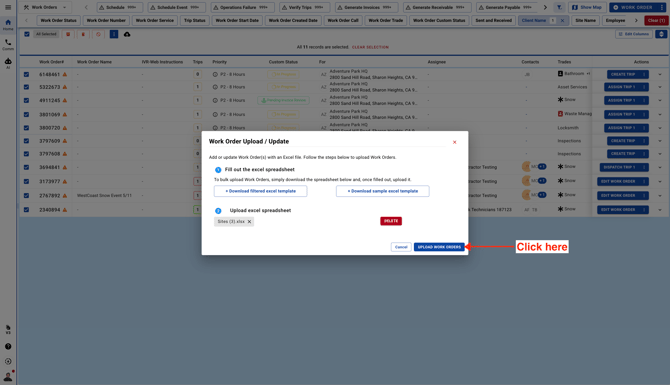
- Upload the file
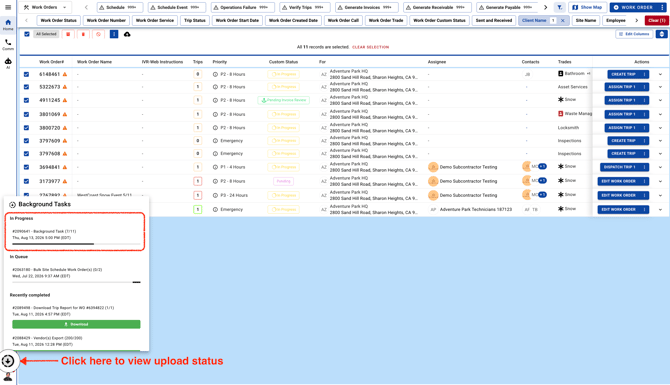
- Click on Background Tasks to view upload status