- Go to the left menu and select Regions
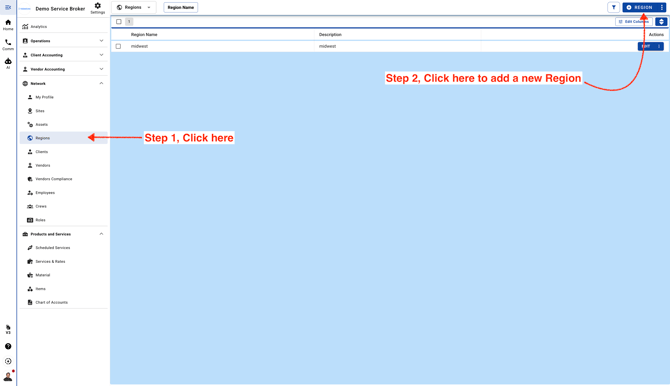
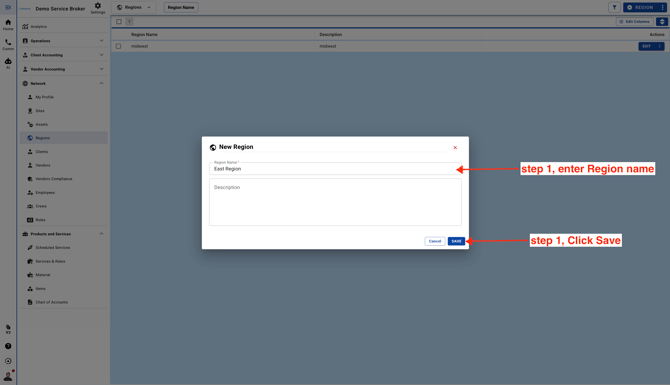
- Add a new Region
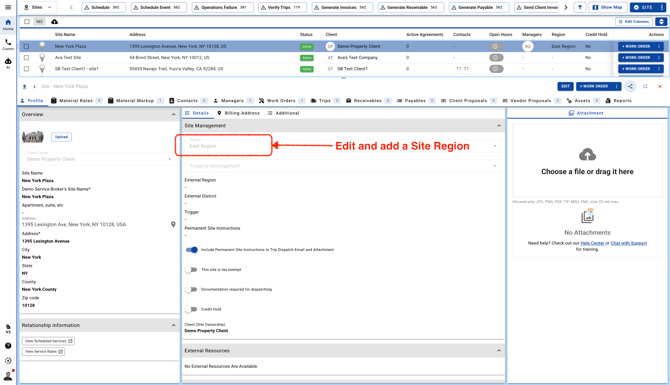
- Go to edit a Site and add Region to the Site. Click here to see how to edit a Site.
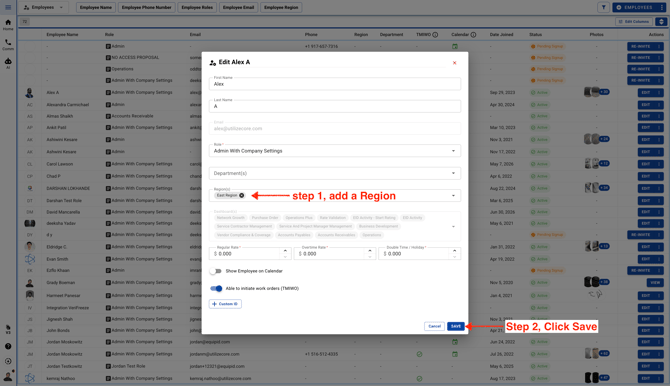
- When you update a Team Member and assign them to a Region, they’ll only be able to view Sites and Work Order data for that Region. Click here to see how to edit a Team Member