There are 3 types of Notes you can add to a Work Order.
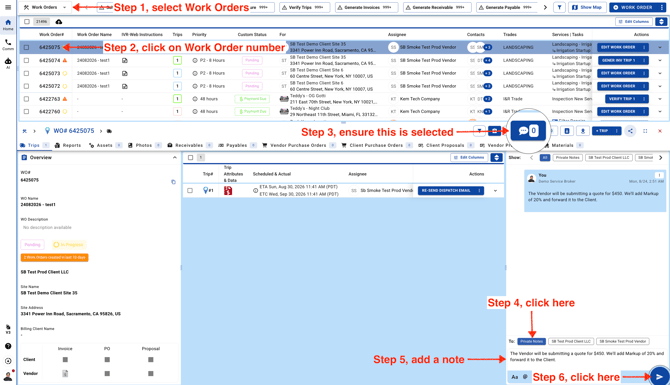
Private Notes
Private Notes let you communicate internally without sharing the message with Clients or Vendors. Before adding a new Private Note, be sure to click the **Private Note** button first.
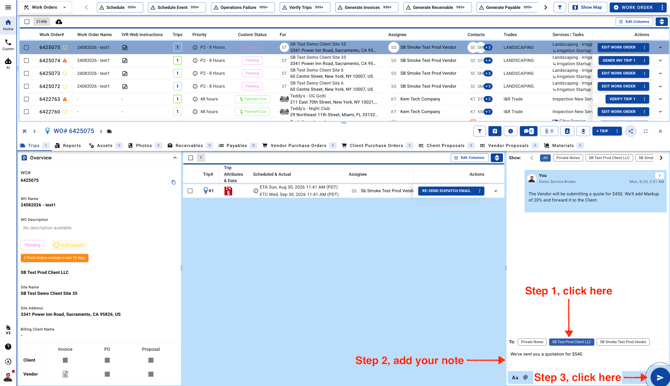
Client Notes
Client Notes are visible to you and your Clients, but Vendors won’t be able to see them. Before adding a new Client Note, click the **Client Name** button first.
Vendor Notes
Vendor Notes are visible to you and your Vendors, but Clients won’t be able to see them. Before adding a new Vendor Note, click the **Vendor Name** button first.
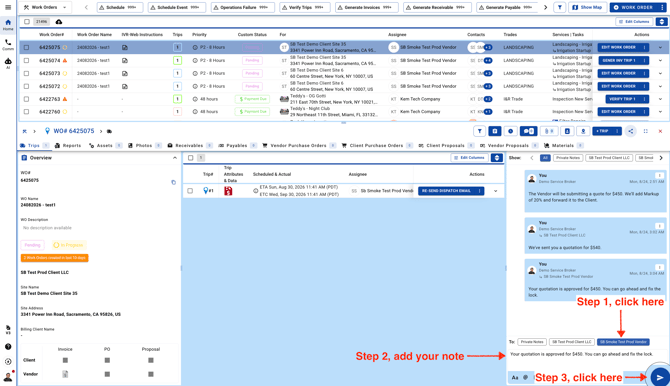
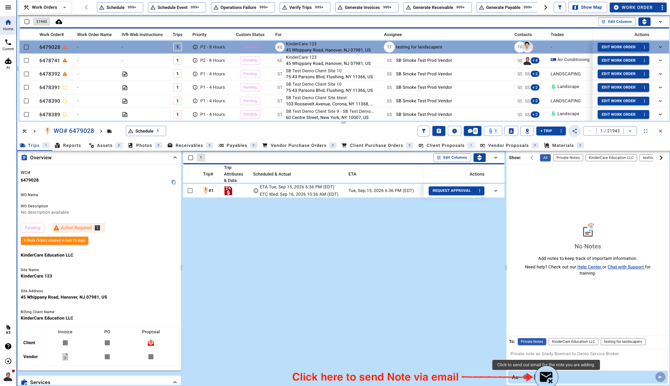
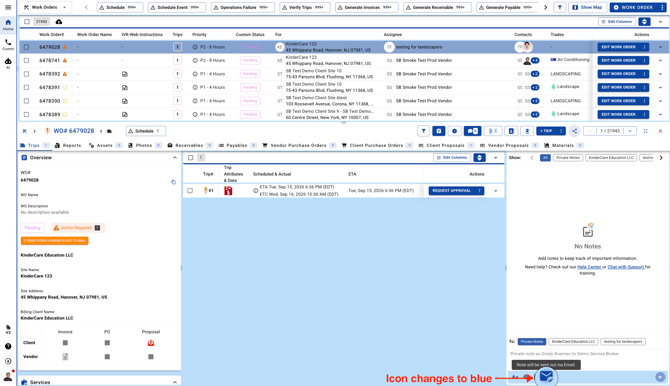
If you want to send the Note via email make sure to click on the envelop icon.