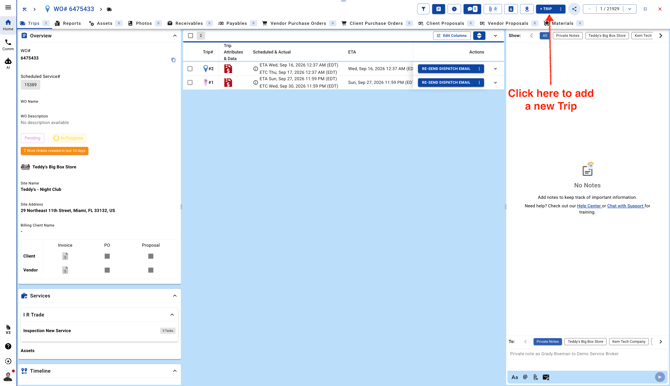
Here are three easy ways to add a new trip from different views:
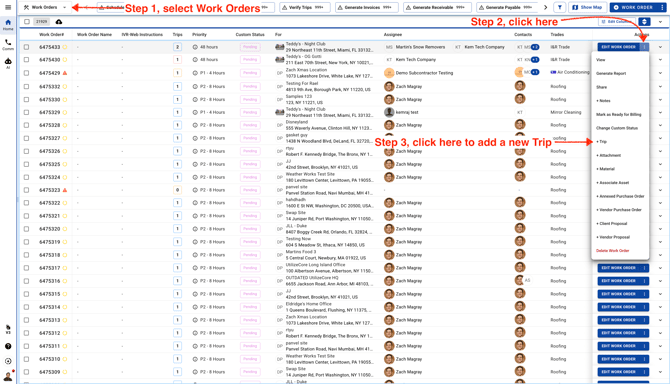
- This is the Work Orders list view. To add a new trip from here, click the three dots to see more options, then select **+Trip**.
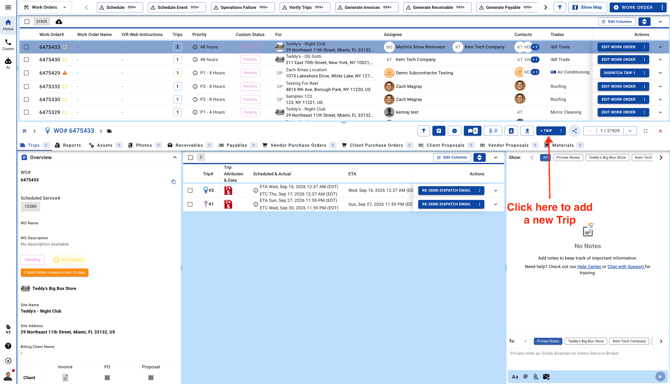
- This is the Work Order partial view. To add a new trip from here, click **+Trip**.
- This is the Work Order full view. To add a new trip from here, click **+Trip** in the top-right corner.