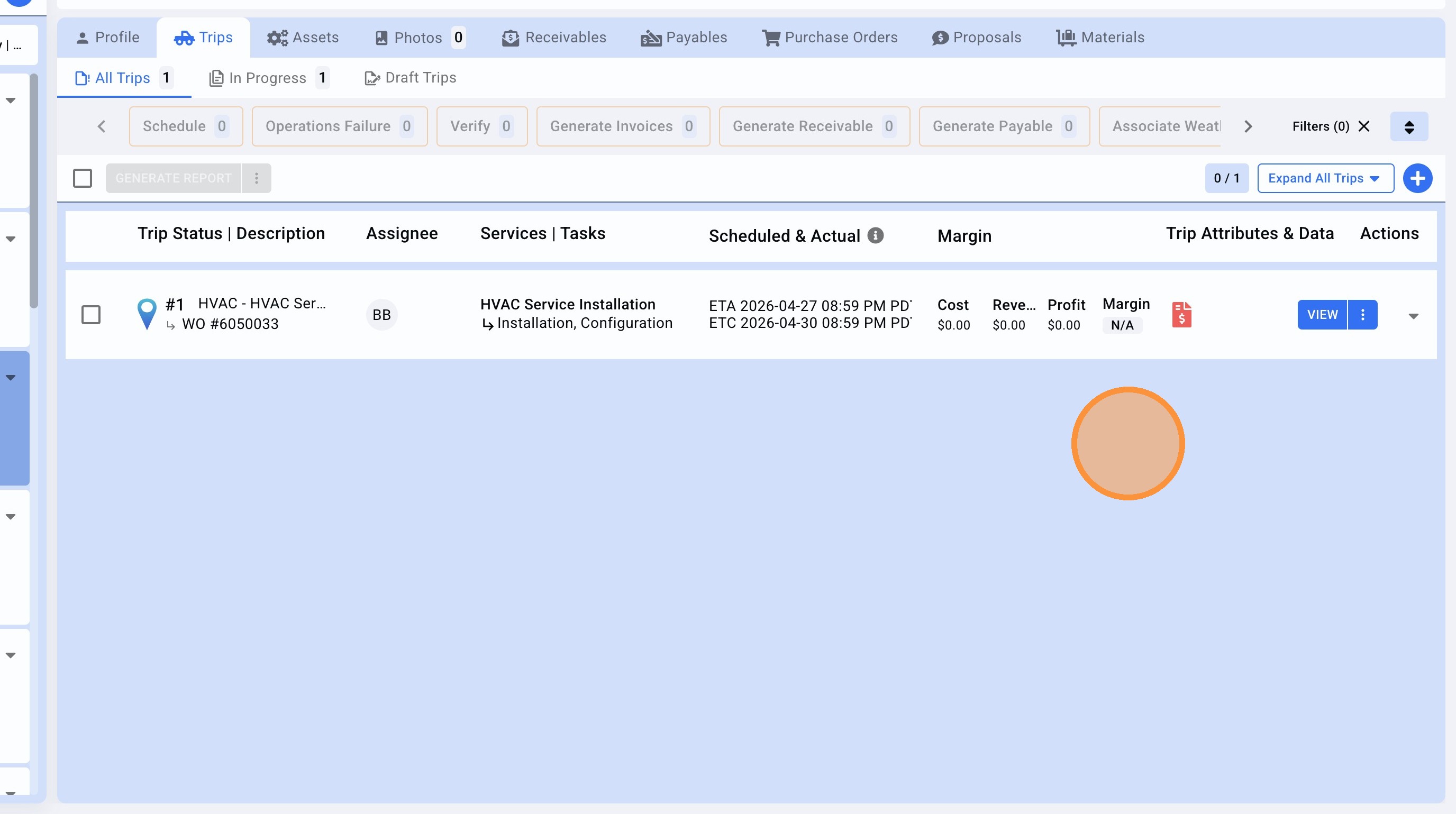
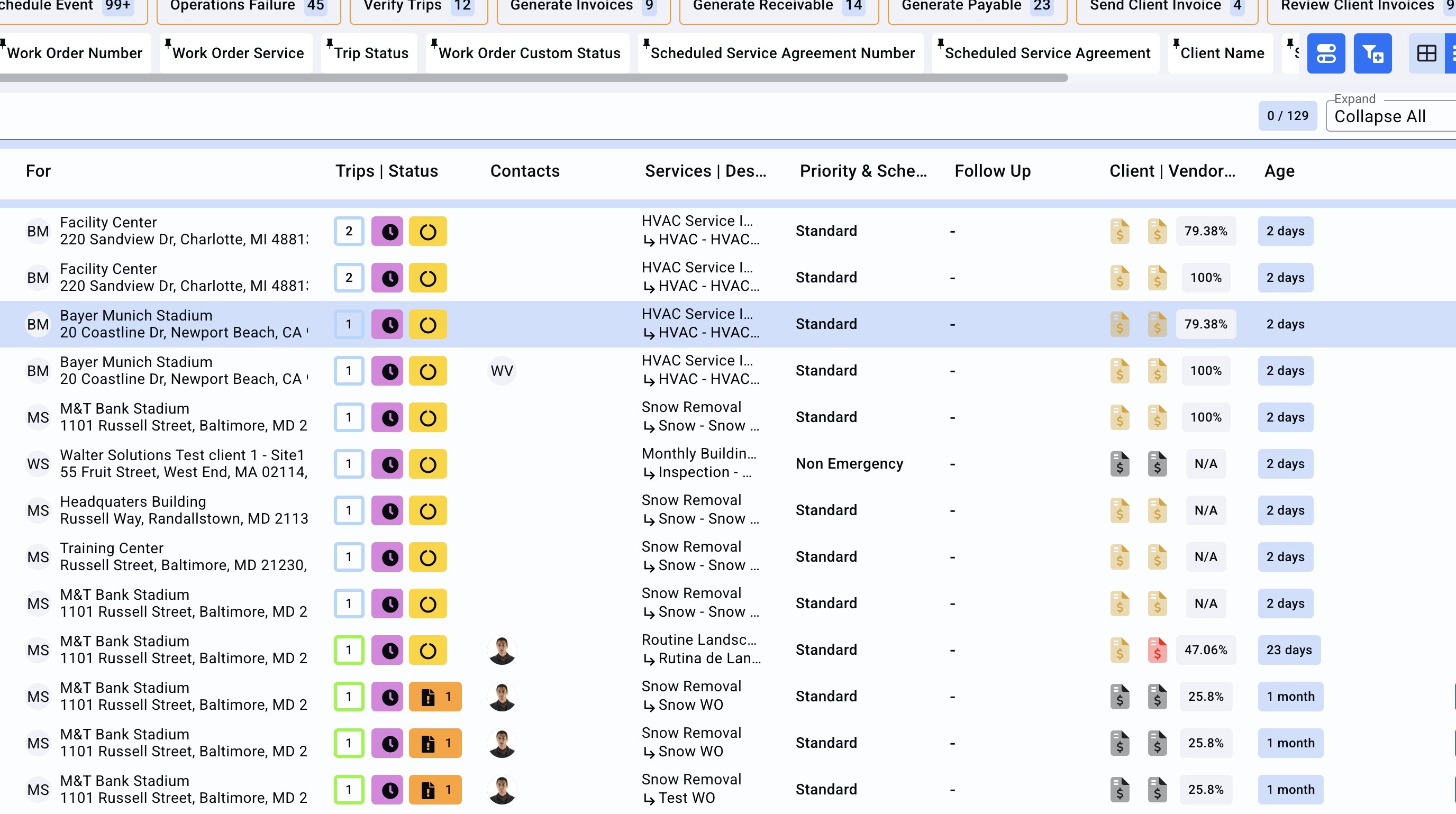
1.On the Work Order page search the WO required to change the vendor assignment.
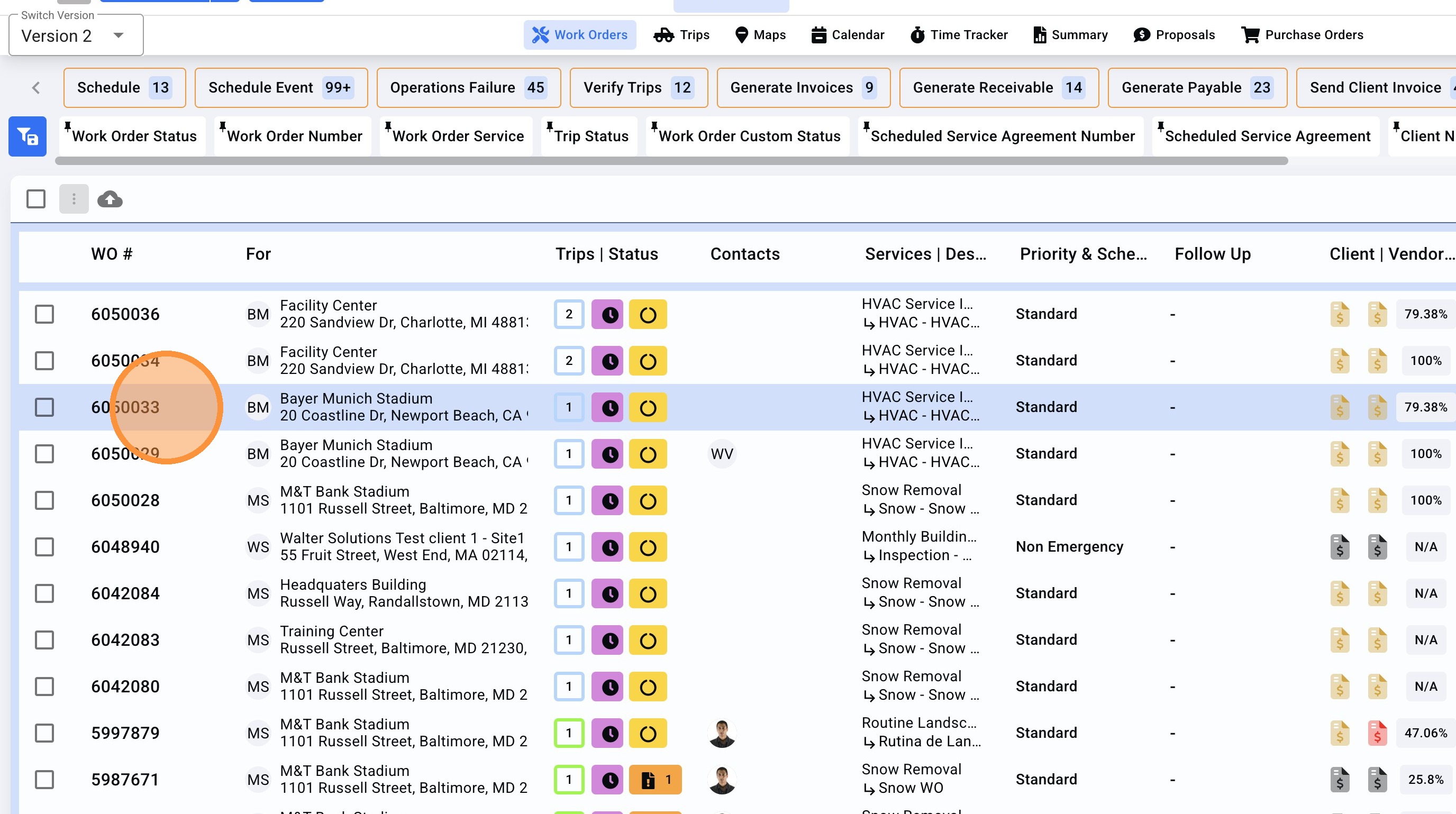
2. Open the Work Order.
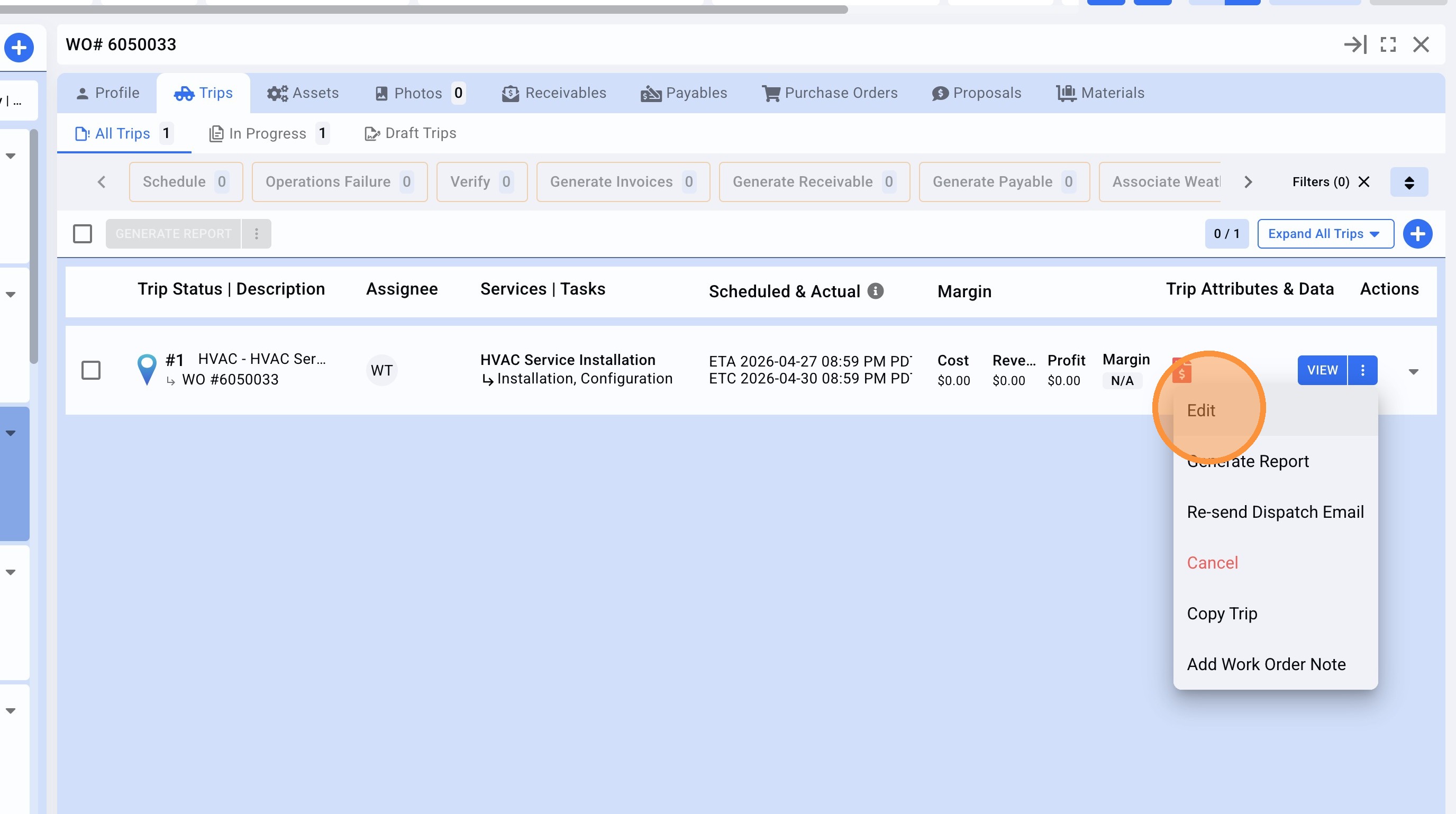
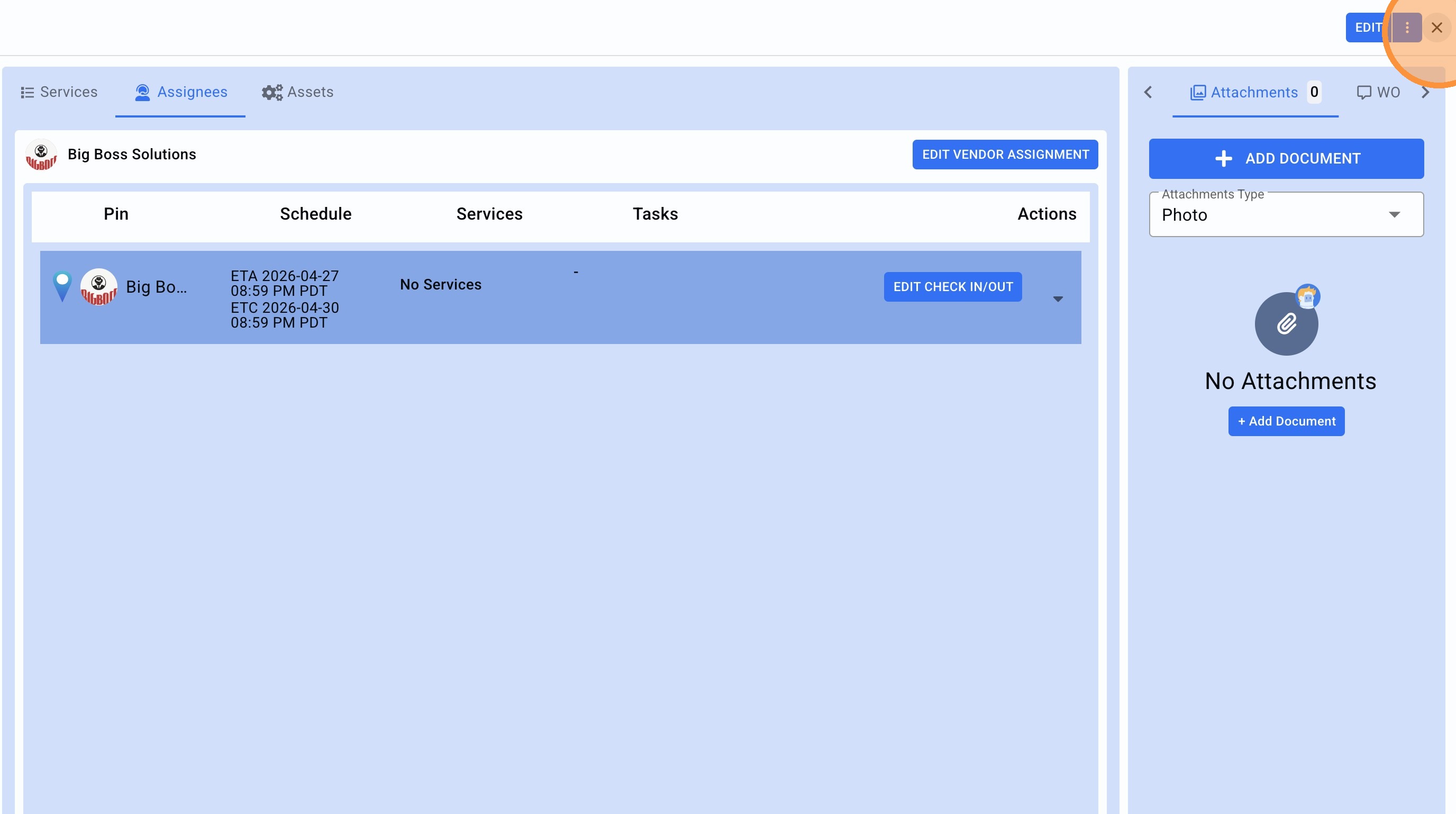
3.On the Trip, click on the menu icon.
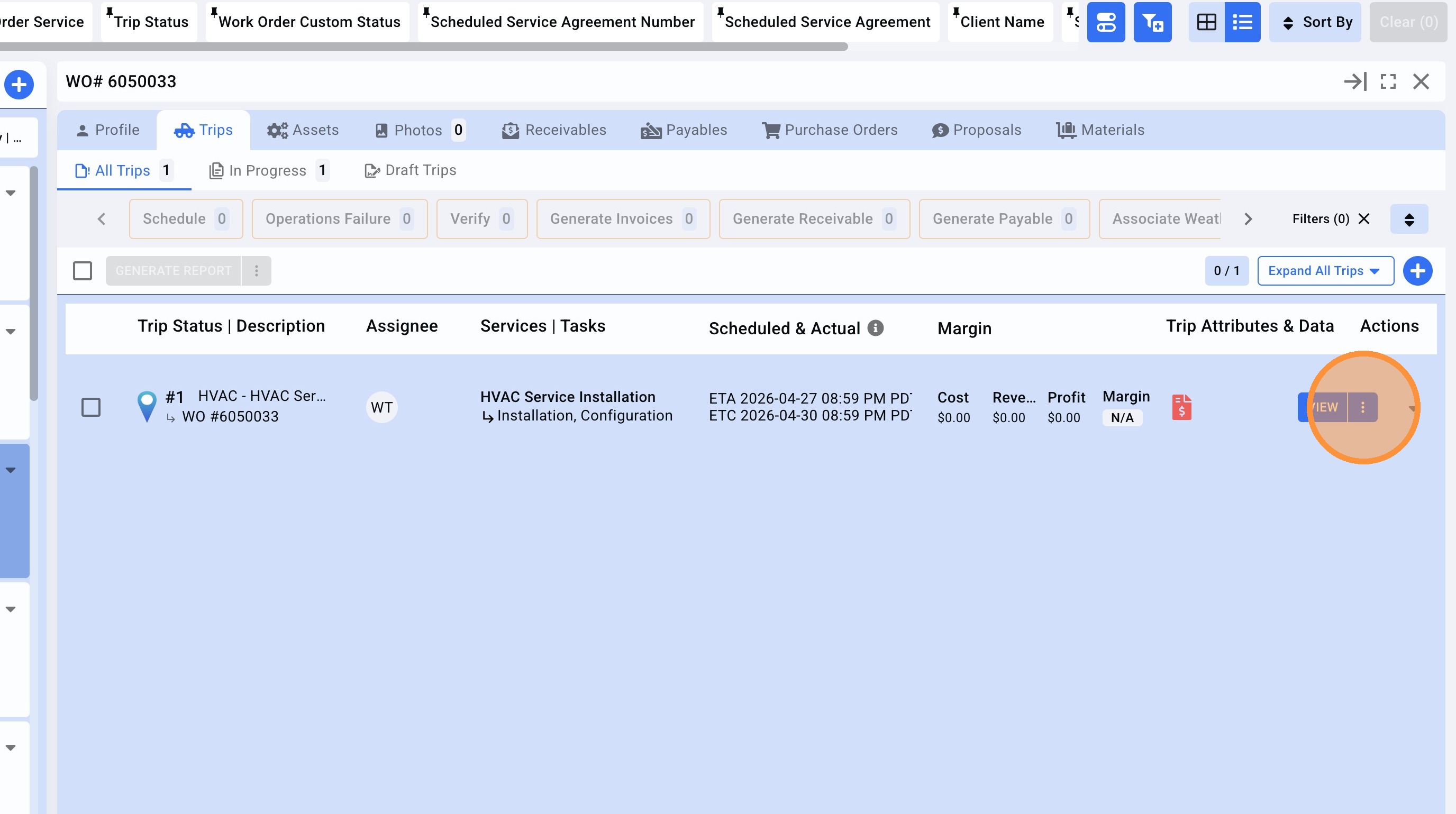
4. Click "Edit"
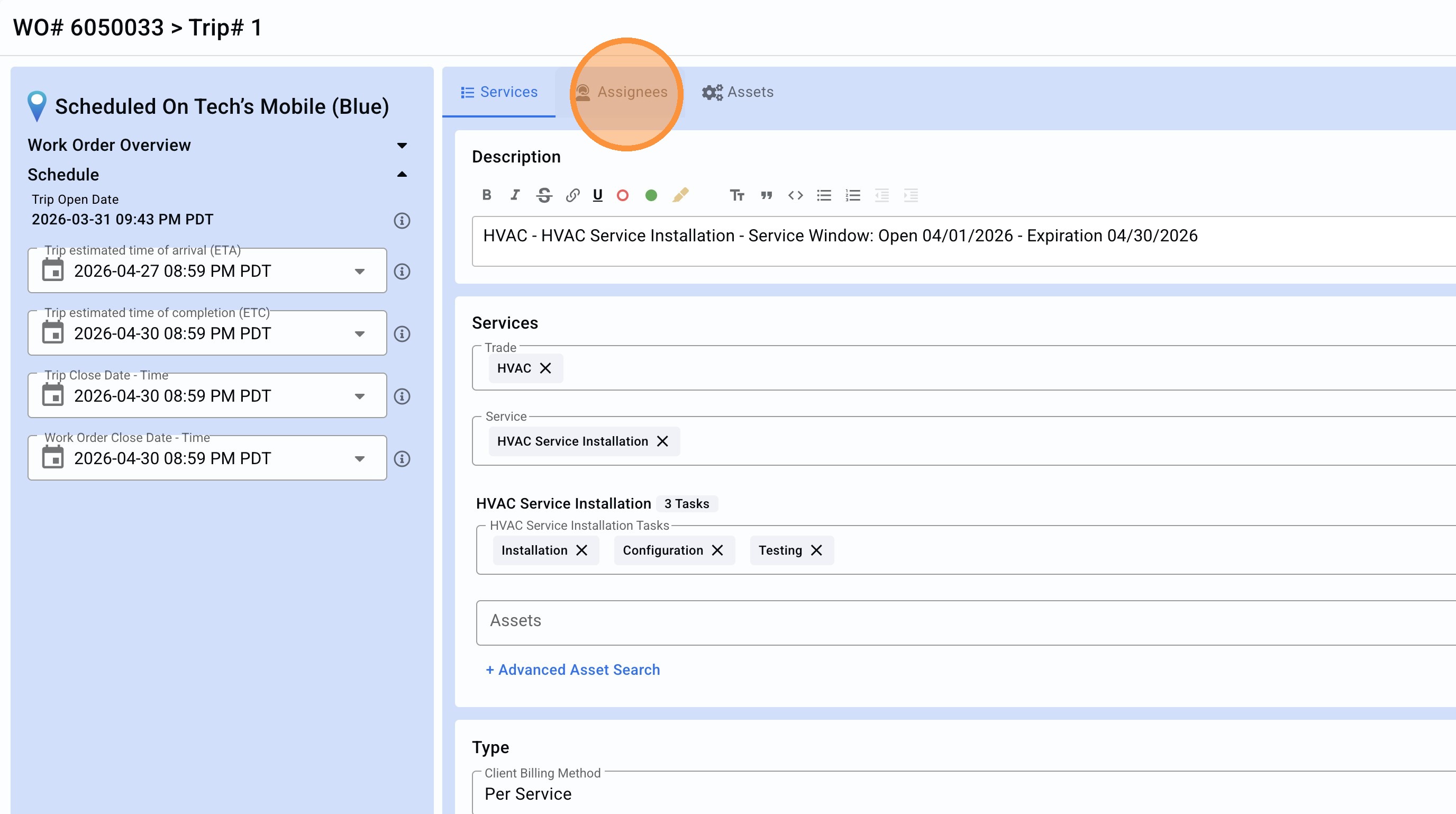
5. Click "Assignees"
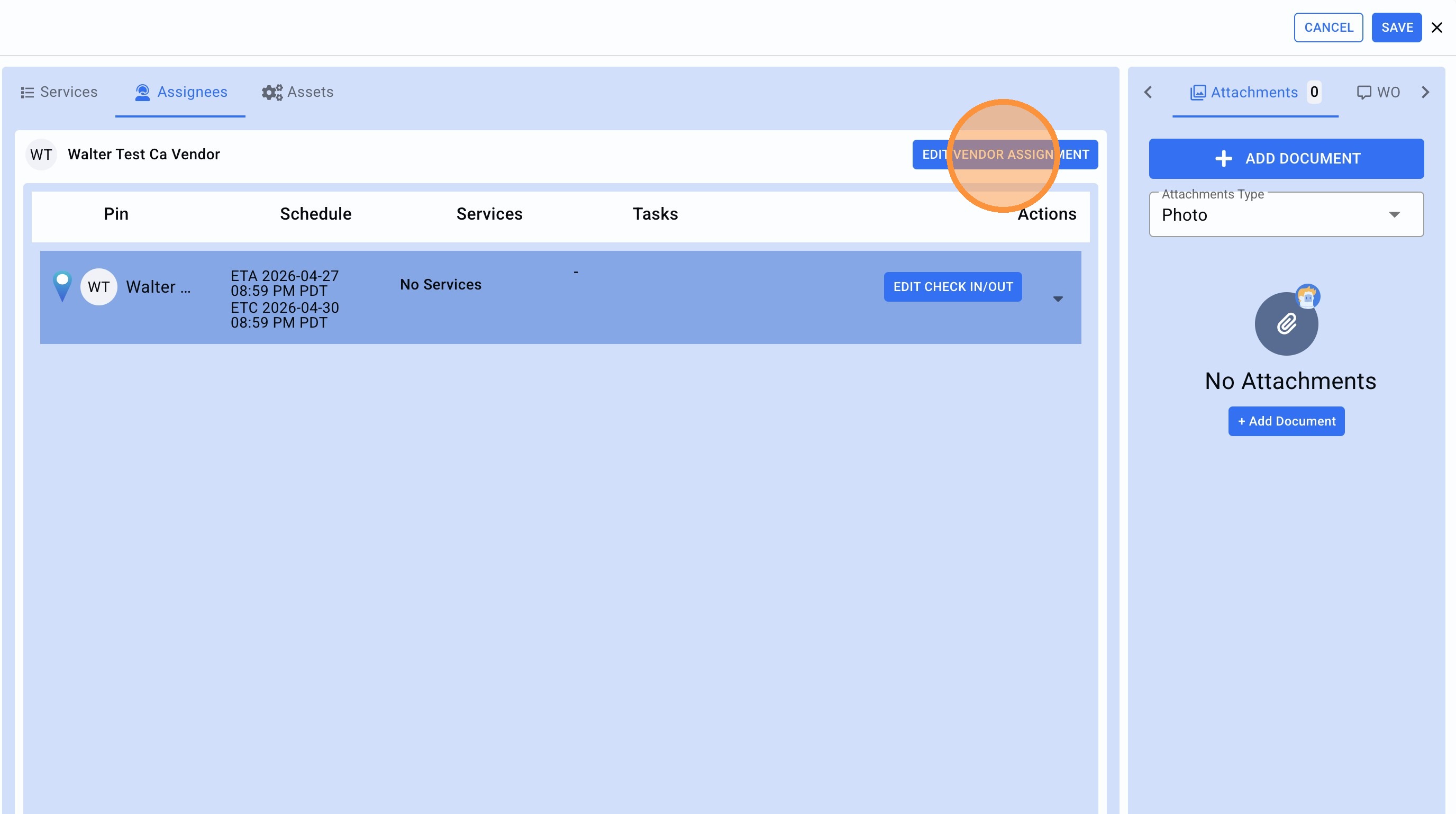
6. Click "EDIT VENDOR ASSIGNMENT"
7. Click on the X to remove the vendor already present.
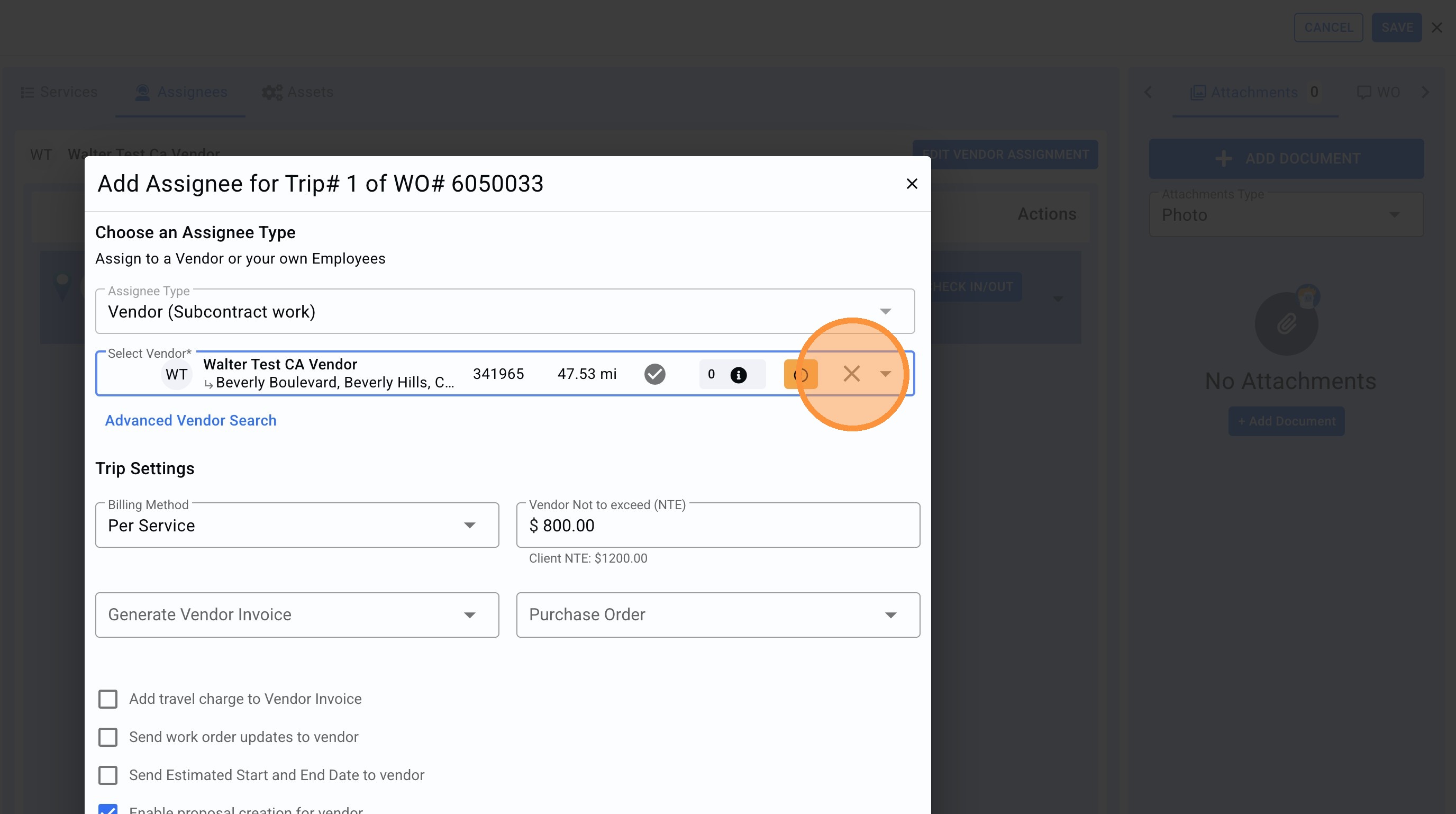
8. Click the "Select Vendor*".
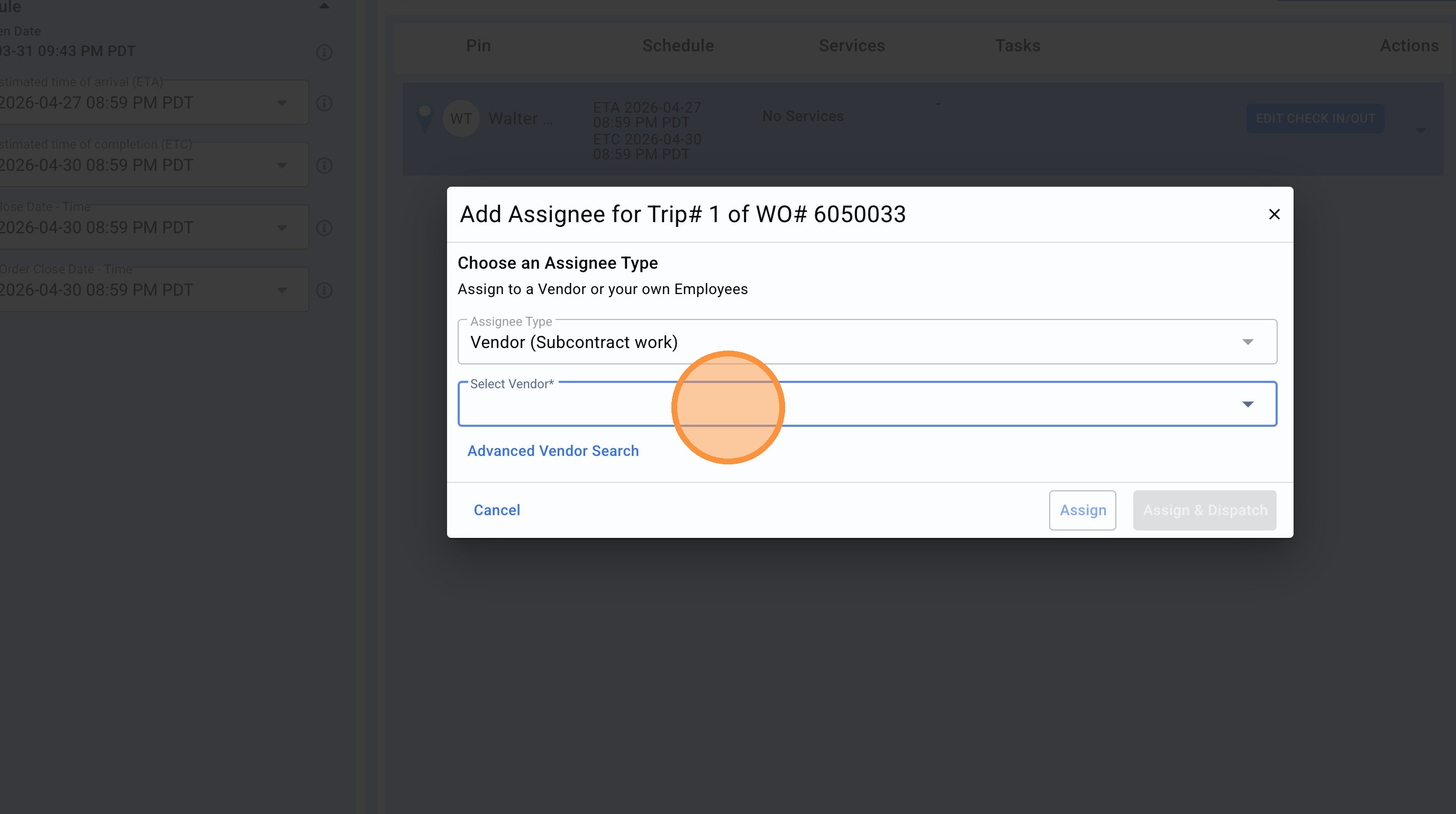
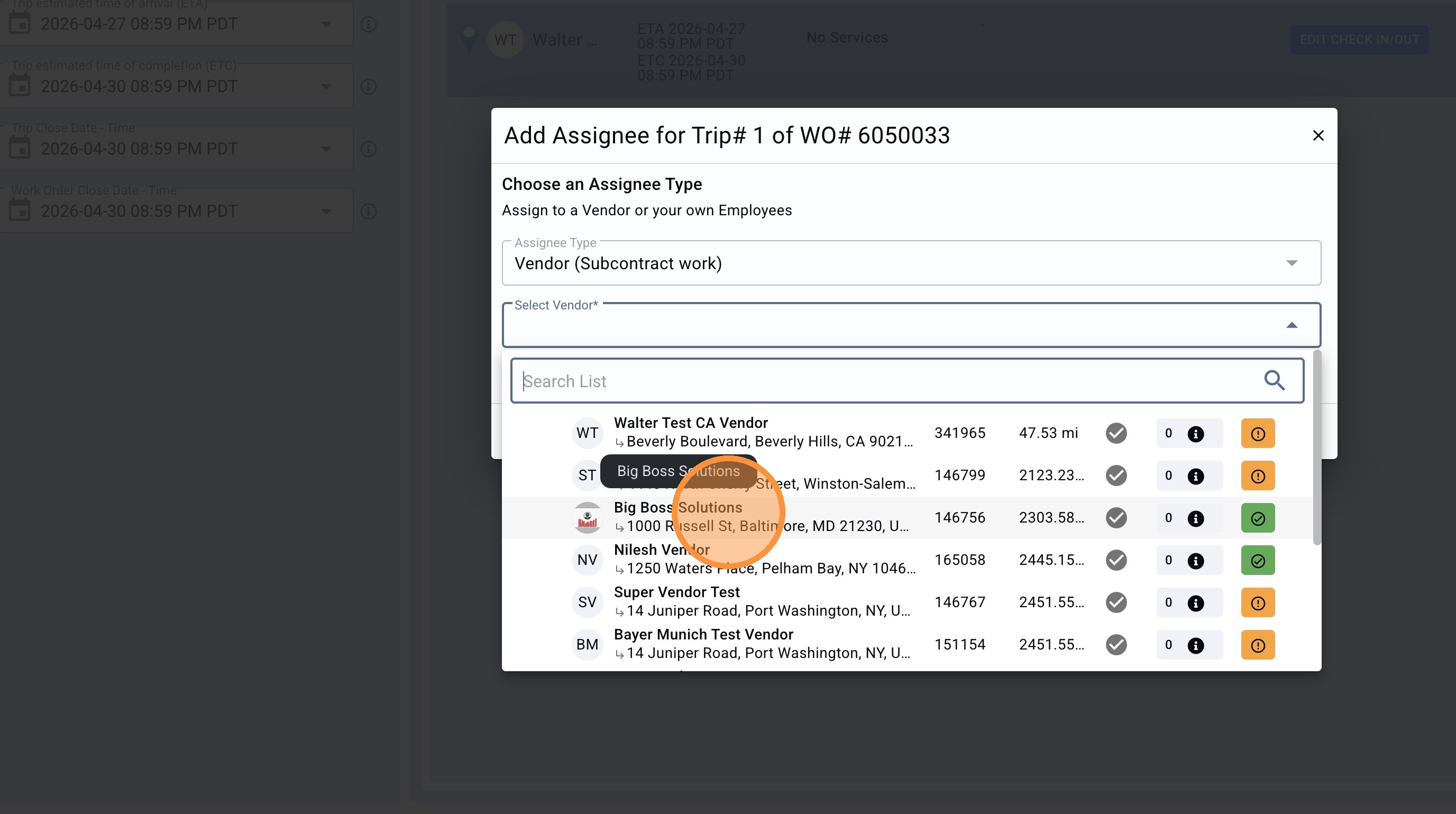
9. Search for the required vendor.
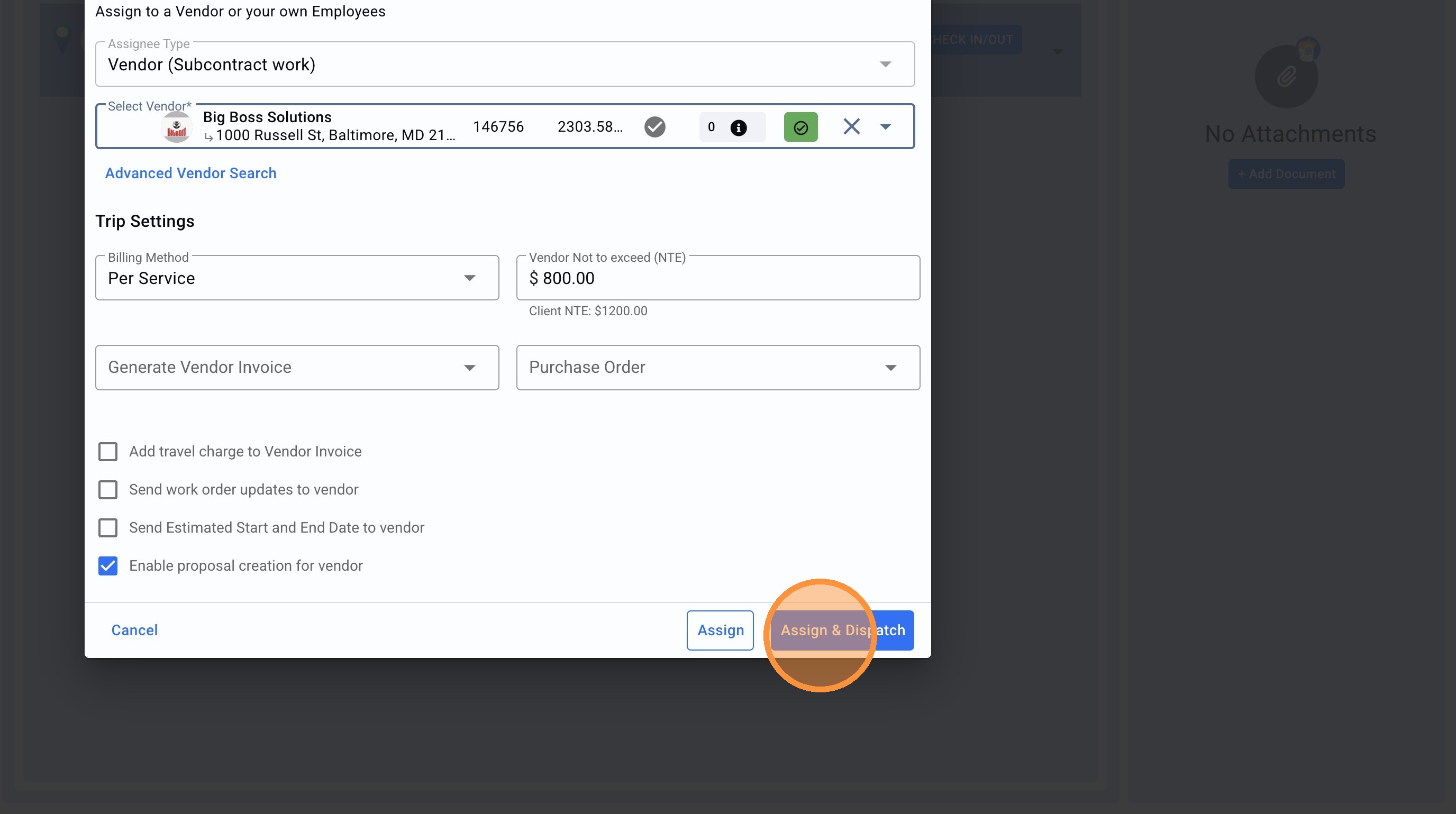
10. Click "Assign & Dispatch", make sure the rest of the data is correct. If it is only required to edit the vendor but not dispatching yet the Trip to the new vendor just click on Assign. Otherwise Assign & Dispatch will dispatch the Trip to the new vendor.
11. Click "SAVE"
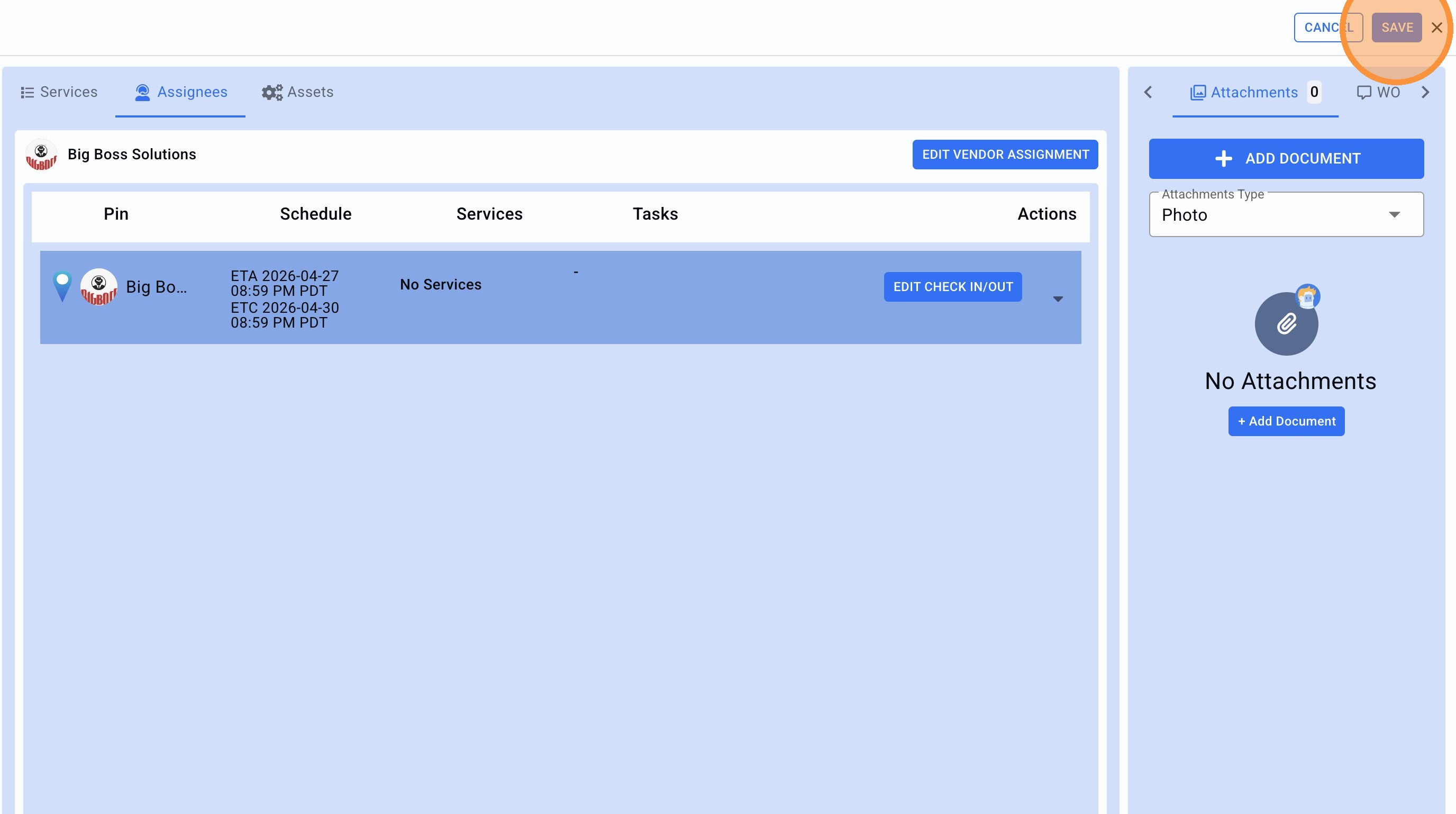
12. Close the Trip.
13.The new vendor has been already assigned to the Work Order Trip.