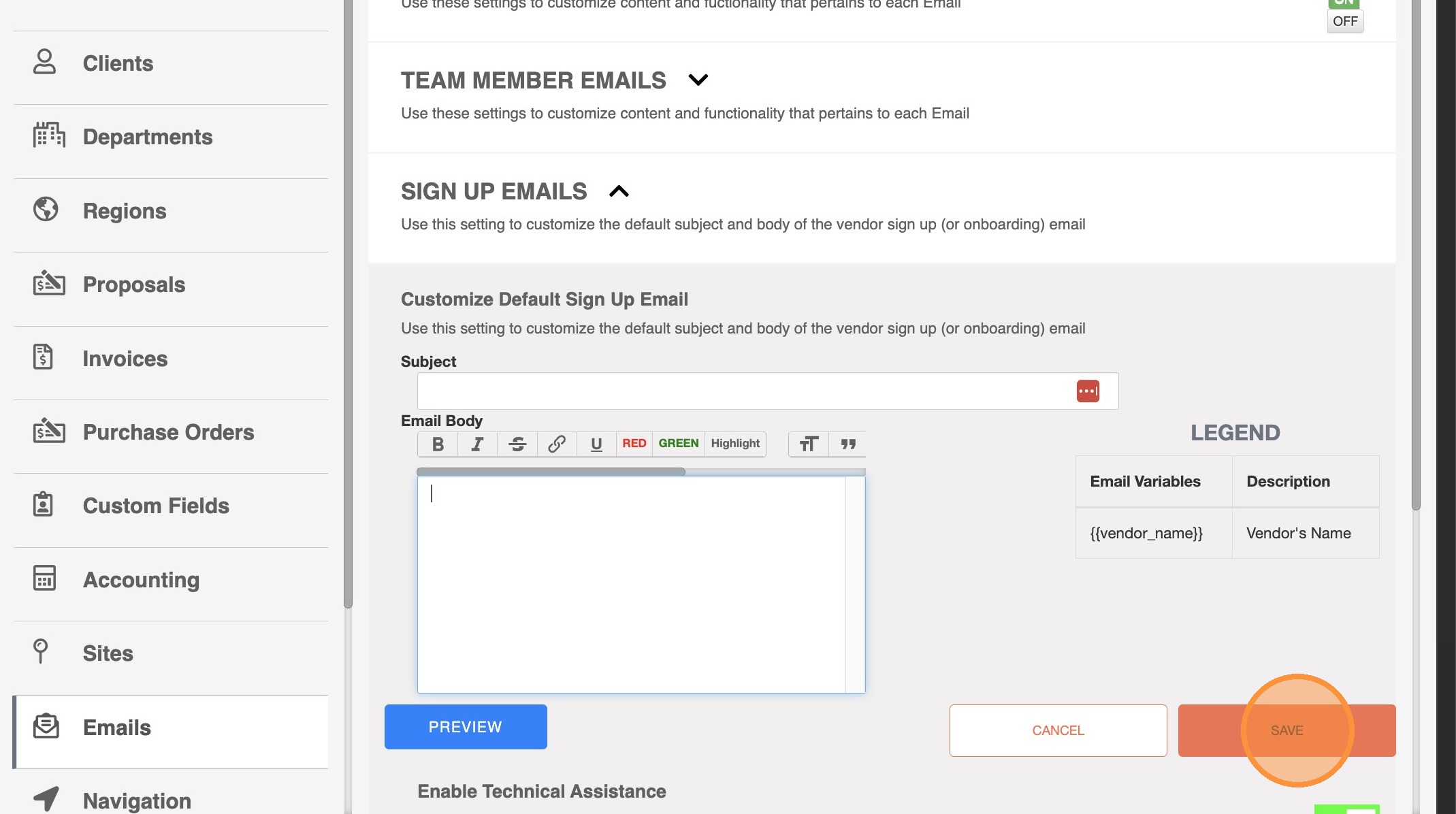
Follow these step-by-step directions to set your default Vendor invite email.
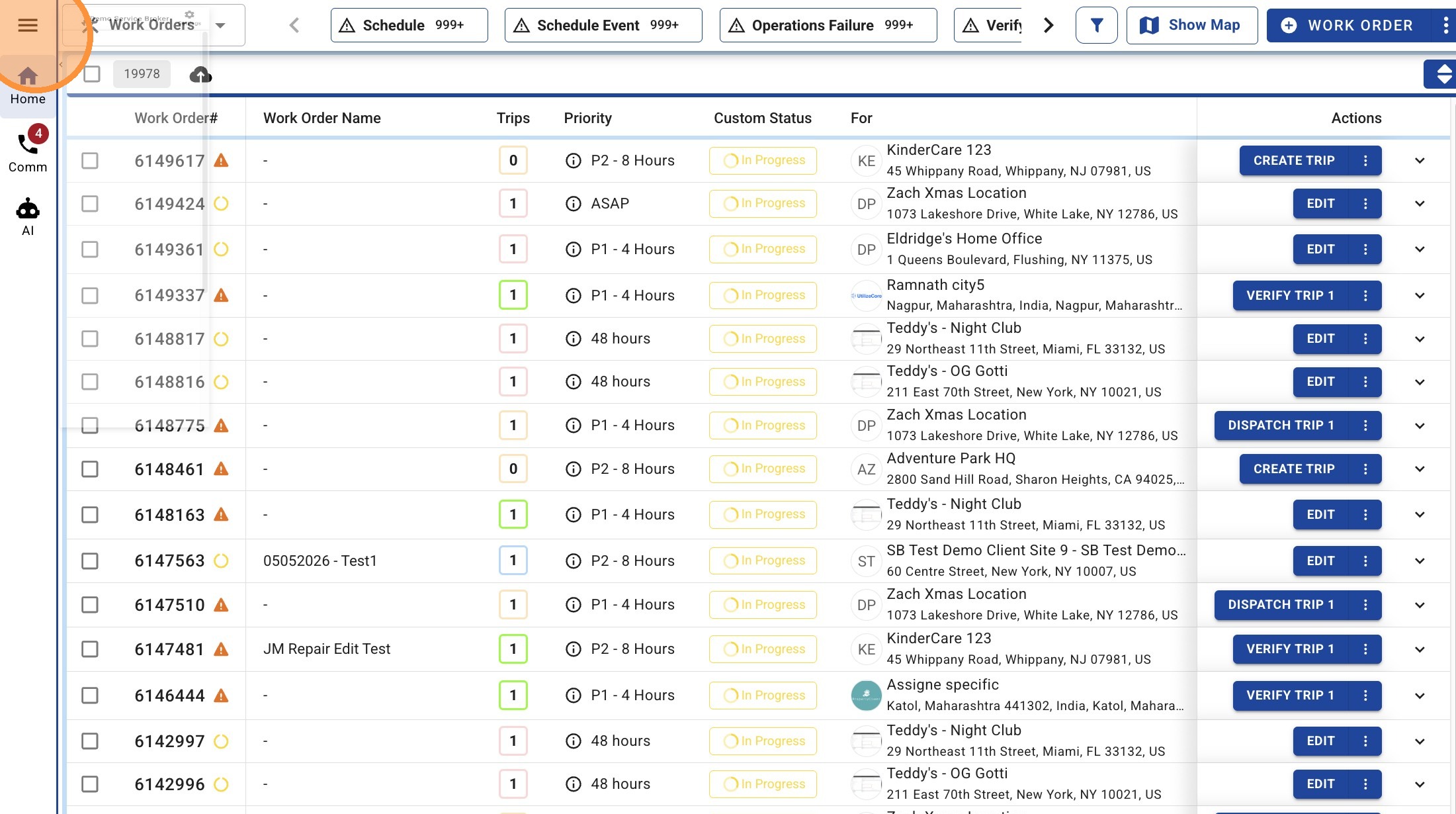
1. Select the hamburger menu.
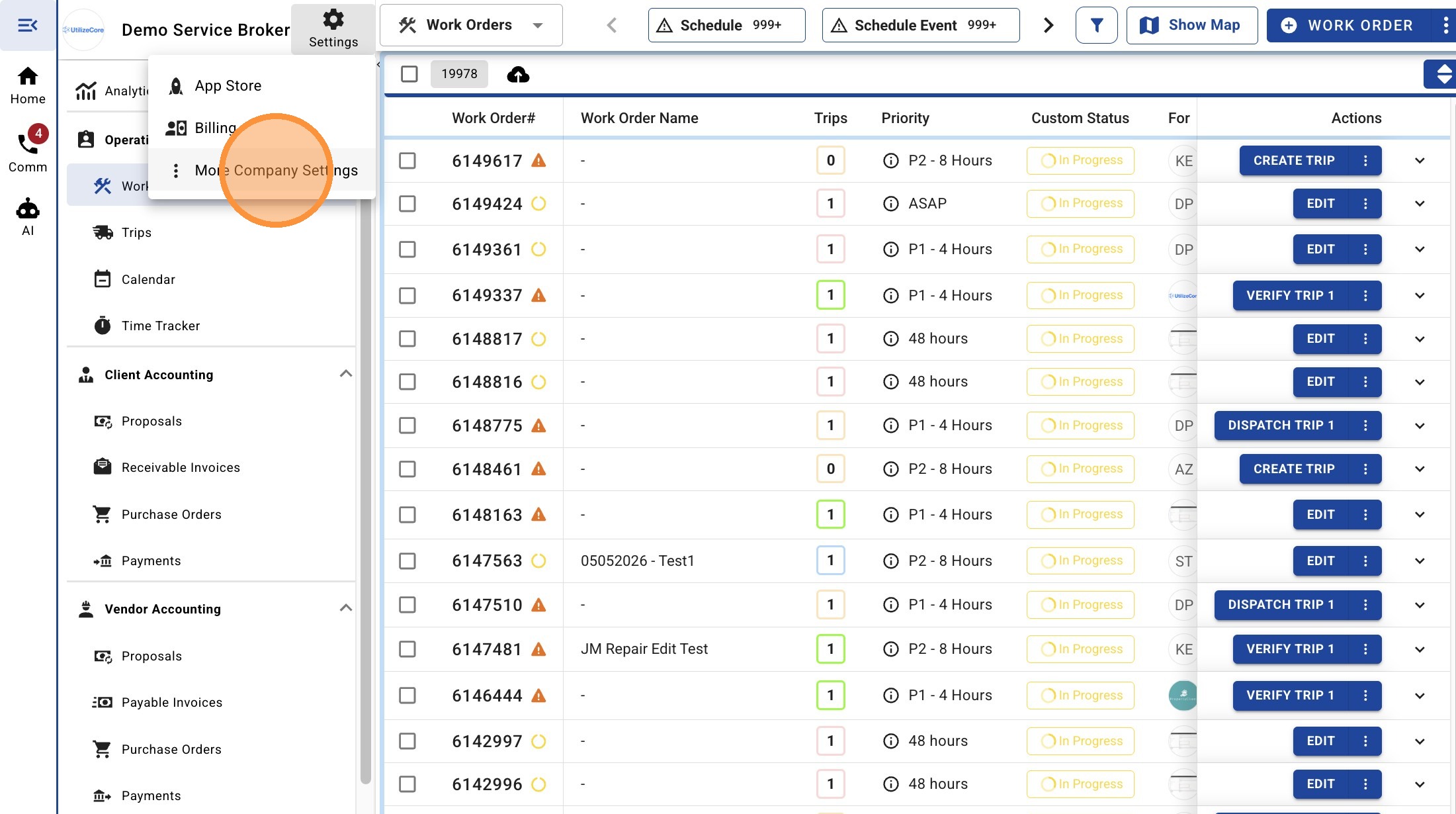
2. Select 'Settings' and then click "More Company Settings"
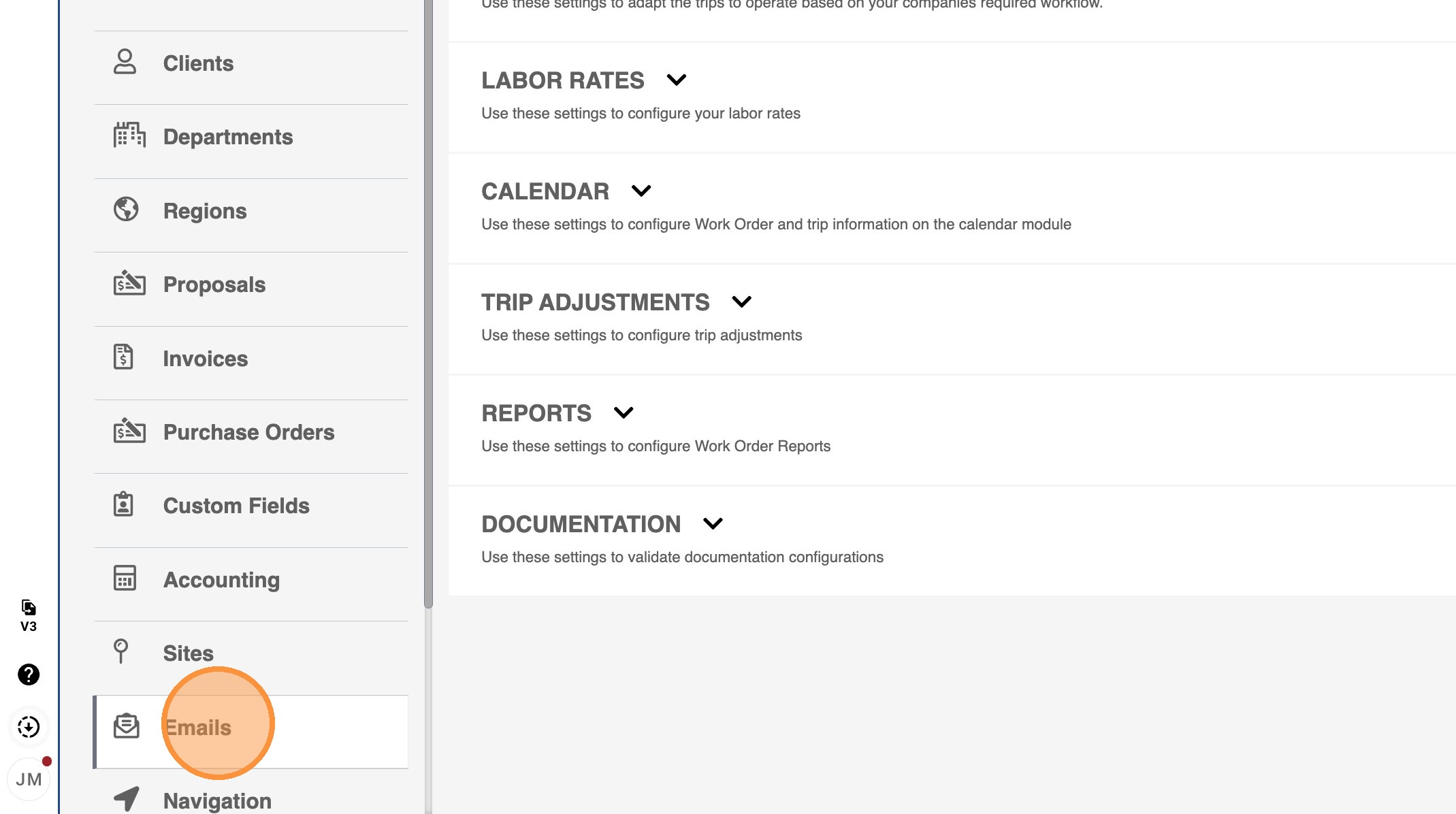
3. Select Emails from sidebar
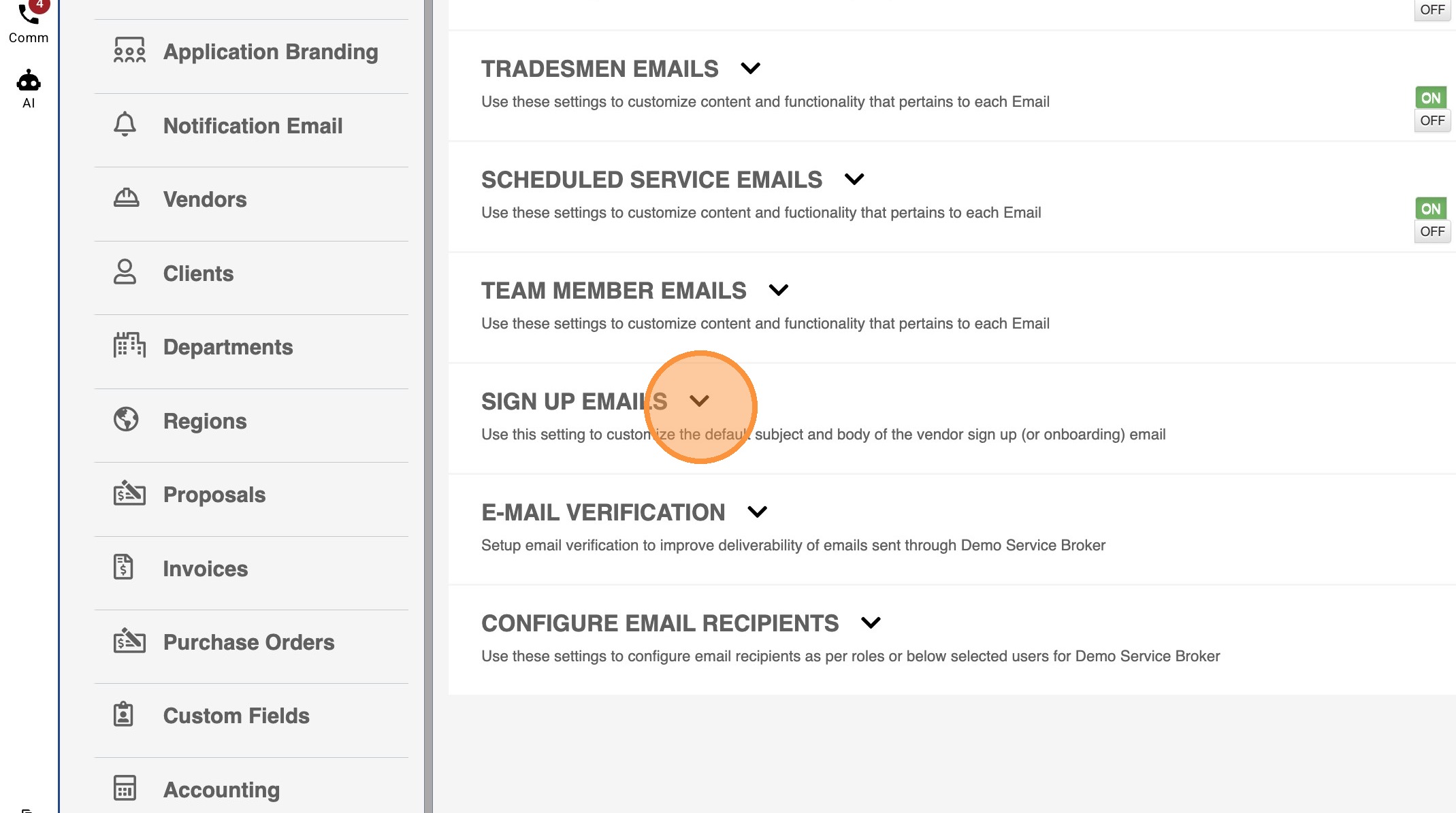
4. Expand SIGN UP EMAILS section
5. Update the email subject line and body copy. Click 'Save' when done.